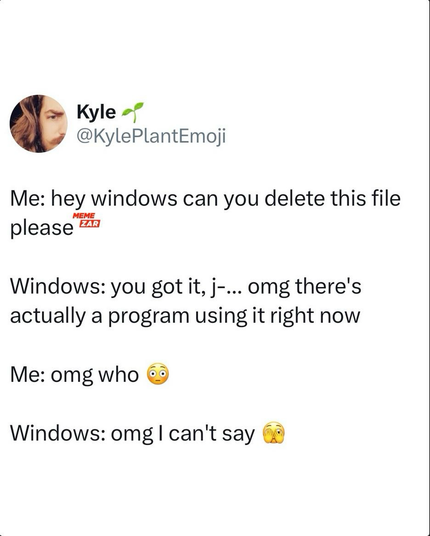
back in the XP days, I used a software called “Unlocker” just for this problem. It probably still exists, I don’t know, because since Windows 7, the easiest way to find out what process locks a file is to open Resource Monitor (Start search: resmon) and the bottom list on the CPU tab you can search the file name and you will find the process.

So yeah, Resource Monitor is a useful tool on Windows.

There’s a collection of free little utilities called Microsoft PowerToys, including the file unlocker thing. Why would they not include these into base kit Windows is beyond me.
GitHub - microsoft/PowerToys: Microsoft PowerToys is a collection of utilities that help you customize Windows and streamline everyday tasks

Microsoft PowerToys is a collection of utilities that help you customize Windows and streamline everyday tasks - microsoft/PowerToys

GitHub
not including PowerToys inside basic package is a fucking choice. Win11 is literally unusable without it in many aspects.
Sysinternals is also a great tool. Not as vital for the average user though.
Sysinternals Suite: Manage, troubleshoot, diagnose Windows systems and apps

Manage, troubleshoot, diagnose Windows systems, apps with Windows Sysinternals Suite. You can use these tools to find problems, and resolve.

The Windows Club