 cm0002
Deleting Files
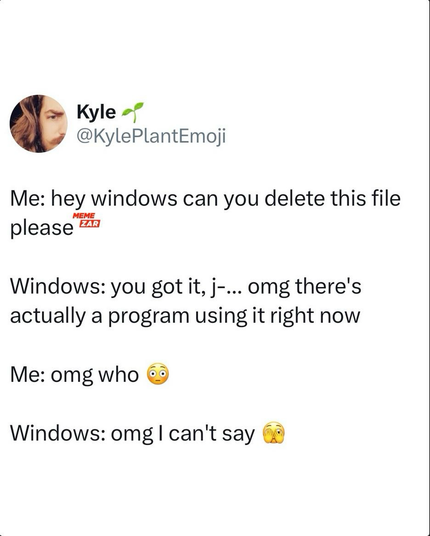
back in the XP days, I used a software called “Unlocker” just for this problem. It probably still exists, I don’t know, because since Windows 7, the easiest way to find out what process locks a file is to open Resource Monitor (Start search: resmon) and the bottom list on the CPU tab you can search the file name and you will find the process.
So yeah, Resource Monitor is a useful tool on Windows.
Why would they not include these into base kit Windows is beyond me. Some of them felt a bit buggy when I last time used Windows, maybe they aren’t fully ready to ship (like Samsung’s Good Lock apps?). And most features didn’t do quite what I imagined it to do, but that’s probably a “me problem”.
100%! Like with major setups and upgrades now just being throbbing circles and a pulsing blue light with the creepy “We’re doing stuff on your behalf behind this screen.” messaging.
I say computers (and the Internet) are for anybody, but not everybody. Learning to use a tool will always be a requirement of useful tools.
There used to be a time when most people using a computer implicitly understood how files and folders worked, for instance. But now even such a simple abstraction is considered advanced esoteric lost arcana.
I’m deeply saddened by how the tech industry has deliberately pushed understanding backwards so hard in order to foster more obedient consumers.
It’s actually wild to see how many people who were at the very least, young adults during the computer boom of the late 80’s/early 90’s, can’t handle anything without a touch screen and don’t comprehend email.
Ignorance is sold as the future.
 kuneho
 rockerface🇺🇦
 TeddE
TeddE
 Deebster