Lukasz Mierzwa
 Sean Hood
After years of reading that #TimeMachine backups couldn't be rsync'd and whatnot because hardlinks and more complicated directory hard links.
Something must have changed or the information I was reading was all wrong for networked TimeMachine backups. I believe hard links are heavily used in HFS+ and the newer APFS volumes. However for storing these on a networked share or none Apple filesystem they are placed in a "sparsebundle" which is disk image, on the underlying filesystem is stored as some metadata files and a number of "bands".
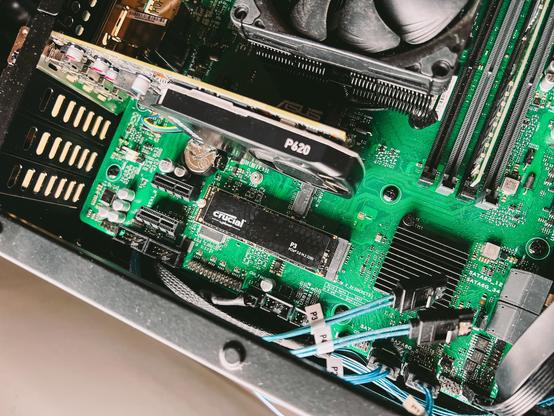
With that and TM being finicky at times, I finally decided to try moving my backups to NVMe from spinning rust. And it all worked!
I think it was: https://blog.fosketts.net/2015/07/22/how-to-use-mac-os-x-sparse-bundle-disk-images/ which gave me the right info for how "sparse bundles" work and can safely be rsyncd.
Also a special shout out for https://eclecticlight.co/ the depth of knowledge and the T2M2 utility for analysing TM Logs.
My new storage box is now faster and much quieter (no longer need to restrict backups to not run after 11pm).
Next changes:
- Upgrade networking to 2.5Gbe
- Set up `sanoid` and `syncoid` for zfs snapshots and send them to the spinning rust.
Shiny (and dusty) green motherboard for attention :P