 John Siracusa
Hey, I got a response to one of my Feedbacks!
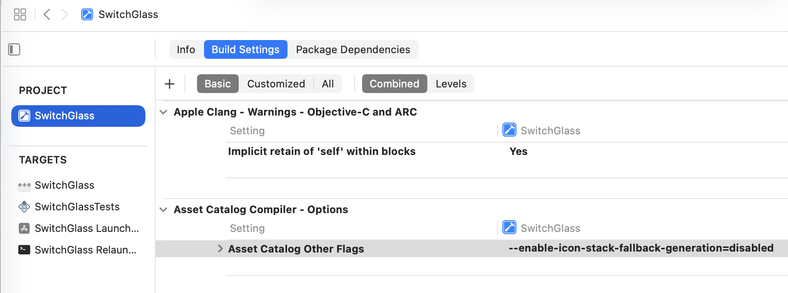
Me: “In Xcode 26 beta 4, if a Mac app included a new Tahoe-style .icon file with the same name as its existing app icon in its .appiconset file, the Tahoe-style .icon would show up in Tahoe and the pre-Tahoe icon from the .appiconset would show up in pre-Tahoe versions of macOS.
In Xcode beta 5, this no longer works. The Tahoe .icon is shown on all versions of macOS.”
(1 month passes)
Apple: "Please know that this is by design.”
 FreediverX