
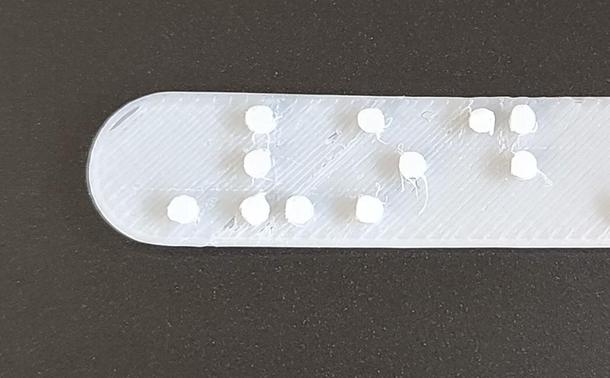
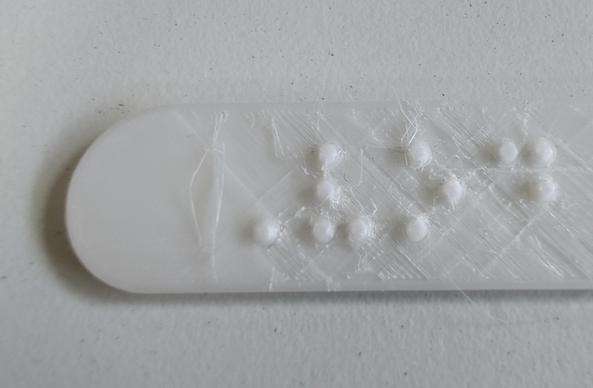
New achievement unlocked: I've been working on a project with a colleague to correctly write in Braille and then I've figured out how to 3D print an object with the Braille embossed at the correct size. It's probably not perfect, but it should be acceptable. The image is my test print.
#Braille #accessibility #A11y #3DPrinting

The method that worked for me was to write the Braille in Inkscape, then convert the text to a path saved in an SVG, then I could import, scale and extrude that on to a face of my model in CAD. I found manipulating the Braille as text directly in CAD made it hard to size correctly.
Version 2 is much better. I need to make the next one solid infill in the top layers to improve how it looks but I'm much happier with this version. Thanks to the reading material kindly linked by @Klassika and a 0.2mm printer nozzle I've found that the finer detail allowed by the nozzle means I can fillet the top and bottom of each pip by 0.4mm radius and I get something that's much stronger and closer to the standard. I feel confident to send this to my tester for them to read now...