
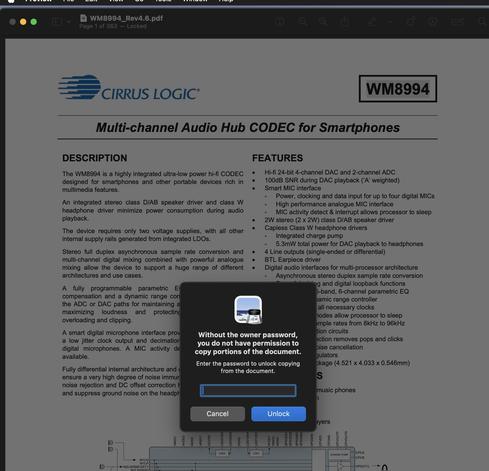
To all you business types out there: never ever add "copy" protection to your pdfs, especially if you make them public. All you create is hazzle for regular users, people who maliciously want to 1:1 extracts stuff will still be able to. #KTHXBYE

Btw: on #macOS, the stupid workaround is to make a screenshot and then select the ocr'ed text of the screenshot.
@monkeydom you can usually also just print-to-PDF.
The new file will not have the restriction.
@faker omg. Thats right, for this one at least, print -> open in preview also works. I could swear the last time I tried it didn't , but that might have been a different one that also prevented printing.
@monkeydom @faker I’ve had that problem myself. And same as Dom, I’m sure that printing as a PDF didn’t solve the issue. So it was screenshotting for me as well. Stupid PDFs…