 Steve Troughton-Smith
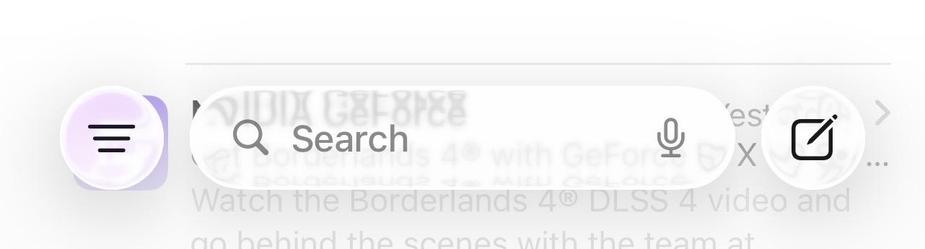
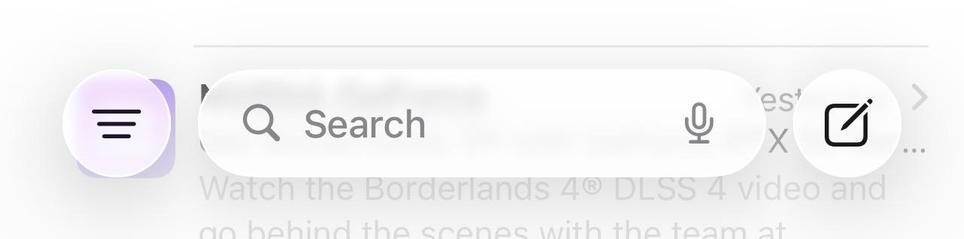
Did you know the Reduce Motion accessibility toggle dramatically *increases* the blur behind Liquid Glass elements?
In fact, with this feature on, Liquid Glass looks way more like how it was demonstrated in the design sessions at WWDC.
It also doesn’t actually reduce a whole lot of motion in the new elements. So… 🤷♂️
Regardless, this is how blurry glass elements should be by default. It fixes a lot of the problems the design has with text
 🏳️🌈🎃🇧🇷Luana🇧🇷🎃🏳️🌈