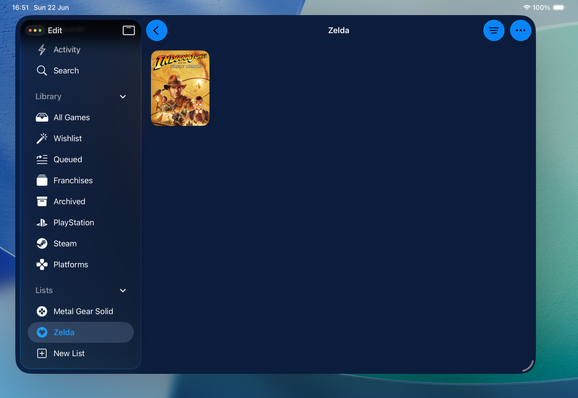
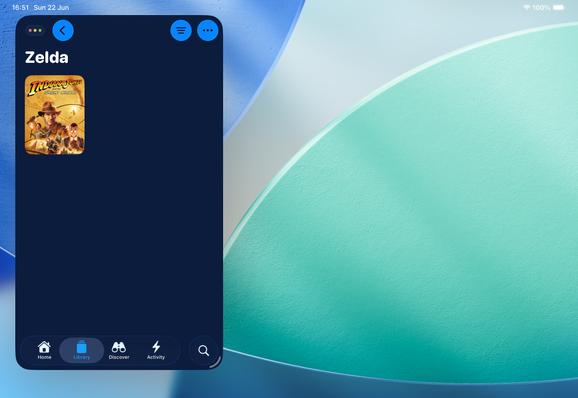
@virtualrapha i did suggest that it should be added 🥲
@BenRiceM @Joekw @stroughtonsmith There are 2 videos that go into detail on how this works:
1. From WWDC24 that explains these new APIs: https://developer.apple.com/videos/play/wwdc2024/10147
2. From this year, which explains managingNavigationController to automatically manage the hierarchy and selection of a tab group as a navigation stack: https://developer.apple.com/videos/play/wwdc2025/282
There are a lot of details that may not be immediately obvious, so let me know if you have questions.
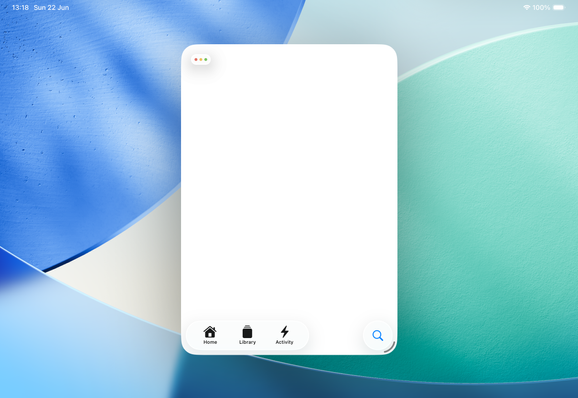
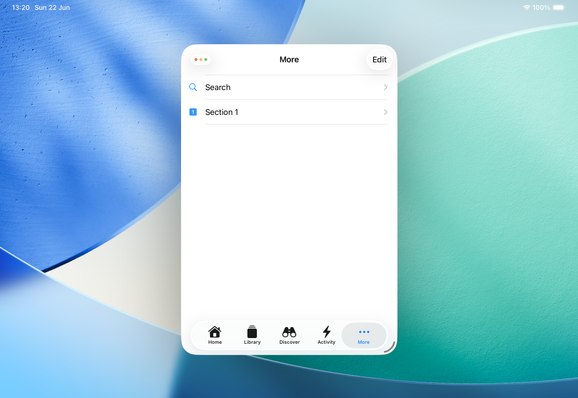
@Joekw @stroughtonsmith Tab placements are respected where they’re supported (where the sidebar is available). In this case, that sounds like a bug and we shouldn’t be creating a More item.
That being said, 5 or less tab items (including root groups) is recommended for apps. With nested groups and sidebarAppearance, you can display groups more inline with your expectation without have additional top level groups if the section is connected to another root tab.
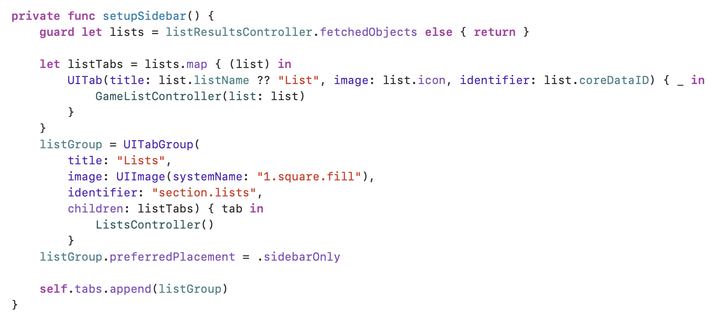
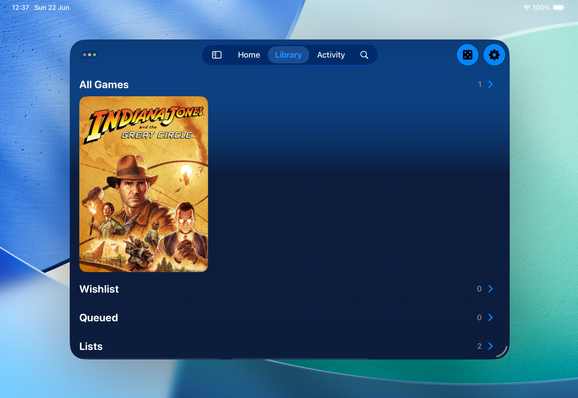
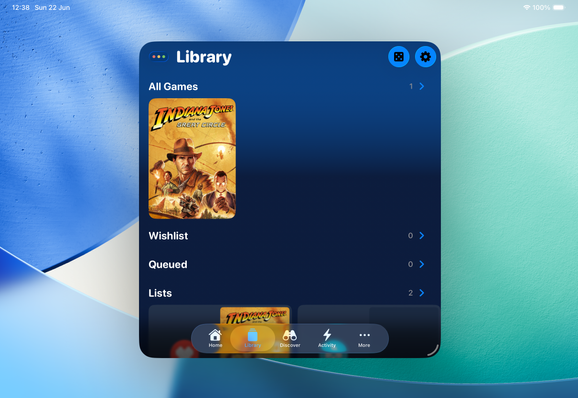
@andyl @stroughtonsmith perhaps i'm doing something wrong (since music.app uses 5 tabs in compact), but as soon as i add the tab group, it creates the more tab: https://gist.github.com/joekw/84805544c55b5c5303ff0a5cbd985a9c
going to 4 compact tabs "fixes it" but i would like to have 5 (including search).
i'll probably end up tracking the size class and removing the tab group when compact to work around this.
@Joekw @stroughtonsmith I guess the question is if the group hierarchically fits with another root tab (I’d assume it does because how will users access that content in compact).
If so, you could structure it as:
TabGroup (appearance=inline)
- Root Tab
- Section (appearance=rootSection)
Structuring them relatively to the parent will also help take care of adapting between compact and regular.
Beyond that though, can you file a feedback for the issue you see?
@Joekw @stroughtonsmith Magic is the goal! We wanted to build an easier way to build tab-based apps that adapt well across various platforms and scene sizes.
With managingNavigationController, it removes a lot of the custom hierarchy management for adaptivity from apps so you can focus on building everything else in your app. 🙂