 Signal
We're ready for Microsoft Recall and the automatic screenshots it takes of everything on your desktop.
Signal Desktop on Windows now includes support for a new "Screen security" feature designed to block screenshots of your Signal chats.
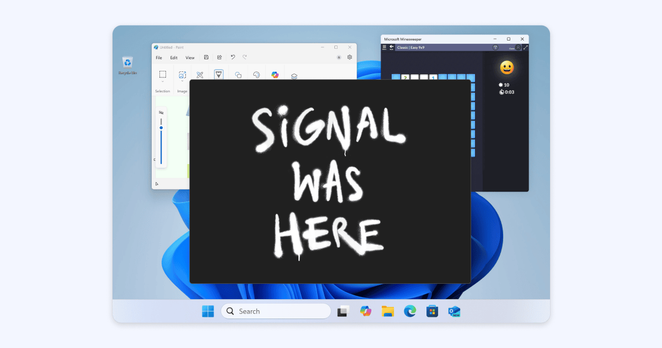
By Default, Signal Doesn't Recall
Signal Desktop now includes support for a new “Screen security” setting that is designed to help prevent your own computer from capturing screenshots of your Signal chats on Windows. This setting is automatically enabled by default in Signal Desktop on Windows 11. If you’re wondering why we’re on...
 Moving to @
 CpyJx 🍉