 Jeff Geerling
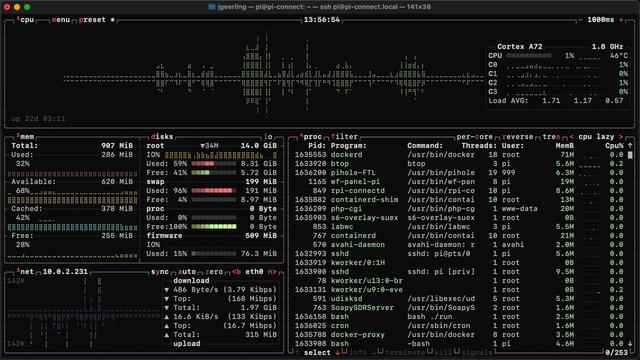
People often ask me about this fancy-looking Linux monitoring tool when they see me using it in my videos—it's called 'btop' and it's available via the package manager of almost every modern Linux distro (e.g. `sudo apt install btop`)
I posted a video on my 2nd channel with my 'top' 10 list of Linux (and macOS, and sometimes even Windows!) monitoring tools you can run in the console—for CPU, power, network, disk, etc.: https://www.youtube.com/watch?v=4isEhE2rvmA

 Mike Piatek-Jimenez