 Michal Bryxí 🌱
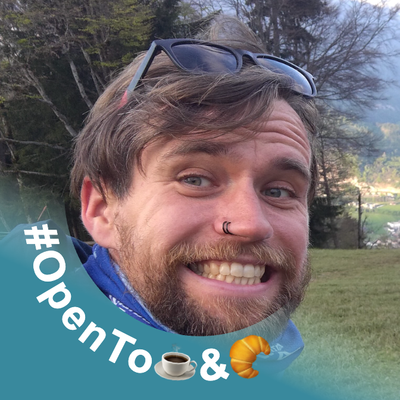
My #OpenToDotDotDot #LinkedIn avatar generator got a tiny update: It can now edit & generate multiple images at once.
TBH the capability was there the whole time, I just did not know how to handle the UX of the drop zone being "in the way" once the user drops at least one image.
I'm not happy about the result here tbh, but at least it works functionality wise.
How would you handle this situation?
 Gonçalo Morais
@MichalBryxi, I like it! If anything, it could be clearer about what it does when you drag a non-first image (i.e. you’ll edit multiple instead of replacing the current image). Maybe you can provide two area when you see the user drag images into the first image: put here to replace the current image, or put over there to add extra images.