 frdbr 🎥🌳
Lot's of #Wayland tablet improvements coming thanks to the work of @nicofee and @kde
https://nicolasfella.de/posts/qt-wayland-tablet-improvements/
And if you'd like to see more, support the ongoing KDE fundraiser
https://kde.org/fundraisers/yearend2024/
📷 by @davidrevoy
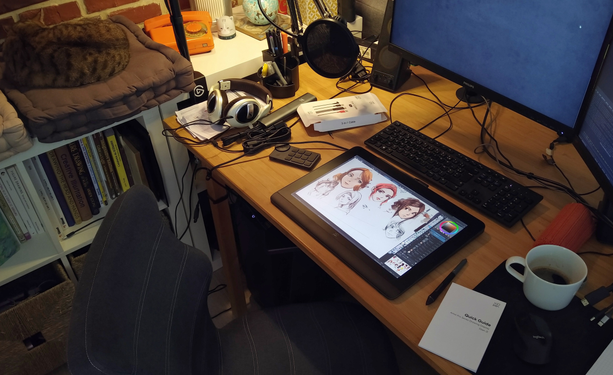
Qt Wayland Tablet Improvents
A few weeks ago Qt 6.8 was released, delivering many fixes and improvements for our software. Some of them were contributed by yours truly, and in this post I want to highlight some of them. They relate to graphics tablet/stylus input on Wayland. Before we go into the fixes let’s have a quick overview of the flow of tablet input events on Wayland: The genesis of input events is in the kernel driver for the particular tablet, which talks to the hardware (via USB, bluetooth etc).
 Dr. Dek 👨🚀🐧🚀 )
 David Revoy