 Steve Troughton-Smith
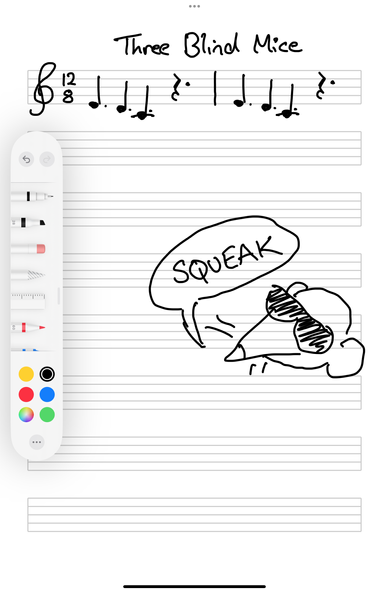
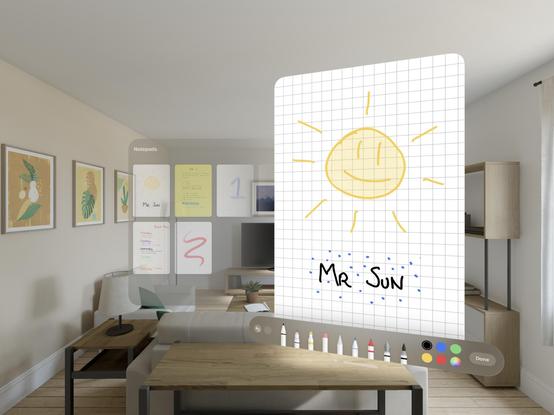
Keeping the minimal theme in mind, I haven't quite found a note taking app that works the way I want, so I'm prototyping something new for the first time in a while
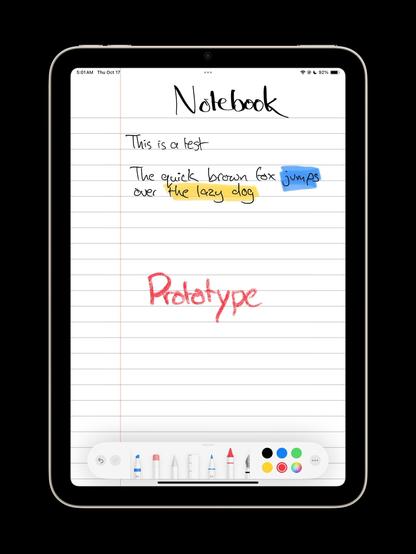
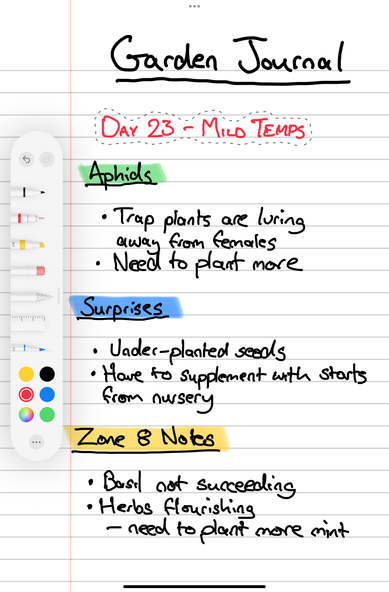
Always fun when you can use an app to plan its own development 😄
And just so nobody gets their hopes up: I’m only building this for me, no intention to ship it at this point.
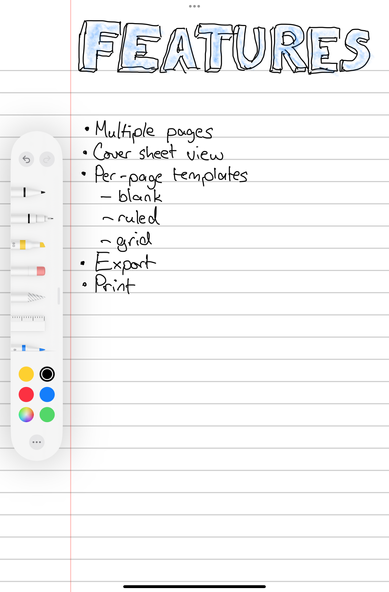
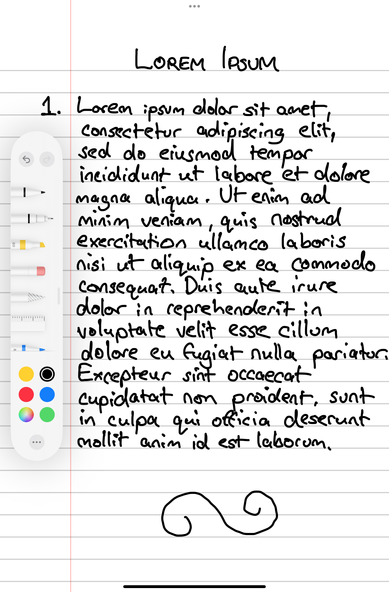
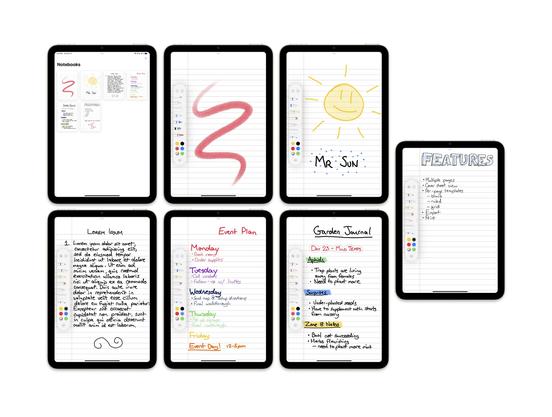
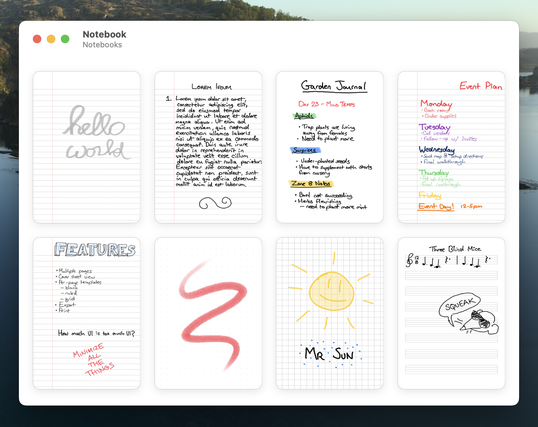
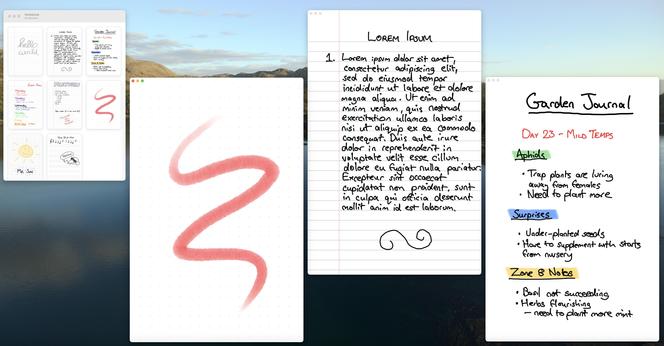
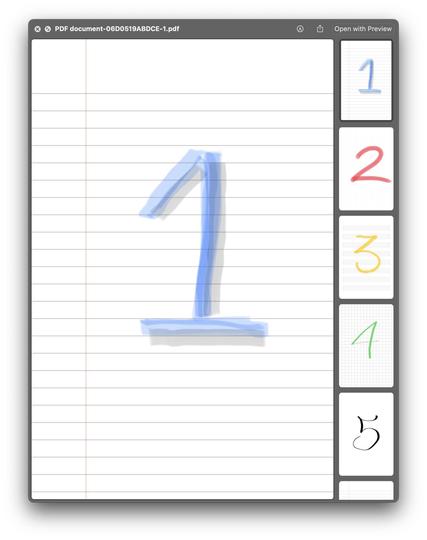
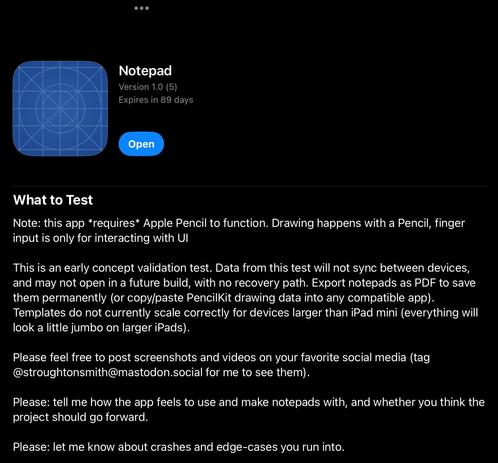
I never do a TestFlight this early, but I wouldn’t mind some external feedback/inspiration in my downtime this week, so I’ve opened 100 slots on my Concept Validation Test of my little Apple Pencil/iPad notebook app. Pencil is *required* to function. It’s so early the app doesn’t even have an icon yet.
Please read the instructions (screenshot attached).
Friends/mutuals: if it fills up and you’d still like to try it, send me a pm with your testing email.
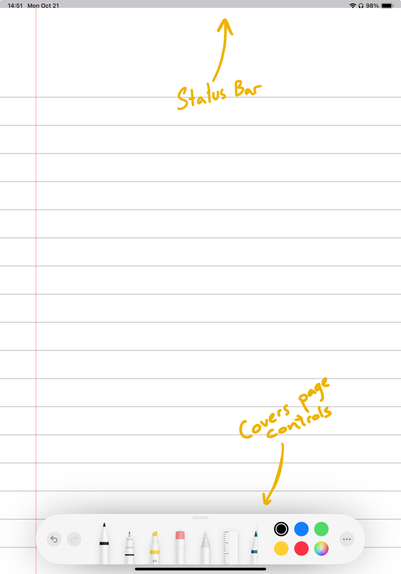
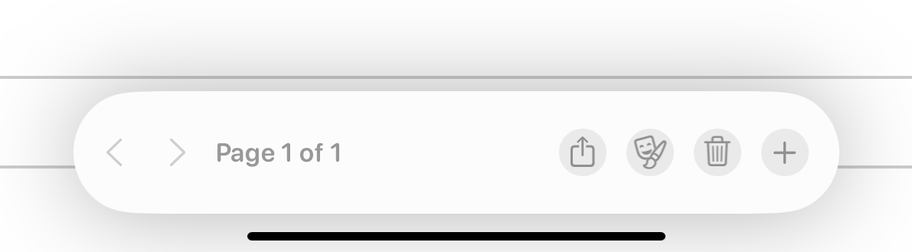
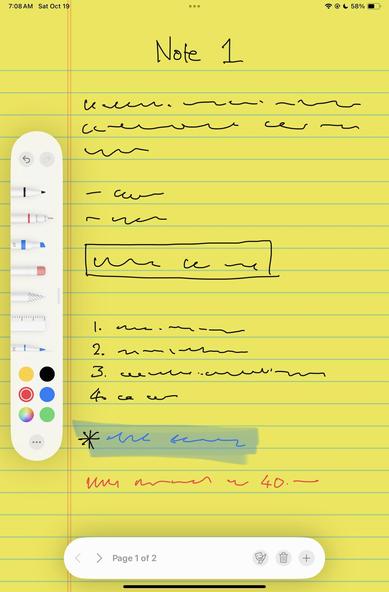
@stroughtonsmith Thanks for letting us try it! Initially I didn't know where to find the page controls, but then realised they were hidden behind the default layout for the pencil tools
Also the page doesn't seem to go flush under the status bar
Once I did find the page controls, the grey colour made me think the buttons were disabled
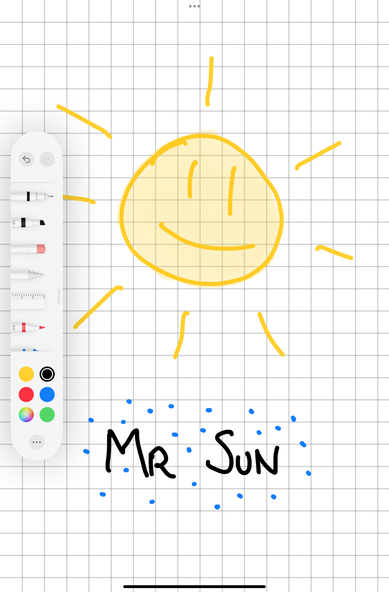
Otherwise love the simplicity of it

 Sim
Sim