 mcc
mccNeed to rip a CD so I can actually listen to it. Not actually sure how to do this in the year 2024. Find myself downloading… iTunes? For Windows 10?
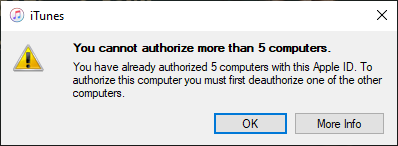
FUCK i tried to download all the music i bought on itunes in 2007 and accidentally downloaded some fucking U2 album. There's no button to un-download it. Gonna have to submerge the hard drive in lye
I started moving away from Apple so long ago that I forgot you have to watch out for them trying to trick you into listening to U2
M… maybe… maybe I'll just leave that Cee-Lo Green album in the cloud :(
I believe I have now successfully exfiltrated all of my 2007 iTunes purchases to where I can listen to them. I am at 50% of my expected level of Kool Keith albums so I am trying to go on Amazon Music and see what I purchased there. Clicking through to music from the Amazon content menu, I find Amazon Music is now *only* a streaming service. They REFUSED to let me in unless I picked three artists I liked to feed Algorithm and then the albums weren't there anyway. (I picked Oval, Autechre, Boris.)
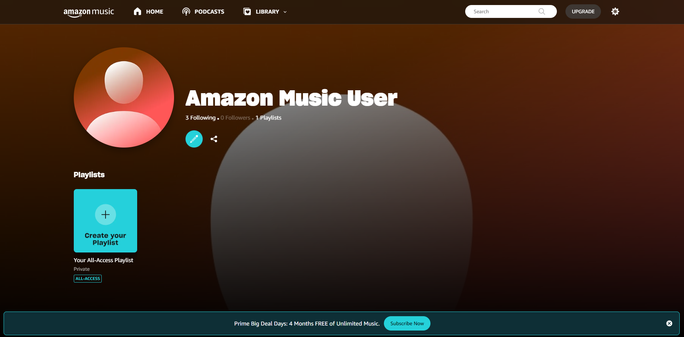
Amazon!! Amazon please!! I wish to Manage my Content and Devices!!
Downloaded the Amazon Music app for PC. This was deftly hidden, Amazon's own site links only a web player and if you click "Download App" it gives you a QR code. For your phone I guess. I had to go to the Windows Store.
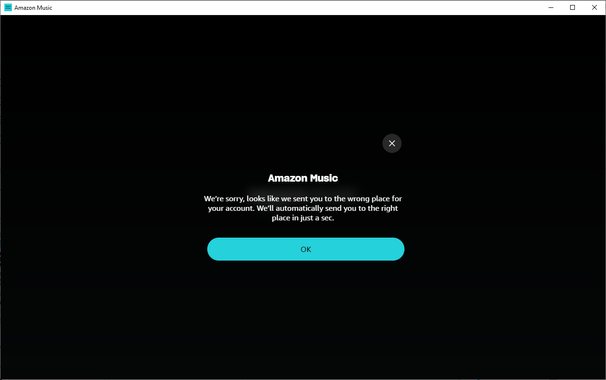
Although Amazon's help pages claim the PC app can download purchases, I still show no purchased music. I think this is because every time I log in on the US store the app redirects me to Canada. Yes, I am in Canada right now. But I was in the US in 2007. When I bought the music?
Also it turns out all the iTunes tracks I downloaded were m4p. Which means they can't be used outside of iTunes. Which I don't use. At some point Apple switched to DRM-free, but all the instructions on how to switch your library to DRM-free no longer make sense (refer to webpages that no longer exist, etc) because Apple is trying to aggressively deprecate "owning things" in favor of some subscription service
 Ongion 🥚🐞
@mcc I think the simplest way to get around that is by burning them to a CD? But that might be a lossy conversion, and it requires you to uh... still have a CD drive, and CDs.
EDIT: it occurs to me that I don't actually know if iTunes lets you burn CDs anymore. I can't imagine them removing that, but I can't imagine a lot of things Apple has already done in the decade-and-a-half since I last used iTunes. I certainly remember having done this. If it doesn't work anymore, sorry.
@Ongion i have an external usb drive but i don' tthink it can burn cds…
@mcc darn.
... Wait, is there software out there that like... emulates a virtual writable CD, but actually just burns to an ISO file? If it presents itself to the OS as a CD-R / CD-RW, maybe iTunes could use that ...?