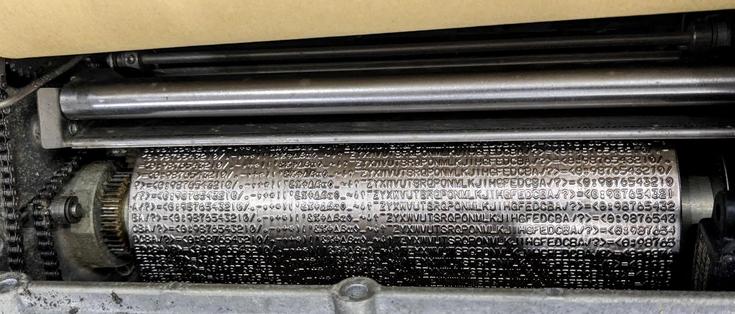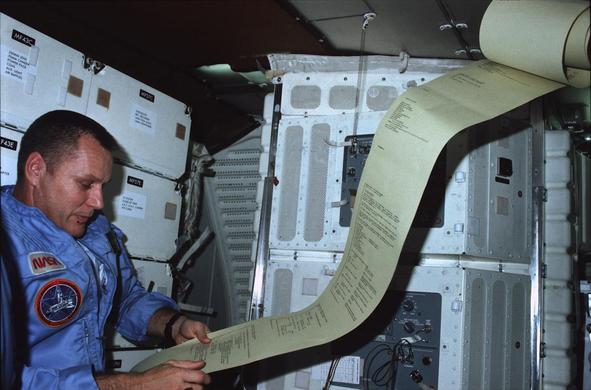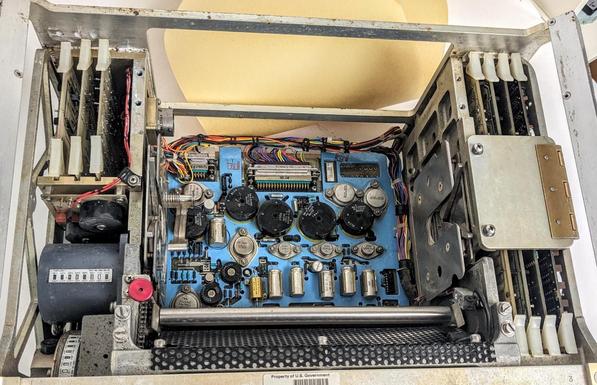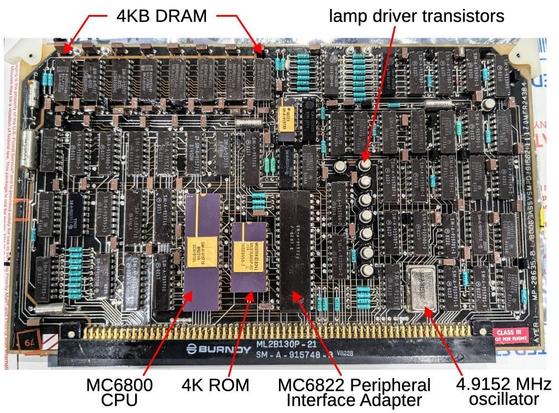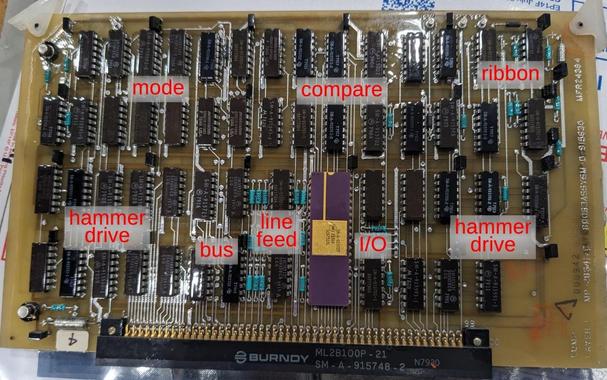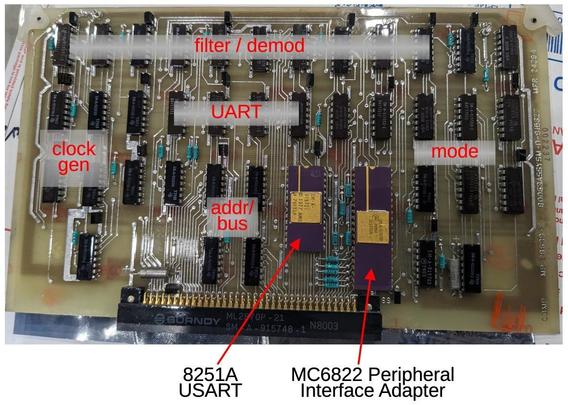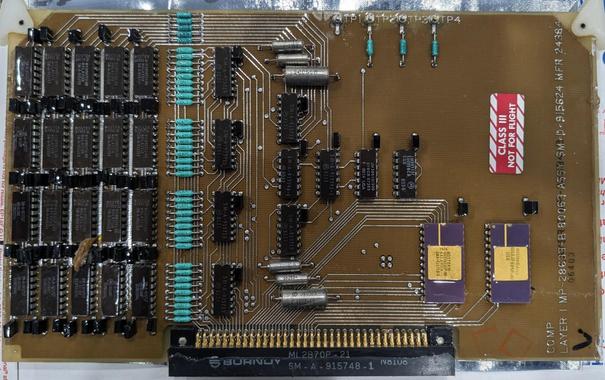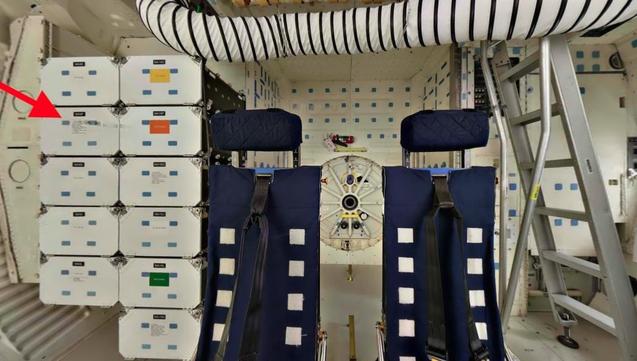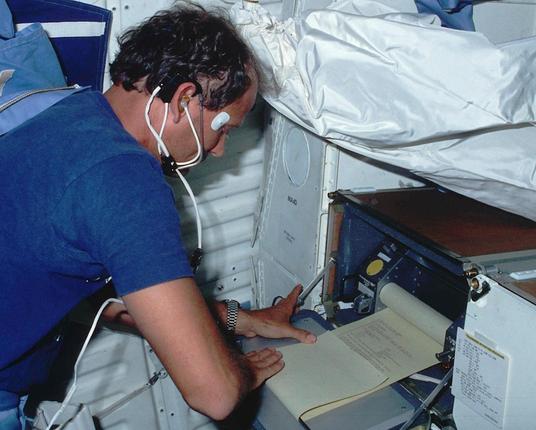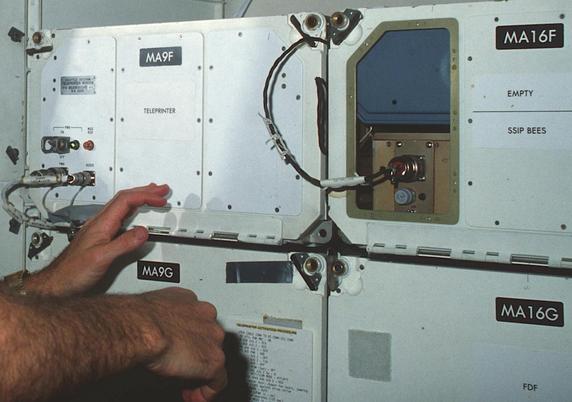
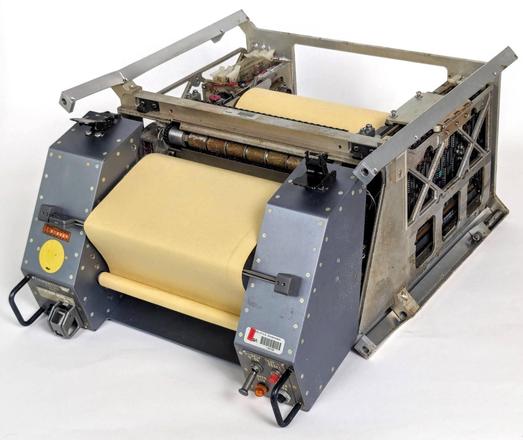
providing the astronauts with mission plans, weather reports, and other documents from Mission Control. Let's take a look inside... 1/12
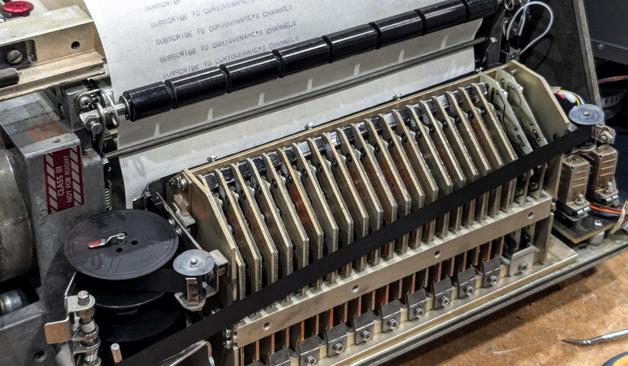
Here's a closeup of the hammers in action as the Shuttle teleprinter prints a line. 3/12
The teleprinter design thrown together in just 7 months after a delay in the TDRS satellites meant that the fancier digital printer wouldn't work for the first few flights.
Although the Interim Teleprinter was expected to be used for a short time, it remained in operation for over 50 flights, acting as a backup printer. 4/12
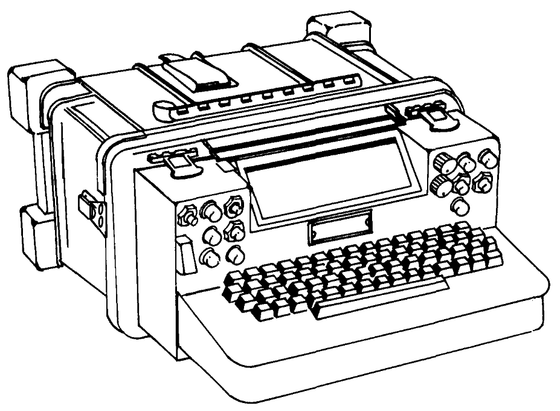
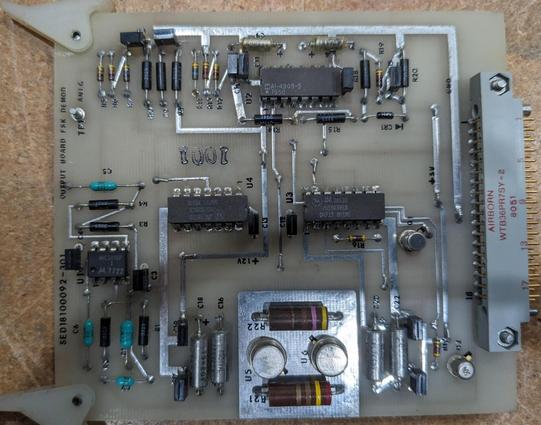
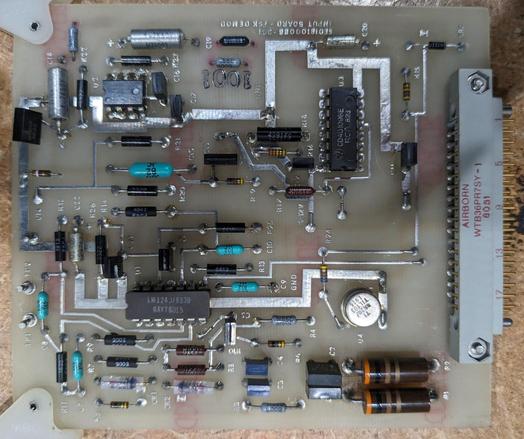
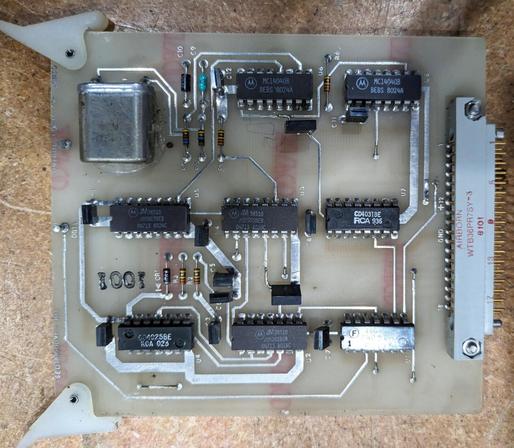
The teleprinter was based on a military communications terminal, with many modifications. The keyboard was removed and boards were added to interface with the Shuttle's audio system.
The system still contained a word processor, unusable without the keyboard. 5/12
We managed to get the printer operational. This wasn't easy because the rubber rollers had turned to liquid, gumming up the mechanism. CuriousMarc carefully disassembled the printer, cleaned all the parts, and realigned the hammers. 10/12
I love these boards!
@kenshirriff these old designs are amazing, real time data processing with a hundred hardware actuators all on a ~1 MHz 8-bit CPU, 4K ROM and 4K RAM.
These days you can buy watches with several GHz class CPUs and a couple of gigabytes of RAM.
I love auto-correlation functions / functionality and used that for certain tasks in the past, too.