
I wish the Calendar app had a Control Center button that showed the current date. I suppose I could build it myself now.

Prototyped the Control Center button I’d like. It’s dead simple.

Now, will iOS actually refresh my control often enough for this to provide utility? I doubt it, but I will find out through testing. If not, I’ll have to update it through push notifications, and I probably don’t want to go down that route.
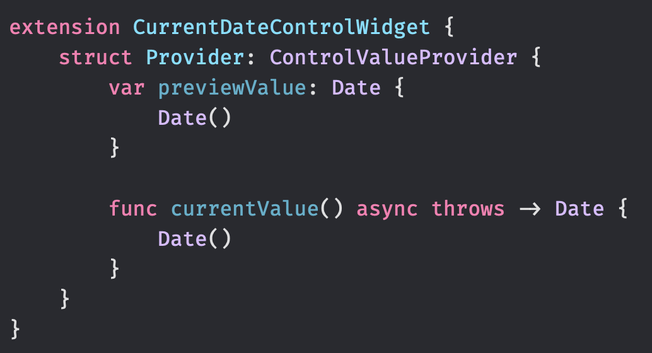

My Control Center button didn't update the date it displays during the night. It wasn't updated until I interacted with the button. So, having this ControlValueProvider isn't enough for it to update its value periodically. I guess I'll need to send the device a push notification every hour or so to have the date updated.

@simonbs in case it helps, there’s a “significant time change” notification. In our experience, it fires when the system date changes.

https://developer.apple.com/documentation/uikit/uiapplication/1623059-significanttimechangenotificatio

significantTimeChangeNotification | Apple Developer Documentation

A notification that posts when there’s a significant change in time.

Apple Developer Documentation
@rooster Thanks! Although I don't think I can use this in a widget extension.