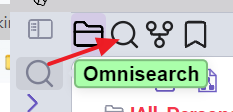
Is there a way to permanently move #Omnisearch (left column) to the top, where Search is, and replace Search? #obsidian

Edit: The Commander plugin doesn't have an option for it. Dragging from ribbon bar to this horizontal bar area doesn't work either.
@dhry have you tried turning the search plugin off?
@austingovella Will that automatically make the Omnisearch plugin icon appear at the top in its place?
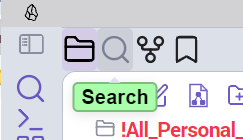
@dhry I can't install Omnisearch to test, but I can drag plugin icons to whatever panel I want in the interface. Are you able to do that? (Here's a screenshot of my Obsidian, so you can see how I've moved the icons around to different panes.)
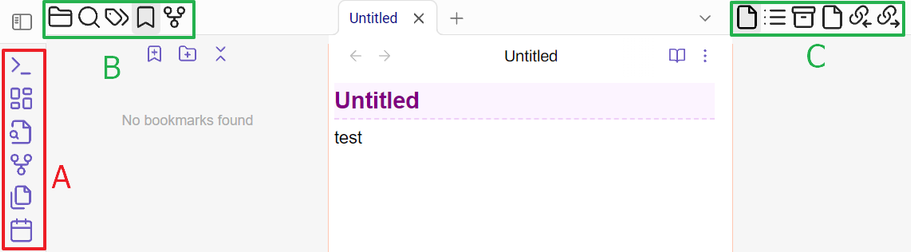
@austingovella OK. See my screenshot. I understand that you can move items between sections B and C. But can you drag an item from section A (also known as the ribbon bar) to either B or C? I cannot. I went back to the standard theme, nada. I disabled ALL plugins, nada. I'm not sure what section B and C are called (it's not the "tab bar"), nor how to add new icons/items to those areas. It's easy to add new items to section A though. #obsidian #help