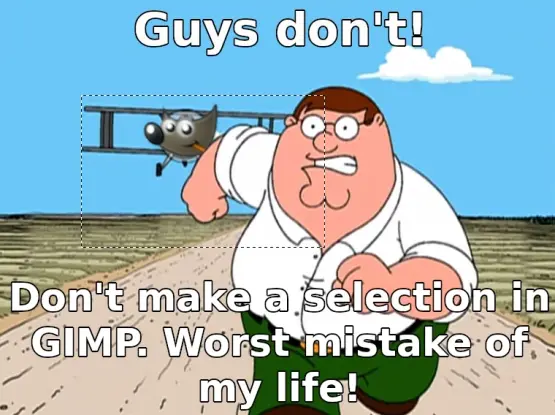
Ctrl + Shift + A - SLRPNK

I dont really know photo editing, could someone explain?

It takes a while to figure out how selections in Gimp work.

It whenever you select you have created a mask and when you combine it with layers it can get very confusing.

If you accidentally select a small bit you cannot edit anything else. I think that is what OP is referring to.

There is a tool that shows you what you have selected that can help.

IMO Gimp isn’t very well documented so you can get stuck for a while before you understand what is going on.


It is annoying not to have a button on the UI, but once you learn the hotkey this becomes a non-issue unless I’m missing something? I suppose this is an issue, but for a piece of free software like this it sort of feels like making a mountain out of a molehill.
You are correct. My comment did not correctly convey my attitude that I appreciate Gimp even though it has taken me quite a while to figure it out.
That’s what I thought you meant, I was just trying to confirm, as I sometimes feel a step behind in tech conversions.