 Jen Gentleman
#Windows tip of the day:
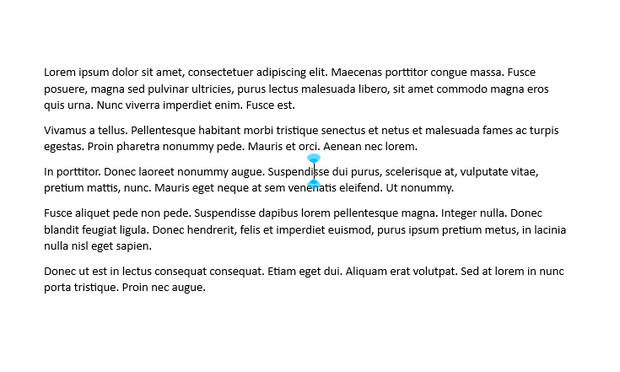
If you find the text cursor to be hard to see in a sea of text, try enabling the text cursor indicator, it's an option in accessibility / ease of access settings
#Windows tip of the day:
If you find the text cursor to be hard to see in a sea of text, try enabling the text cursor indicator, it's an option in accessibility / ease of access settings
 Alex McKeever