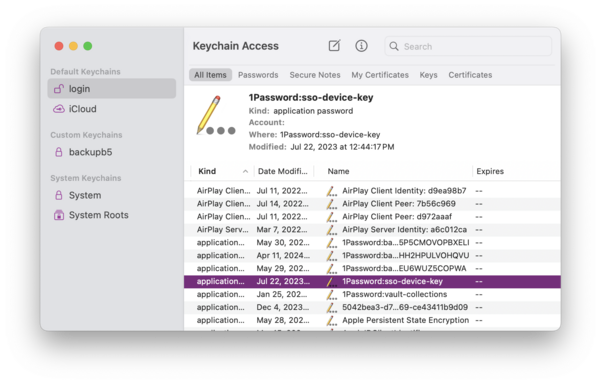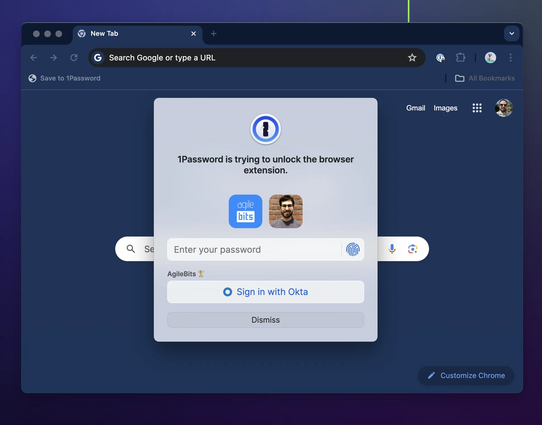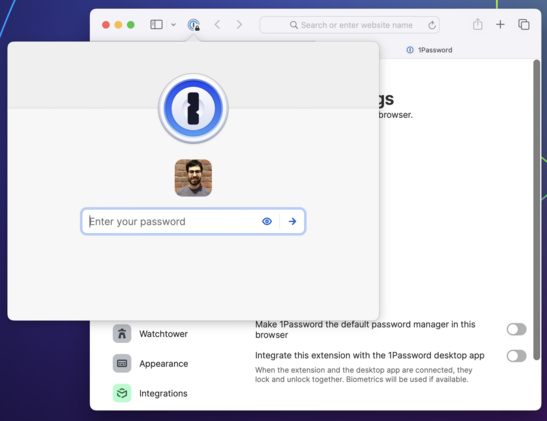
Next week is WWDC, so it's a good time for a thread about the 1Password browser extension for Safari, its history, challenges, and the future β€” both what we're working on and what we'd like to see from Apple, Safari and the web platform at large. 🧡

You might not know that 1Password Safari extension has been through five (!) rewrites over about a decade, with each incarnation adopting the latest supported framework:

2009: Swizzling Safari 😱
2011: Safari Extension
2017: Safari App Extension (SAE)
2020: Safari Web Extension (SWE)
2021: Safari Web Extension for iOS

(If you've never heard of swizzling, picture injecting Objective-C into Safari at runtime to implement autofill by overriding methods. It was as great/terrible as that sounds.)

Safari extensions used to trail far behind other browsers. In fact 1Password did not have anything close to feature parity in Safari until just a few years ago.

Everything changed when Apple adopted the Web Extension API at WWDC 2020 β€” the same one used by Chrome and Firefox. And a year later, Apple brought extensions to iOS.

We were *ecstatic*. We jumped at the opportunity to bring 1Password to Mobile Safari, redesigning every component in just under three months.

https://blog.1password.com/1password-for-safari/

1Password for Safari is here for iOS 15, and it's life-changing | 1Password

Everything you love about 1Password is now available in Safari on iPhone and iPad. And it’s as incredible as you could possibly imagine.

1Password Blog

Each new Safari extension framework meant better compatibility, stronger security, and more features. But there were also growing pains. The SAE and SWE frameworks had much larger surface areas, more bugs, and new and different restrictions.

These kinds of obstacles crop up with any new API. But the issues in more recent frameworks had especially harsh consequences for a critical aspect of 1Password usability: the ability to be β€” and stay β€” unlocked.

1Password faces a unique challenge in the web browser: your data needs to be locked (encrypted) when it's not in use, and your unlock keys need to be kept safe from attackers β€” never cached or exposed in plain text.

Browser extensions do not have any way to securely manage keys. So if you want to unlock 1Password in a web browser, there's really only one good way to do it, and that's with the help of another app outside of the browser β€” one that can access the secure enclave/keychain.

When you interact with the 1Password browser extension, it sends a message to a native binary asking it to unlock (using biometry if possible) and to provide it with data. If all goes well, you see a prompt to unlock followed by your autofill suggestions.

But if for any reason the connection with the binary can't be established or isn't working as expected, things start to deteriorate. The extension stalls, or locks itself when it shouldn't, or even stops responding completely.

Keeping up a secure connection between a browser extension and a native app is a perennial challenge. It has to be achieved in unique ways for different browsers and operating systems and has been a major area of focus for our teams over my entire decade+ at 1Password.

But if every environment poses unique challenges, the most challenging of all is Safari on iOS. And the second most challenging is Safari on macOS. :)

The difference between Safari and other browsers comes down to a few fundamental issues:

1) Immature implementation of the Web Extension API
2) Extra indirection and instability in the XPC layer
3) Severe restrictions on extension lifecycles and persistence, especially on iOS.

All of these contribute to an experience in Safari that's just not as fast, reliable, or feature complete when compared to the same browser extensions in Chrome and Firefox.

Safari is the latest browser to use the modern Web Extension spec β€” something all developers are very grateful for β€” and Apple has made incredible strides to support extensions, especially on mobile. (Looking at you, Google!)

I love being able to use extensions like 1Password, Noir and Open in Apollo (RIP) on my iPhone and iPad.

But it's not fully there yet. There are still missing and incomplete APIs which must be worked around, and others which simply do not work.

https://getnoir.app

Noir – Dark Mode for Safari

Add a dark mode to every website you visit, automatically. Browse better at night with Noir.

An example of an incomplete API is the `onCommited` event which the 1Password extension relies on to implement one of its newest (and coolest!) features: signing in to sites with SSO/social logins. The event is still missing fundamental properties without which this feature cannot work properly. (Radar: FB10006044.)

https://support.1password.com/sign-in-with-provider/

Use 1Password to sign in to sites with supported providers

Let 1Password save, remember, and fill logins in your browser when you sign in to websites with providers like Google or Facebook.

1Password

As for APIs which simply do not work, people report that tapping "Copy" in the iOS Safari extension often does nothing. This is indeed an awful experience β€” I'm angry at myself whenever someone mentions it. But the truth is, 1Password is calling the clipboard API exactly as it's supposed to. It just doesn't work half the time.

It might seem like we aren't listening, but at the end of the day the fix really does have to come from upstream. (Radar: FB9924270.)

https://mastodon.social/@caseyliss/112526364550291936

The good news is that Safari Web Extensions get more robust and bug-free with each annual update to Safari. Variations of this meme are older than 1Password, but "it will be better in the next iOS/macOS" is usually a safe bet.

Bugs do get fixed, performance improves. I hear the clipboard bug has been addressed in Safari Tech Preview. (Haven't tested yet.) And of course, 1Password has its own bug fixes and improvements to roll out.

https://forums.macrumors.com/threads/can-somebody-explain-to-me-the-whole-safari-seems-snappier-thing.782883/

Can somebody explain to me the whole "Safari seems snappier" thing?

I apologize if I sound like a newb, but I am. I've noticed a lot of folks saying this whenever mention of a new OS update. Is it a hidden joke or something??? Confused. Thanks.

MacRumors Forums

But better API coverage does not fully address the problems with Safari extensions.

The 1Password extension uses XPC to communicate with a native app. For most desktop browsers, that app is 1Password for Mac, which the extension communicates with directly via native messaging host.

But in Safari, the extension must go through an additional binary before it can even talk to the Mac (or iOS) app. This layer of indirection has unique bugs and imposes costs on performance and reliability.

Complicating this further are the aggressive constraints on lifecycles that exist in both Safari and iOS.

At any time, the helper binary can be shut down by the OS. So can the extension itself. It's relatively common that you will luck out and try to interact with the extension when it's in one of these half-working states. It will do its best to go and *recombobulate* itself, but there are a lot of moving pieces.

More robust extension code can (and does) address some failure states related to XPC and lifecycles, but always at a cost compared to the out-of-the-box experience in other browsers. Ultimately, the helper binary is the weak spot, and when comms break down, so does the extension.

So the question you might be asking is, why rely on a helper binary at all? What if the extension just did all its work within the web context? πŸ€”

Well, we have started moving in that direction. As of recent updates, the 1Password Safari extension runs most of its logic in WebAssembly (WASM) just like in other browsers.

And the extension *can* run without talking to its helper binary β€” on Mac at least. You can disable the connection to the Mac app in Settings, putting the extension in standalone mode.

But once you sever this connection, you give up the ability to keep the extension unlocked across sessions. Worse, you give up Touch ID.

@mitchchn does it fix completely broken extension on Mac when Safari Profiles are used?

For last few years my user experience become so much worse to the point that I’m considering not to renew my 1P sub this year and despite all the unimaginable pain that it will take, move my family to something that actually works in Safari :(

@alex

Sorry to hear this. Safari Profiles were added to macOS Sonoma last year. We know they confuse the extension and are investigating. Fully addressing this may require changes I talk about in this thread.

As I've suggested to others who've hit the limits of the Safari extension, yo might be happier without it. The Autofill shortcut (Command-\) is a great way to fill on Mac, and the autofill service on iOS works better than ever. Chrome/FF also have profiles that work well with 1Password.

@mitchchn sadly, regression started before profiles they just made Safari extension unusable :(

I’m too deep in 1P ecosystem: support suggested to use Autofill as well, but this way I can’t use passkeys stored in 1P and I’ve shared some passkeys with my family.

I would love to help as long my sub is honored until this is fixed: nightly/dev/alpha builds, manual testing, debug sessions and so on

@alex

There are a bunch of new variables here (passkeys, profiles) and I can't promise they will all work together yet. Some more suggestions in the short term:

1. Disable the Safari extension's integration with the Mac app and see if the extension works better with multiple profiles.
2. Use the 1Password iOS app for passkeys: you can scan the QR code shown in Safari on your Mac.

We are also looking into having the Mac app provide passkeys directly.