 John Gruber
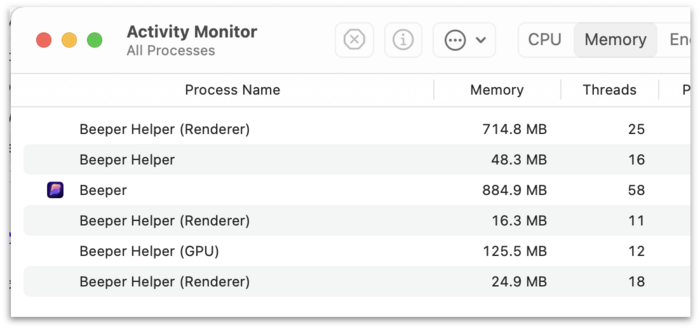
Electron.
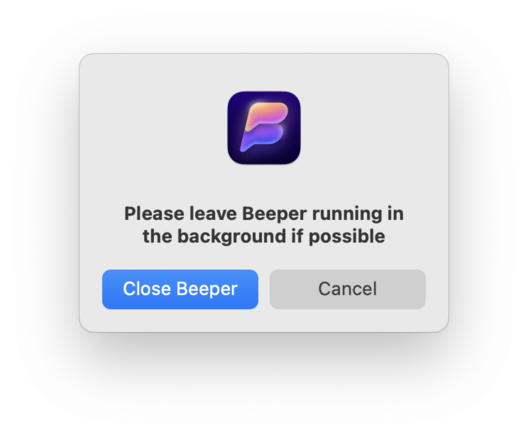
@gruber Not sure if you used Texts, but it asks for accessibility features to control your screen and then uses that to automatically click a system pop up asking for elevated permissions to see your messages data. I get why they thought that would be more seamless for the user, but it left a bad taste in my mouth.
Really wish these apps didn’t feel so awkward.
@matt this was my idea. we ask for accessibility first and automate certain permission prompts, all to reduce the number of clicks in the onboarding experience and make it as low friction as possible. i now realize this can feel jarring. with a future update, the auth screen will tell you this is going to happen before it does.
also, accessibility is primarily needed to make imessage work on macOS, since that's the only kosher way of making it work without asking for your apple ID/password.
 Matt Birchler
 Kishan Bagaria