 Terence Eden
I decided to add a permanent #CSS_Naked_Day theme to my blog.
Hit the 👻 option to remove *all* CSS from my site.
Should work in any browser with Javascript. If you have manually disabled JS, I assume you're smart enough to also manually disable CSS.
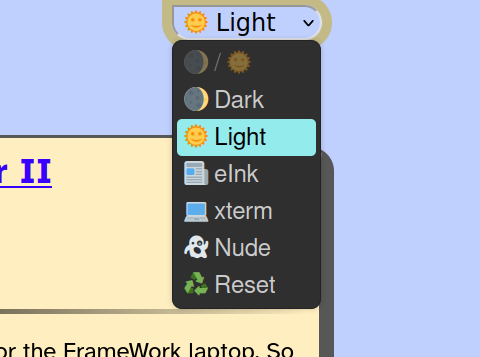
I decided to add a permanent #CSS_Naked_Day theme to my blog.
Hit the 👻 option to remove *all* CSS from my site.
Should work in any browser with Javascript. If you have manually disabled JS, I assume you're smart enough to also manually disable CSS.
@Edent @halas @sascha_ ah, I'm curious how you're doing the 'nude' style then - does it also go through and remove inline styles?
I'm recalling `rel="alternate stylesheet"` being a thing https://developer.mozilla.org/en-US/docs/Web/CSS/Alternative_style_sheets - I wonder if it would be possible to use that markup (with one alternate stylesheet being empty) and maybe switching the `rel` tag values with the JS switcher for on-page control?
I'm just using:
```
for (var style in styles = document.styleSheets)
styles[style].disabled = true;
```
The problem is, there might be multiple stylesheets, so I don't think I can use an alternate one for all of them.

 jarek
jarek halas 🇵🇸🇺🇦🇪🇺