What if I told you there is an immensely popular operating system that you likely used it at least once, but did not realise what it was?

In fact, it is so popular and important there is an IEEE standard based on it.

It is uncanny how immensely popular AND immensely obscure this system is.

It is scary that until today I have never even heard of its reference desktop implementation.

The system is called "TRON".

🧵 thread~

p.s. thanks @fkinoshita for the pointer!

Well, to be more precise, the system I am about to show you is called B-right/V release 4.5 from 2006. It is an implementation of BTRON, Business TRON specification. You can think about it this way: FreeBSD is a UNIX system. Bright/V is a TRON system.

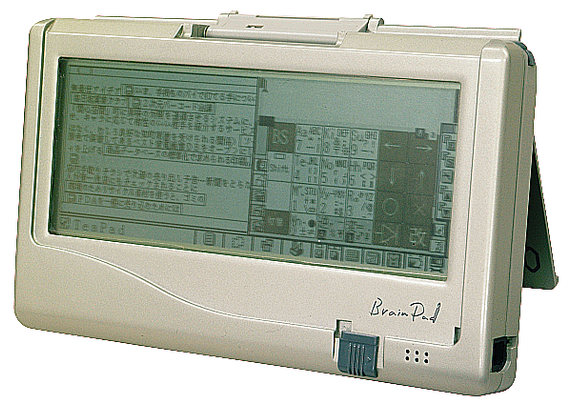
TRON, or The Real-time Operating system Nucleus, began as an open architecture project by Japanese professor Ken Sakamura in 1984. There are multiple sub-projects, including ITRON for electronics and cars, BTRON for desktops and PDAs, CTRON for telecoms, and many more.

There is a lot of information on its English website http://tronweb.super-nova.co.jp/homepage.html but it barely scratches the surface.

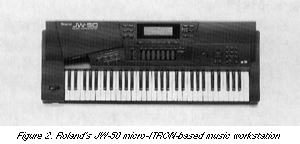
Yes, TRON was used for NTT DoCoMo i-mode phones and some Roland synthesisers, and most camera operating systems are also TRON forks. Yes, it runs on pretty much any 8, 16 or 32 bit architecture you can think of. Yes, it was used in home automation and cars, too.

But this system is also the basis for Mentor Graphics Nucleus RTOS, and eCos and RTEMS APIs, and that makes it BIG.

TRON Web

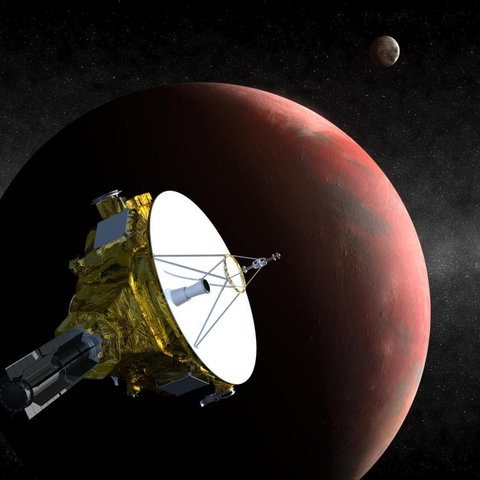
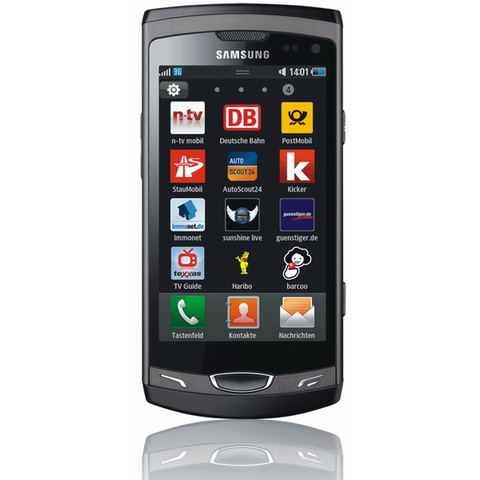
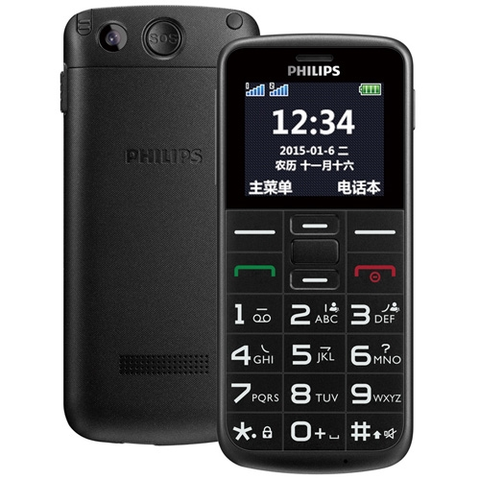
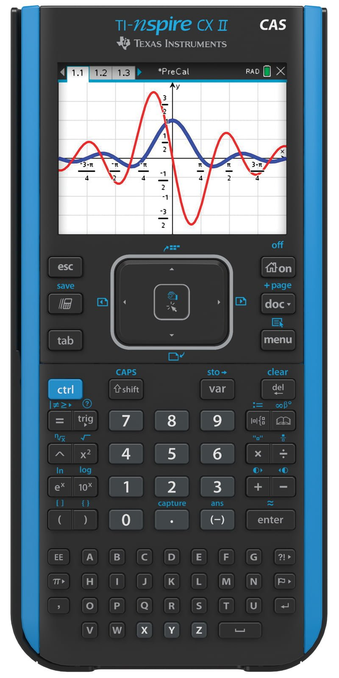
Space probes, smart phones, dumb phones, calculators, and even some Intel motherboard chips are running TRON systems or their derivatives.

This system is THAT big. Perhaps, today there are more choices among embedded operating systems, and more devices are simply running Linux, but I think the claim that in 2003 TRON used to be the most popular operating system is somewhat substantiated.

Now, tell me, HOW COME no one in the West have heard about desktop version of TRON that could run on i286/386, and, from what I can tell, Sun workstations?

Edu-rant is over, time to show you the system :D Follow me!

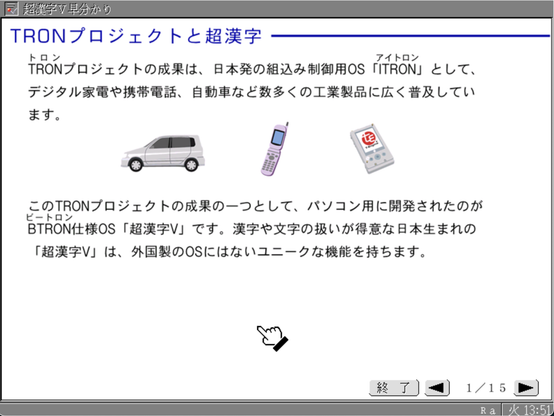
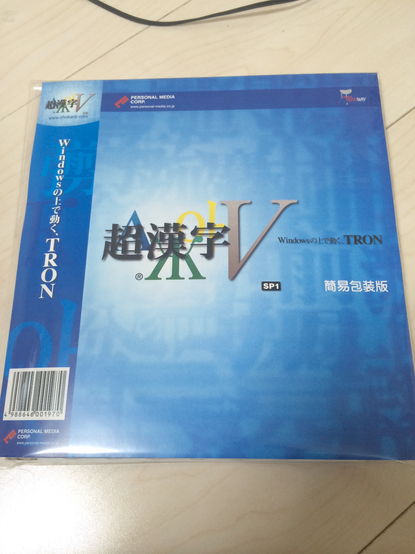
These days, finding the installation media for the B-right/V OS itself can be hard. But the operating system is still sold on Amazon as "Chokanji V, TRON runs on Windows" input system. 超漢字V means "Super Kanji 5", by the way. There is MacOS X version, too.

Either version is just installing BTRON in VMWare, and runs the input method somewhat seamlessly.

Archive.org has installation media for B-right/V 4.5 from 2006, but it will not run in Qemu properly. https://archive.org/details/chokanji

The iso contains a file called bright00 which is a boot floppy for B-right/V installer. It should work on most i386-based computers, but it requires supported CD, IDE and mouse. After a bit of tinkering with PCem, I managed to make it work.

超漢字/Choukanji-V, and B-right/V OS installation media : Free Download, Borrow, and Streaming : Internet Archive

Archive contains Choukanji-V, and B-right/V OS installation media, CygWin/B-right/V, and QEMU-CKJ emulator. Archive was found, on a file repository. 

Internet Archive

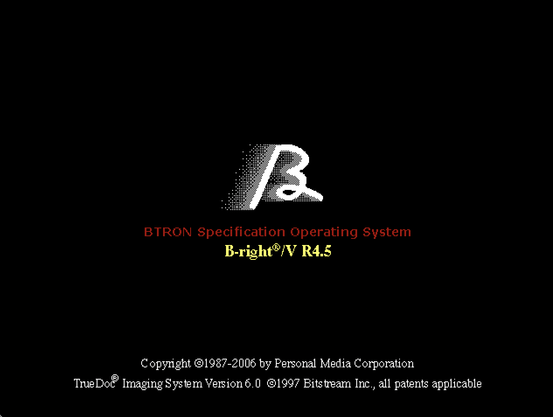
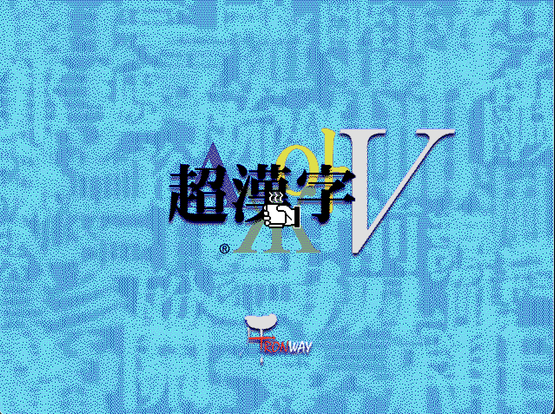
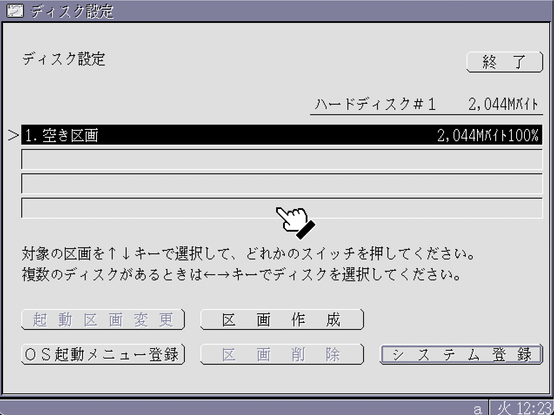
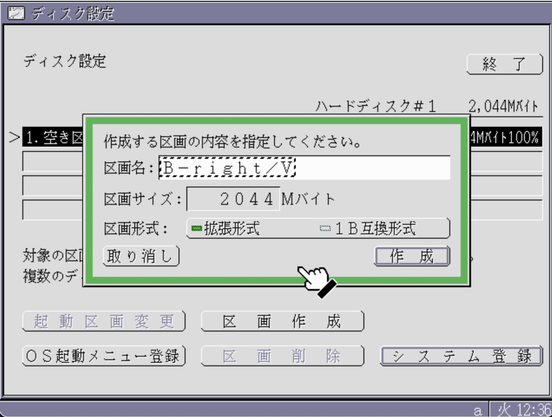
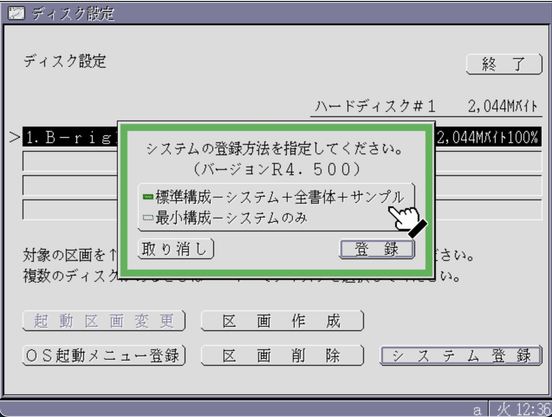
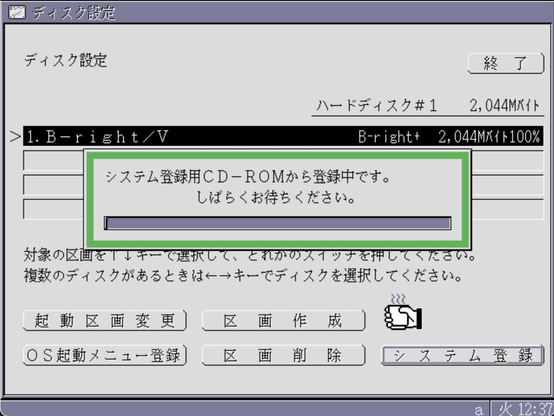
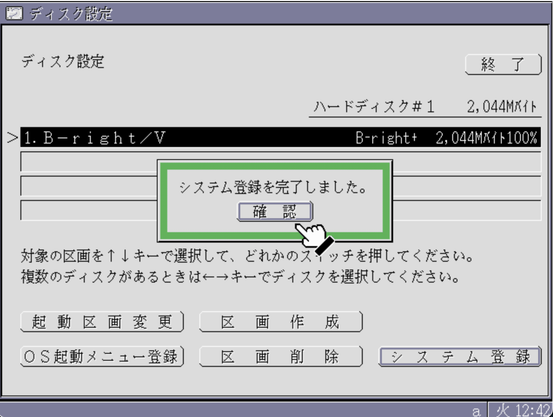
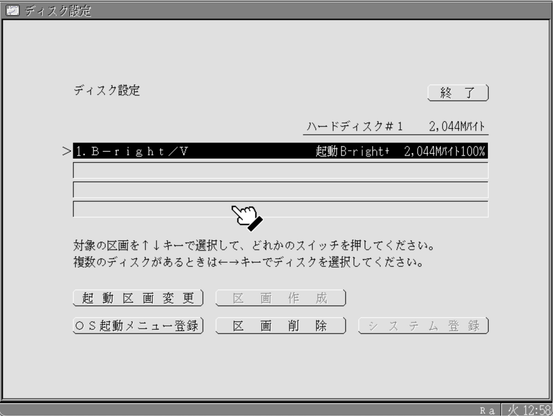
The installer shows not one but two splash screens: B-right/V TRON OS first, and Chokanji V second. Then it starts a very simply-looking disk partitioning and OS installing tool. Make no mistake, at this point TRON OS is already running. The mouse cursor is a bit funny/unusual, showing cup of green tea whenever there's a delay ("hourglass").

While it loads, you might contemplate: why did they bother to make a whole OS? Well, my dear friends, they needed a system that could support kanji, RTL and vertical input before Unicode was invented.

The installer partitions and formats the disk, asks whether you want full setup (all fonts) or minimal setup (less fonts), copies the files, and invites you to remove the floppy from the drive 0 and reboot.

First launch.

The system is booting, and it is quite fast. Before we can begin, we should answer a few simple questions.

Do we want BTRON style settings or Windows style settings?
Which key you want as KANA key?
Romaji input - BTRON style or Windows style?
Ctrl+ZXCV behaviour - BTRON or Windows?

I am curious how things are in BTRON, but not enough to set it to non-Windows and get lost/confused.

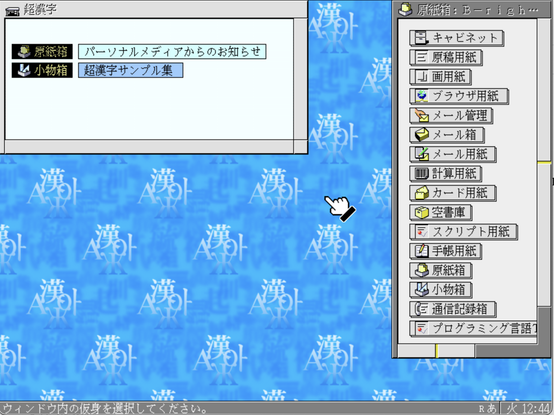
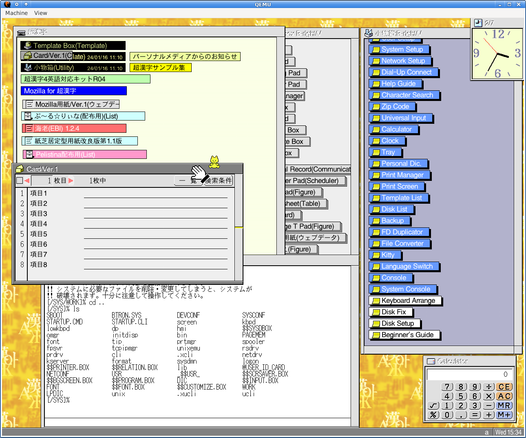
The desktop after the launch has two important windows. The smaller one shows your running applications - inbox, applets tool, "Notice from Personal Media Inc" and "Choukanji V tutorial". The bigger window has buttons to create new documents of all the registered types (text, drawing, cabinet, email, browser and many more).

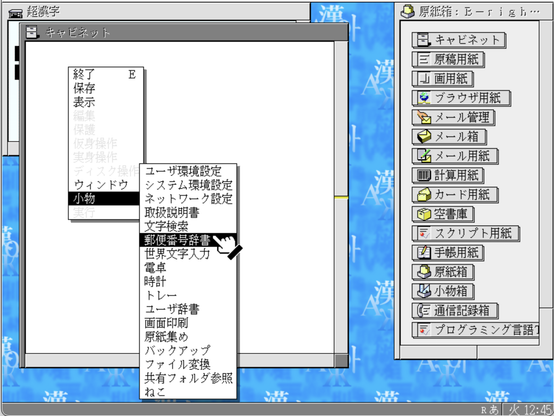
Windows don't have any controls or menus. If you want to interface with a window, you just right-click it to call a pop-up menu. It has application options like "save" and "exit", as well as OS-wide options (start an applet, rearrange windows). The pop-up shows a long list of applets, let's check them out!

The most important applet of them all is System Settings. You can change things from wallpapers to PCMCIA IRQs here.

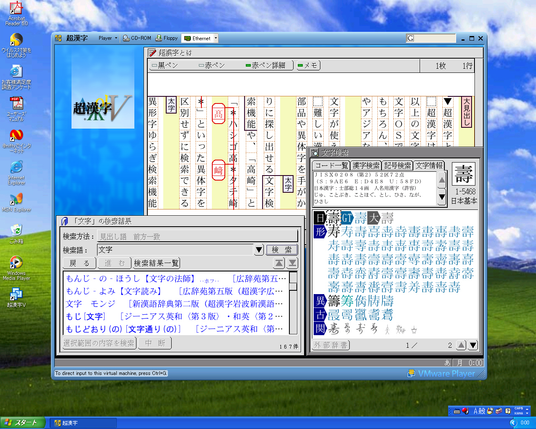
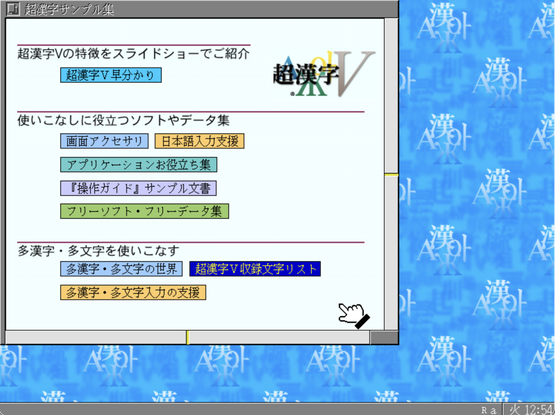
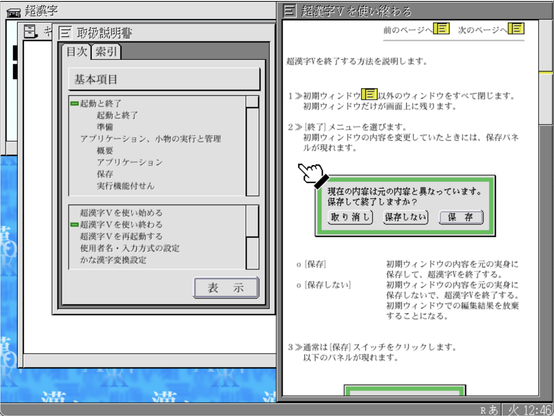
Then there is glossary/help system. You search for a topic, and then you can read a document about it. Note that the help document here has hyperlinks. In fact, "Choukanji V Tutorial" launched on the start is also just a BTRON document. TRON specifies a standard data bus for data exchange between the apps, so it only makes sense they'd do that.

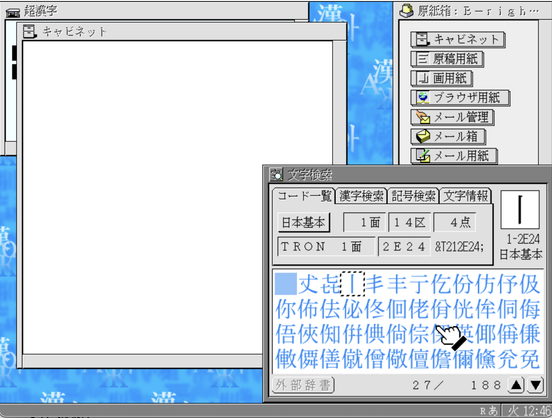
Then there's kanji search, which is super important for anyone who works with kanji. Like, seriously.

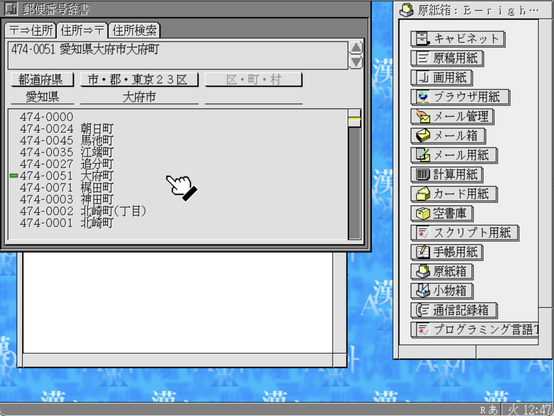
And then there's a post-code look up applet. It can find a Japanese post code by address, and address by post code. I have no idea why include this into your core OS, but perhaps it's an important tool for businesses.

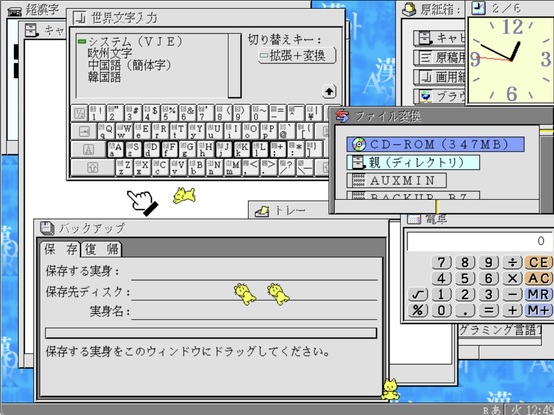
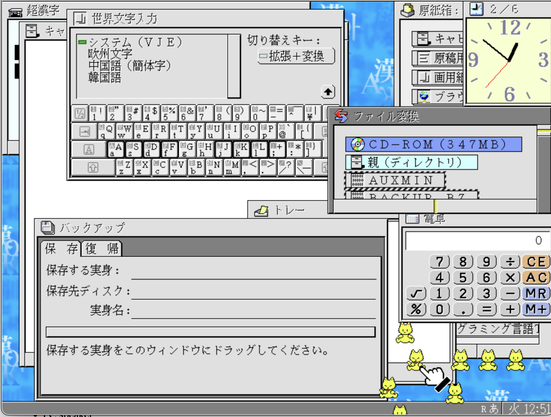
I wanted to tell you more about other applets, like on-screen keyboard, calculator, backup, clock and file manager, but I found a KITTEN.

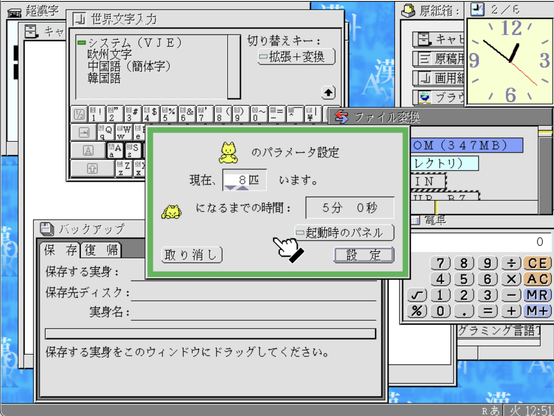
This app serves the same purpose as the "mouse pointer trail" in Windows, but instead of the trail, your computer mouse is chased by computer kittens. You can have up to 8 of them on your desktop, and not all of them will be following the cursor - some will get tired and will fall asleep on the spot.

You can give belly rubs to all your computer kittens. Hey @netkitty can I give you a belly rub too?

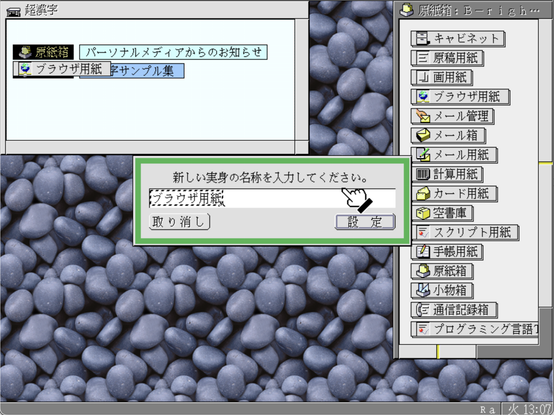
Time to explore the business applications. To start a business application, you either open an existing document, or choose the document type from the "box of templates". Whenever you click a link in the "box of templates", the OS will ask you to give a name to your new file, and will add it to the main "Chokanji" window. Internet browsing session is also a document.

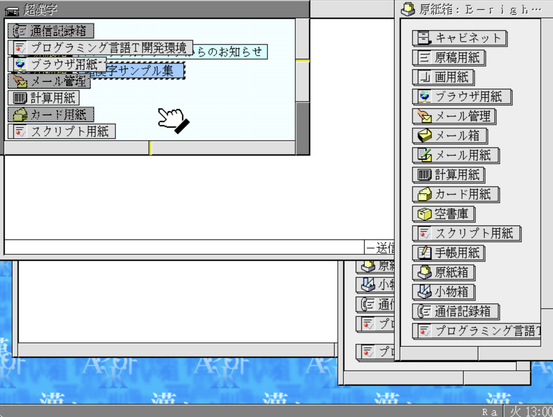
If you open lots of documents, it creates a lot of clutter in your main window, which is incidentally a task switcher. Not very convenient.

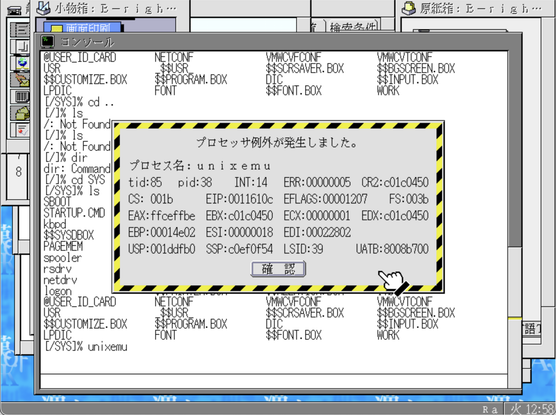
Among document templates, there is "Applet window" template, that allows to run some of the applets not listed in the right-click menu. Disk utility (the one used by installer) and shell are among those. There's a curious file called "unixemu", but trying to execute it causes a segfault, which creates a window with lots of unnecessary for a regular user information.

A few more boring applets that I didn't include in the list were serial terminal and dialer.

@nina_kali_nina unixemu is a system program (basically a kernel module), not a user program. It only implements Unix API compatibility, and not a shell environment. A Unix shell environment with development tools can be found at http://www.chokanji.com/developer/download.html (specifically selfenv.bin). Once you've installed it, you can run /SYS/ucli from the console to get a Unix shell, although it's a bit limited
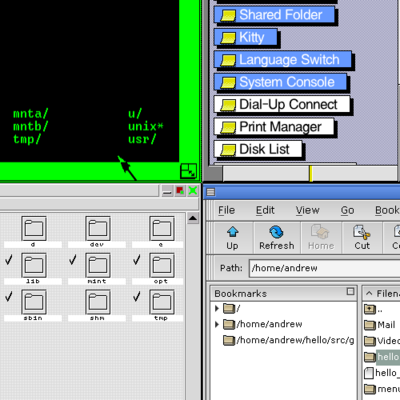
開発環境のダウンロード

Download B-right/V Developers' Environment

@andreww thank you for the explanation! This is what I expected. Kind of sad they didn't put it on the CD, there was still plenty space left.

Also, curiously, the 4.5 release looks just like 1.1 release https://www.os-museum.com/brightv/brightv.htm

p.s. Thank you for your OS archival and museum efforts :)

オープンギャラリー:B-right/Vの環境

@nina_kali_nina B-right/V's appearance barely changed across versions, with probably the biggest change being the wallpaper. Even the last version of its 16-bit predecessor, 1B/V3, looks pretty similar (although 1B/V1 and 1B/V2 were much flatter). AFAIK there were some major changes between B-right/V versions that weren't immediately obvious (for instance, B-right/V R2 a.k.a. Chokanji 1 added support for all codepoints of the TRON character set and Chokanji 4 added shared libraries)
@nina_kali_nina Here's Chokanji 4, which is very similar to Chokanji V (AFAIK the biggest changes in V are the VMware guest enhancements and a different beginner's guide)
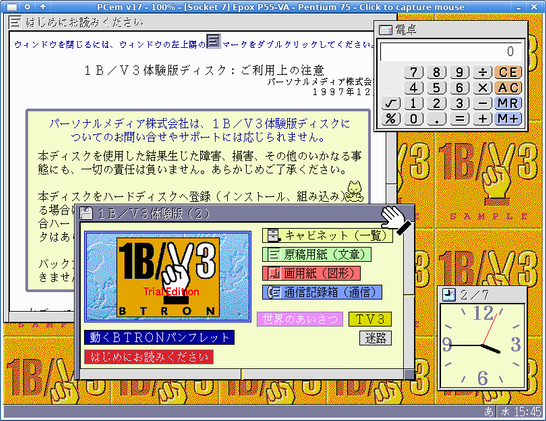
@nina_kali_nina And here's 1B/V3. Despite looking similar, 1B and B-right/V are actually distinct OSes, although AFAIK at least some code was carried over from 1B to B-right (mostly in the GUI and applications). Despite being released in 1996, 1B/V3 is still a 16-bit 286 protected mode OS (the first versions came out in the late 80s). The demo version fits on 2 floppies but still has quite a bit of functionality
@andreww oh, do you have the demo somewhere? I would love to try it out on my 286!

@nina_kali_nina Yes, I've uploaded both the 1B/V3 demo and Chokanji 4 to the Internet Archive:

https://archive.org/details/1bv3_demo
https://archive.org/details/brightv4000

Both of these include both installer and pre-installed images (PCem for 1B and QEMU for Chokanji)
I've never actually tried to run 1B/V3 on an actual 286. The PCem configuration is for a Pentium

1B/V3 demo : Free Download, Borrow, and Streaming : Internet Archive

A demo version of 1B/V3, a 16-bit BTRON OS for PCs from 1996. This is the predecessor of Chokanji/B-right.This includes a pre-installed hard disk image for...

Internet Archive
@nina_kali_nina BTW I'm still working on getting my entire OS museum VM ready to upload. It's taken a bit longer than I thought. I may have gotten a bit too carried away with installing OSes from my backlog. I've been collecting emulated OSes for 20 years, but there were several years where I was downloading stuff but not installing anything.
@nina_kali_nina At least now I've only got a few things I want to install, and then I just have to write a simple GUI launcher, clean up some of the metadata/scripts, and actually package it as an image. The initial release will have over 1600 images representing over 600 distinct OSes for over 250 platforms (of course, both of these BTRON OSes are going to be included)