 Helge Heß
My macOS app #SVG Shaper for #SwiftUI is now available for free. Well, at least for the time being. I only sold 10 copies or so and it was more of a step towards something bigger (should I call it Karate?), so why not. Maybe it is still useful to someone 🙂
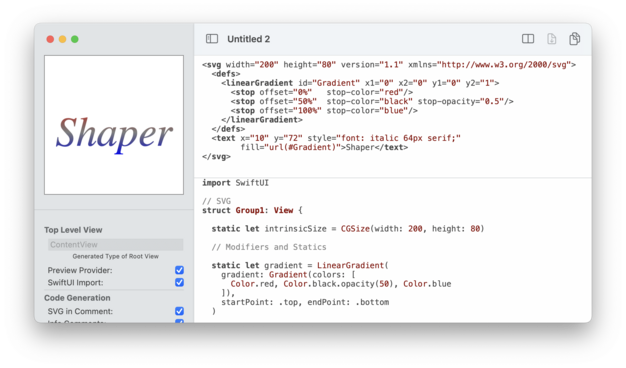
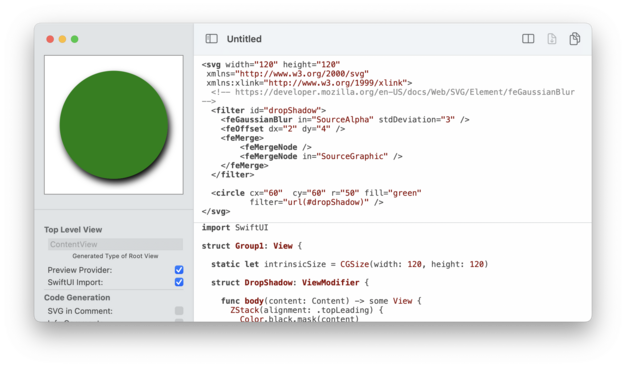
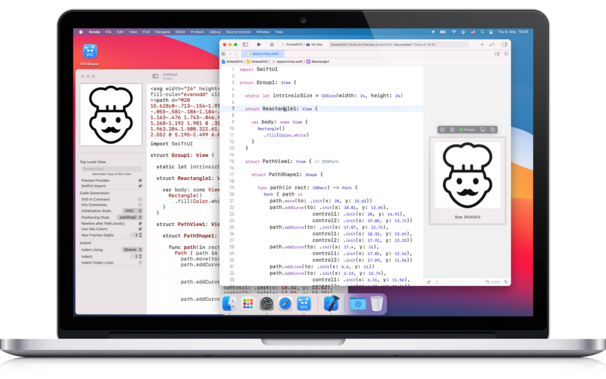
What it does? It converts SVG images (not every feature supported) into SwiftUI `View`s and `Shape`s.
https://apps.apple.com/us/app/svg-shaper-for-swiftui/id1566140414
What it does? It converts SVG images (not every feature supported) into SwiftUI `View`s and `Shape`s.
https://apps.apple.com/us/app/svg-shaper-for-swiftui/id1566140414

SVG Shaper for SwiftUI
SVG Shaper for SwiftUI is a little macOS application that accepts images in the Scalable Vector Graphics format (SVG) and converts those into SwiftUI source code. Got an SVG icon from your designer? Use the contained shapes directly within your SwiftUI views. SVG Shaper’s primary purpose is to conv…
 Pasi Salenius