 Mark A. ⏏️ {FalconMarkSix}
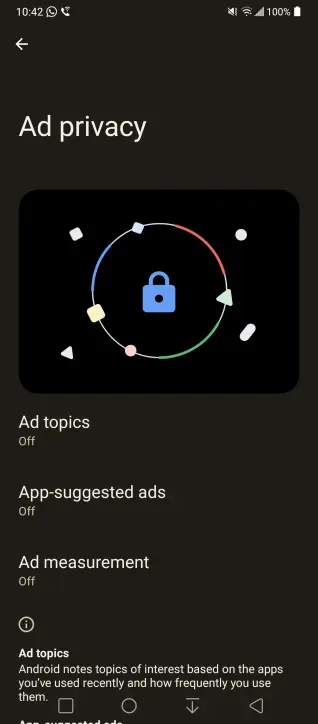
PSA: Google has now begun to roll-out the Ad Topics "feature" onto Android itself. It's not just in Chrome you have to disable the settings. Please #Boost to spread awareness.
If you didn't get the pop-up screen on your Android device (it looks like the first two screenshots), to opt-out of these settings:
- While you're here, press the "Delete Advertising ID" button and delete it
If you don't see "Ad Privacy" in Step 4 then it means that it hasn't been rolled out to you yet. You might need to wait and check back in a couple of days to see if/when it has been implemented to disable these settings.
EDIT: There's another setting to review. In step 2, scroll to "Personalize using shared data". Turn everything off.
Pt. 2 in Replies


 [moved to @
 Dodo & the Brawn