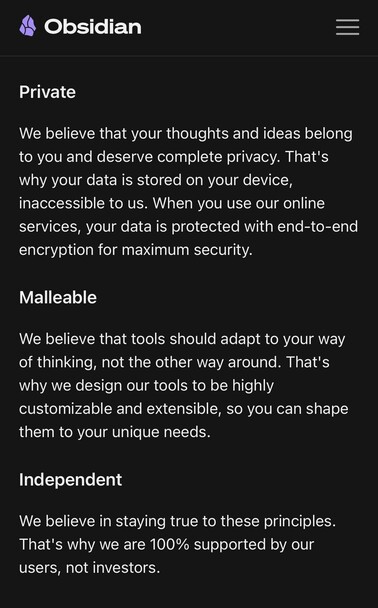
The plan for Obsidian is to never grow beyond 10-12 people, never take VC funding, never collect personal data or analytics.

Continue building with the assumption that software is ephemeral, files matter more than apps. Use formats that are open and durable.

See our manifesto:
https://obsidian.md/about
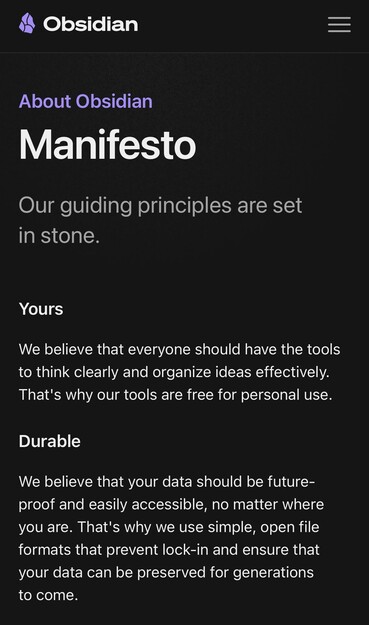
About - Obsidian

Our guiding principles are set in stone: yours, durable, private, malleable, independent.

Obsidian

From a traditional business perspective the Obsidian approach has many downsides:

we can only focus on 1-2 things at a time, we can't build lots of stuff in parallel like a bigger company can

we have to cover our costs, we can't subsidize pricing — charging a fair price is a disadvantage in the market

we have no lock-in, our users can leave at any time easily

we have less freedom to build fancy features that rely on unencrypted private data (like cloud-based AI) or more sophisticated non-portable data formats

we have limited metrics to inform product decisions, we have to learn directly from what users say

users have the freedom to significantly modify the app via plugins, more things can go wrong or feel less cohesive

... I would not recommend this approach to every business, but these are the tradeoffs we choose knowingly.

A principle is only useful if you can legitimately take the opposite side.

Otherwise it's simply an aspiration that everyone else is also shooting for.

@kepano I profoundly appreciate the "future-proof" focus—it's part of why I pay for Sync!

So I hope the #Obsidian team realizes the current mouse-dependent editing & reading views aren't future-proof. They're an inaccessible form of interface lock-in.

You have recently done a great job of making Obsidian Publish sites more #accessible. Please bring that same principle to all aspects of the editor itself.

Every element (collapsible headings, tasks in queries, list items, etc) that can be interacted with via mouse needs an built-in, equivalent keyboard interaction.

Because these are your core principles, keyboard #accessibility should be a core behavior, not outsourced to a community plug-in that will eventually stop being maintained.

Here are some key resources for keyboard accessibility:

- https://www.w3.org/WAI/perspective-videos/keyboard/
- https://developer.mozilla.org/en-US/docs/Web/Accessibility/Understanding_WCAG/Keyboard#interactive_elements_must_be_able_to_be_activated_using_a_keyboard
- https://webaim.org/techniques/keyboard/

Here's proof other editors make it work:

- TinyMCE: https://www.tiny.cloud/docs/tinymce/6/keyboard-shortcuts/
- VSCode: https://code.visualstudio.com/docs/editor/accessibility#_keyboard-navigation

Keyboard Compatibility

Short video about keyboard compatibility for web accessibility - what is it, who depends on it, and what needs to happen to make it work.

Web Accessibility Initiative (WAI)
@ryanrandall Keyboard accessibility is a top priority — we have a loud contingent of vim users who make sure of that! What's missing? The examples you gave are already keyboard accessible.

@kepano I'm thrilled to hear it's a top priority!

In Reading (not Editing) view, what are the keyboard shortcuts for navigating to a Tasks query and checking off a task, or navigating to and collapsing a heading? (I'm on Mac.)

I've trawled the Help site ( https://help.obsidian.md/Home ), searched the Forums, and asked in Discord, and haven't found a way to do it.

Home - Obsidian Help

Obsidian Help Welcome to the official Obsidian Help site, where you can find tips and guides on how to use Obsidian. For API documentation visit the Obsidian Developer Docs. You can browse this site …

Obsidian Help
@ryanrandall Ok, feel free to create issues on the forum for anything that's missing!