 Simon B. Støvring
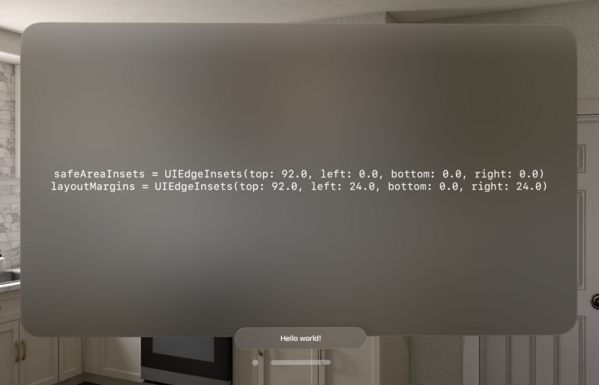
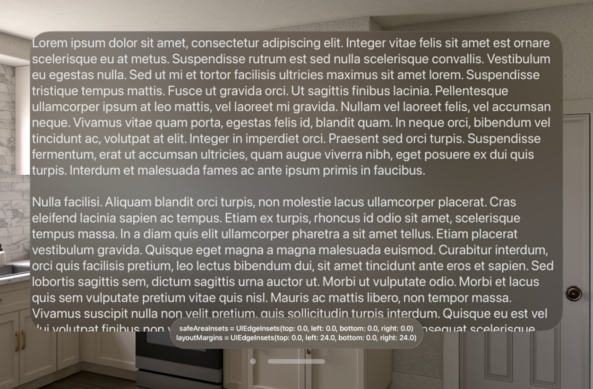
Ornaments don't affect the safe area insets or layout margins of their associated views on visionOS. This seems odd to me. What's the best way to inset a scroll view to ensure the content can become fully visible then?
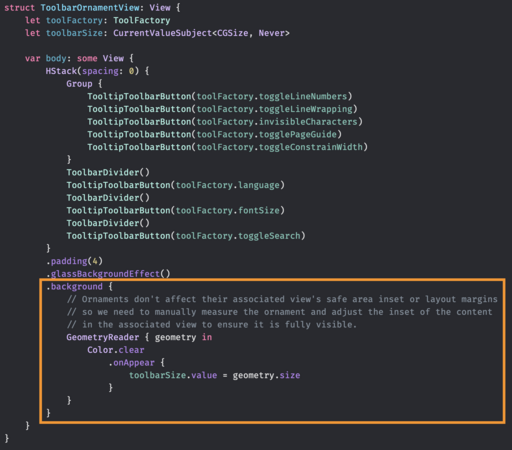
Recipe for measuring a view in SwiftUI:
1. Add a background or overlay to your view.
2. Add a GeometryReader to that background or overlay.
3. Add an empty view, for example a clear color, to that GeometryReader.
4. Listen for changes to the geometry passed to you by the GeometryReader.
Sure, we may understand the code but how did we end up here? Surely this isn’t intuitive to anyone.
(Sorry for being old and grumpy)
@simonbs Have you looked at anchorPreferences? I’ve used this in a few cases to gather size data about child views for use in a parent without needing a GeometryReader (hopefully not misunderstanding the issue 😅)
https://swiftui-lab.com/communicating-with-the-view-tree-part-2/

 Colin Humber
 Magnus Jensen