@schnee well, I follow you, so I get to see your stuff even if your instance is limited-view otherwise. :D
Download the list of accounts you follow, along with any hashtags you follow (not sure if that is downloadable) BEFORE you forward your old account to the new one, because I don't think you can view the list AFTER.
1. Make a new account on another instance.
2. Download list of follows from old account (via web, go to Settings, then click the hamburger menu, Import and export)
3. Write down any important hashtags you follow
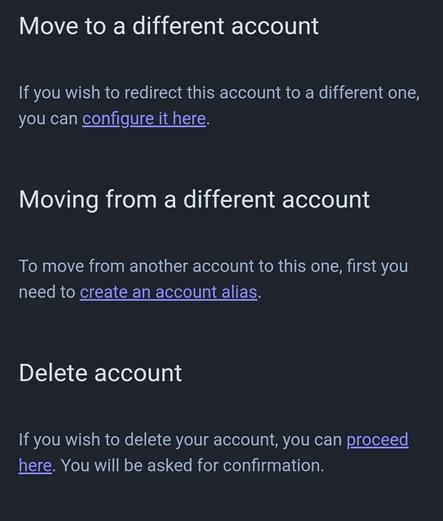
4. In that same Settings hamburger menu, pick "Account" and scroll to the bottom, following the links (see image).
5. Import your follow list into your new account.
Your posts on your old account will not migrate, but you can set it so your followers get forwarded to your new account.
 Jill 🛸
 @kazmn.bsky.social