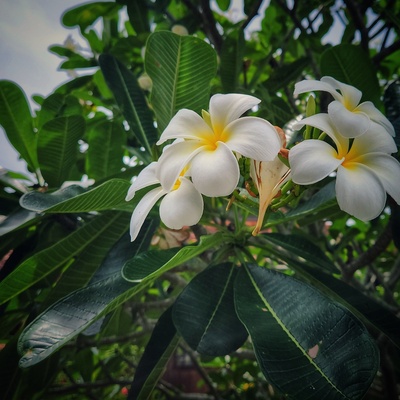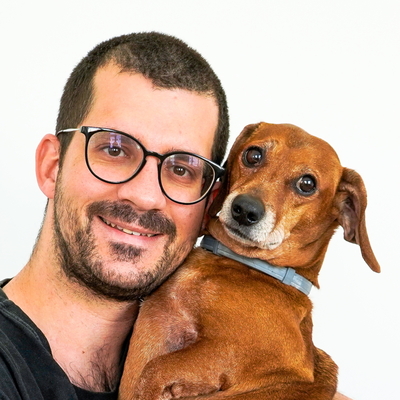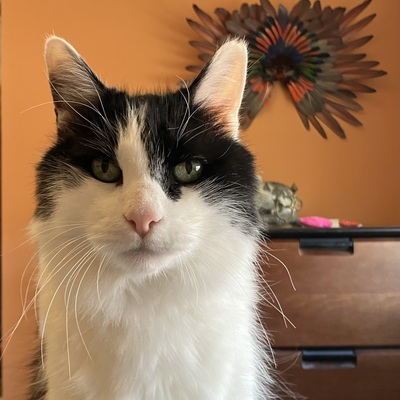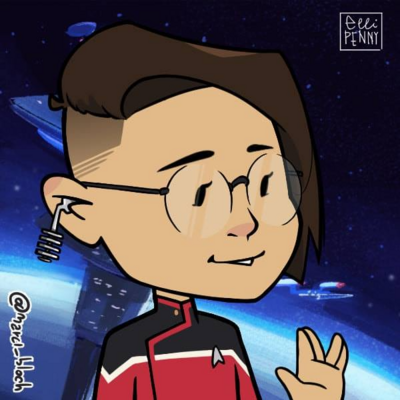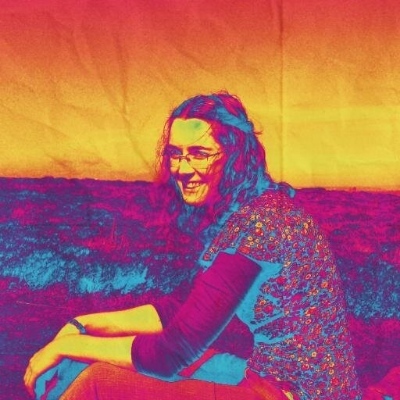
It’s great that more people are moving to Mastodon, but that influx has already resulted in far more posts with pictures that have no Alt Text description.
If you’ve just moved here, please bear in mind that there are a lot of visually impaired screen reader users here, and because Mastodon is far more inclusive than Twitter, it is considered polite to describe what your pictures show. Thank you, and welcome to a nicer social media platform. Please help keep it that way.

@BlindGordon you inspired me to go add alt text to some recently posted pictures. Editing image failed in Android mastodon app multiple times on two posts. Guess ill try again next time...
@nz0p
Can't edit to add alt-text to an existing uploaded pic actually 😅 you have to delete and re-up and then add the text. Ask me how I know lol
@BlindGordon
@cendawanita @nz0p @BlindGordon you actually can! 99% of the times I forget to add Alt text when posting, but then I just edit the post and edit the Alt of the images (Mastodon web Desktop).
@cendawanita @nz0p @BlindGordon
This used to be true when using the web interface (I can't speak for all apps) but it got fixed in a recent release. Now you can indeed edit pics to add alt text, assuming your instance is running an up-to-date version of the Mastodon software.
@nz0p Thanks for trying. I wouldn’t worry too much about past posts, but if you can do it for future pictures, your posts may gain greater reach. Some people won’t boost a post which has a photo with no description because so many visually impaired people would be excluded. It will also make you feel good, and you can have a lot of fun with the descriptions.
@nz0p @BlindGordon Which Android app are you using? Want to make sure that mine (Tusky) allows me to add the ALT text after the fact...

@evilmicrowizard @nz0p @BlindGordon

I use Tusky as well, and I just checked: yes, you can edit posts and alt text without having to delete and start over.

@nz0p
Thanks for giving it a try. Just checked and you can do it on Tusky app for Android. Edit toot, then click the little A in the bottom right of the image and can add alt text. I view it as a kind of writing exercise and chance to add some creativity to "just a pic" posts. Have fun.
@BlindGordon