
#NEWS Vivaldi 6.0 is Powerful, Personal, Private.đź’Ş

- Workspaces: Organize your #tabs by category into separate workspaces. Tab Stacks & Tiling within Workspaces is 🔥.
- Custom Icons with Themes: Change the look of Vivaldi like never before.
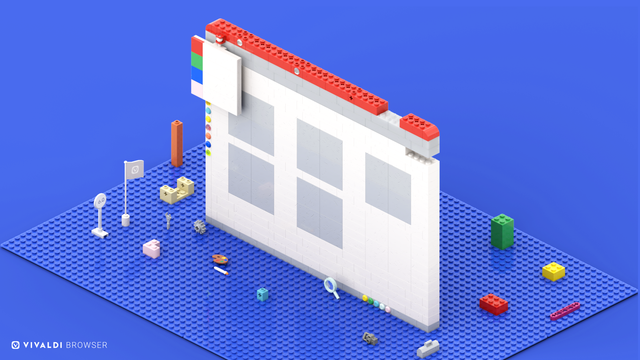
Read👉 https://vivaldi.com/blog/vivaldi-on-desktop-6-0/

Vivaldi 6.0: Organize tabs with the new Workspaces and personalize your browser with Custom Icons. | Vivaldi Browser

Work or play, separate tabs into different workspaces for more focus, and overhaul the browser’s look totally. Now get a more personal and efficient experience on your desktop.

Vivaldi Browser

Workspaces🔥

Organize your browser into different workspaces, just like you organize the different rooms in your home. 🏡

Focus on a single project at a time by grouping tabs in one place. Each workspace holds all the #tabs related to a given task or category.

Combine workspaces with Tab Stacks and Tab Tiling to create a productivity powerhouse - With sub categories and an option for split-screen or grid view. đź’Ş

Feel at home 🎉

Read more ➡️ https://vivaldi.com/blog/vivaldi-on-desktop-6-0/
And see it in action here ⬇️

Vivaldi 6.0: Organize tabs with the new Workspaces and personalize your browser with Custom Icons. | Vivaldi Browser

Work or play, separate tabs into different workspaces for more focus, and overhaul the browser’s look totally. Now get a more personal and efficient experience on your desktop.

Vivaldi Browser
@Vivaldi does each workspace keep it’s own history? Or workspaces share history? And what about bookmarks?
@sedrossetti They share everything, if you want something that doesn't share history and bookmarks there are user profiles.