 Large Heydon Collider
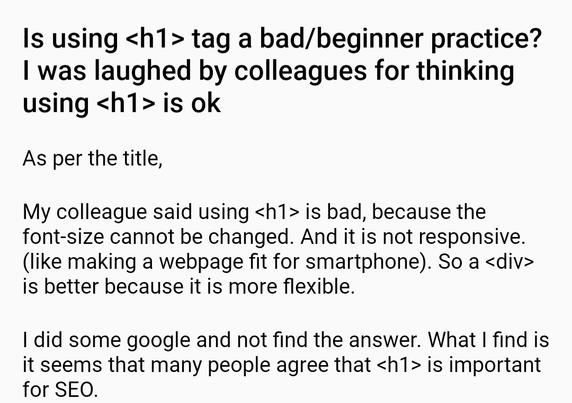
Imagine if you could change the font-size of an <h1> HTML element somehow. But alas.
@heydon Baah. Just wrap it in <small> and you'll be fine! 😄
(developer advice after 22:00 should not be taken seriously)
@heydon I think you need a 120kb library called react.js (40kb gZiPpEd!!) and a css-in-js library to do this. It’s a known limitation of css!!
```jsx
<Text as="h1" css={{fontSize: '$muchBigger'}}>JavaScript: OUr LoRd & sAViOuR</Text>
```
@heydon
<h1> is outdated and very number-centric.
Better is to keep it alphabetically consistent and use <Ha> instead.
Added bonus: they’re nest-able!
<h1 class=“text-3xl md:text-2xl sm:text-xl”>Sorted (for E’s & Whizz)<h1>
@heydon the best way to make a h1 smaller is to move further from the screen.
Further…
Keep going…
Another few steps…
Nearly there…
I’ll tell you when to stop…
@heydon everybody knows it's really easy:
<h1><font size=3>checkmate, fixed H1 font size!!!!</font></h1>
 nk
nk Bjarne Oldrup
 Paul van Buuren 🍉
 Adrian Egger
 LeBen
LeBen Jared Cunha
 Daniela Kubesch
 aiken 🌈
 Jeroen-bart Engelen
 Thain
Thain Eric
Eric Nathan Knowler
 James J Malcolm
 Manuel Matuzović
 Florian Geierstanger
 Stu Robson
 Ollie Boermans
 Adam
Adam
 Fabrizio Calderan