 Hécate
Computer Parts have arrived. Time to build.
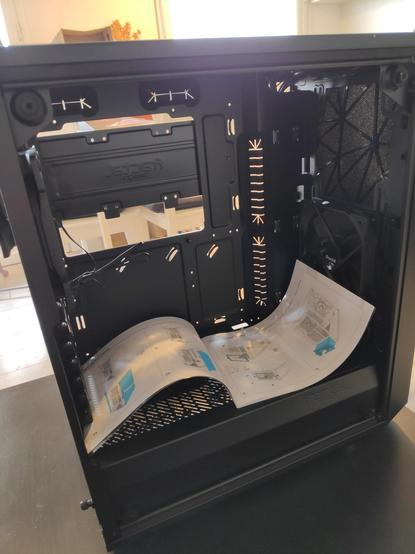
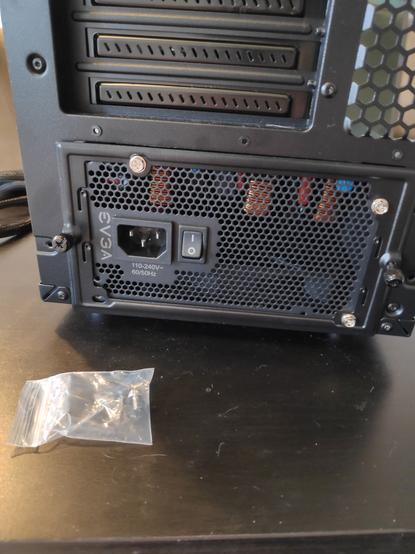
Power supply is set! Although one of the screws is not fitting. How thoughtful of the manufacturer to give spares!
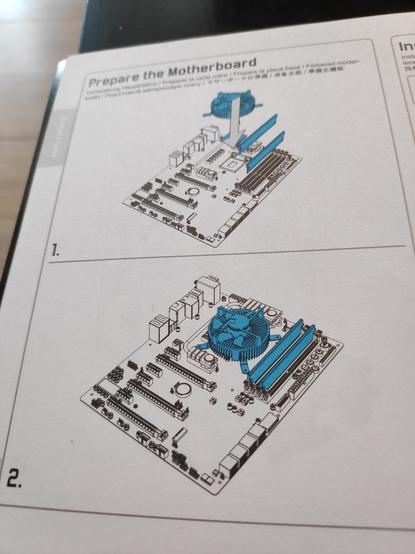
Two easy, simple steps:
1. Prepare the motherboard
2. The motherboard is prepared
Time to open the motherboard manual.
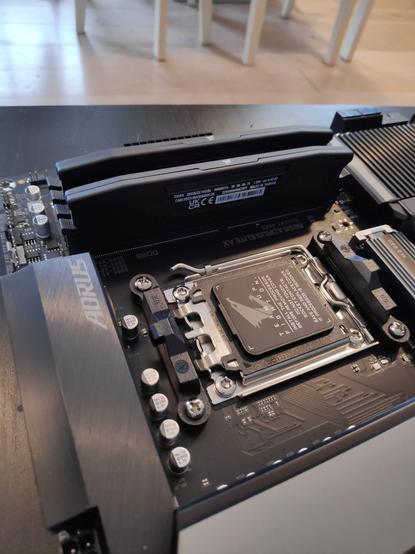
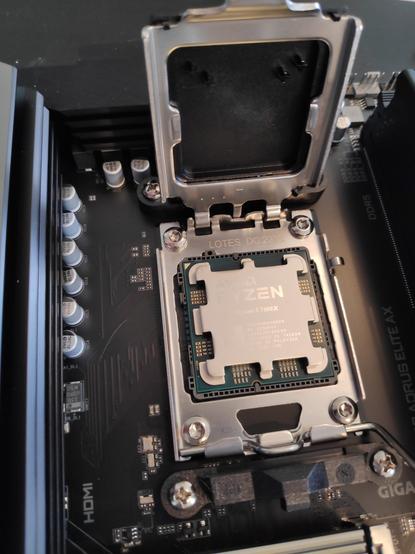
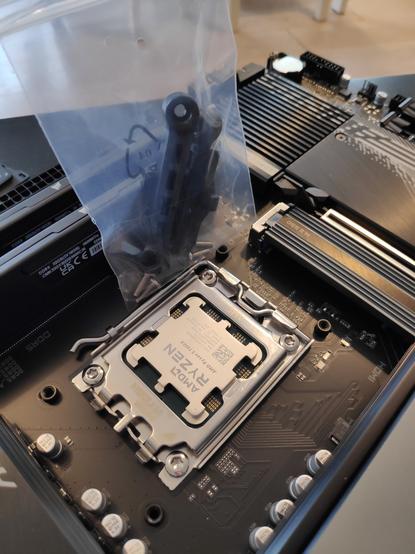
Taking a break, but the radiator-fan (aka VentiRad™©® in French) is being set-up
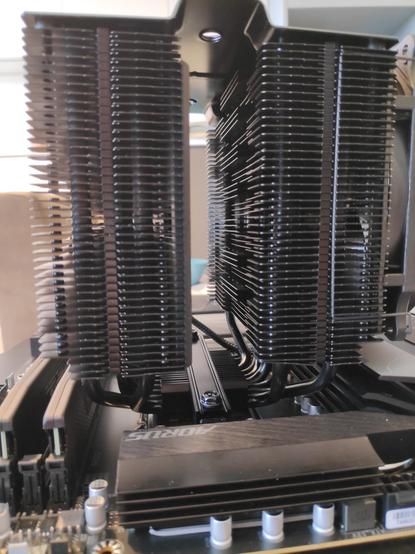
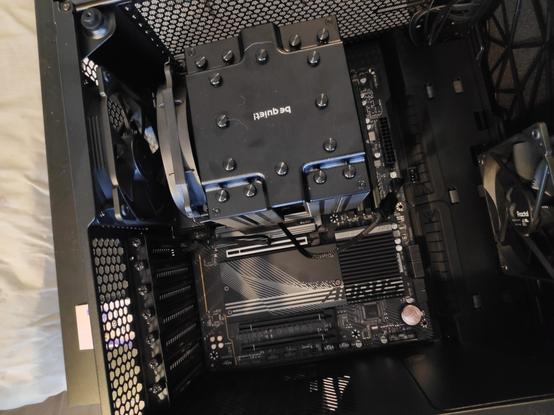
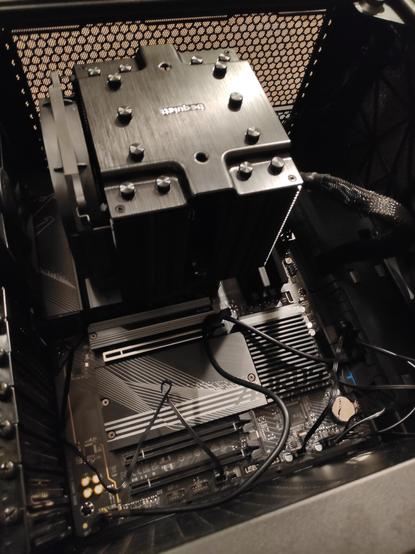
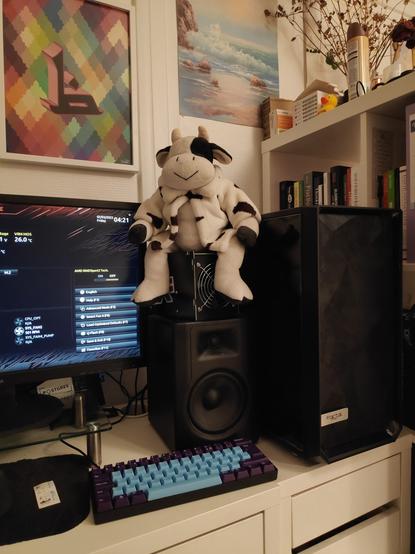
Current setup. I'm too afraid of the cat hairs accumulating on the ground to leave the desktop there
 isomorpheme
 Koz Ross
 Luke Seale
@hecate That looks about as good as any of my efforts. Better if anything, as I have infamously bad cable management.
 0x6B757261
@hecate so this may sound link a dumb question but a very common new builder mistake I see a lot is airflow direction.
So I thought it'd be an idea to ask what direction that CPU fan is working in. 'Cos if it's the wrong way round it'll create a void as it and the case exhaust are working against each other.
 Kris Nuttycombe
@hecate is that a fanless water-cooled setup? I’ve never seen anything like this.