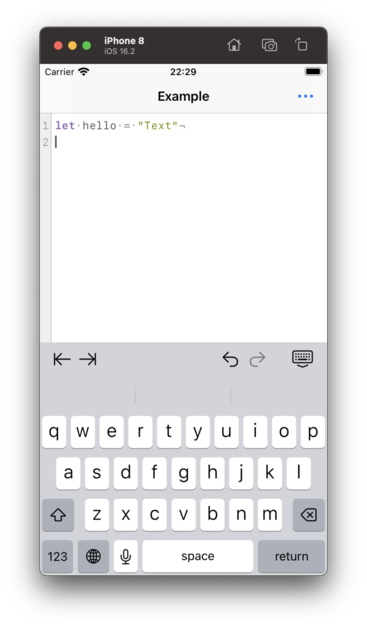
Yay! Runestone now works with... *Checks notes*... UIKit?? 🤨
In order to prepare for AppKit support, I had to rip the internals of Runestone apart and put it together again. For the first time in 36 hours, Runestone now works with UIKit again.
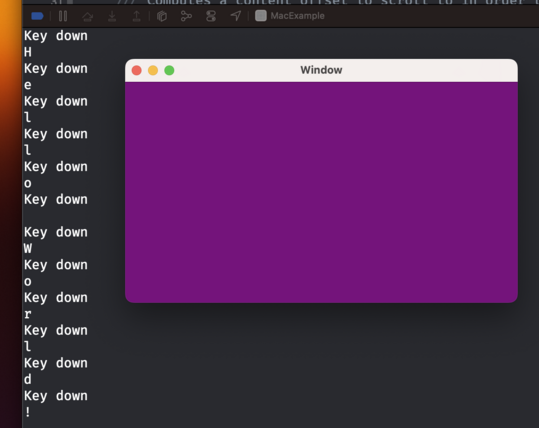
So I now have an NSWindow with an NSView that receives keystrokes. That's like step 0 in building a text editor, right?
There's such a long way to go still before Runestone is rewritten in AppKit. I hope I'll eventually turn a corner where all my work from UIKit can be reused and I ✨magically✨ have an AppKit implementation.
The AppKit version of Runestone now supports scrolling the content.
This involves a bit more than just wrapping everything in an NSScrollView because Runestone only renders the lines within the viewport.
Baby steps, y'all.
I need to implement all moving within lines myself 😑
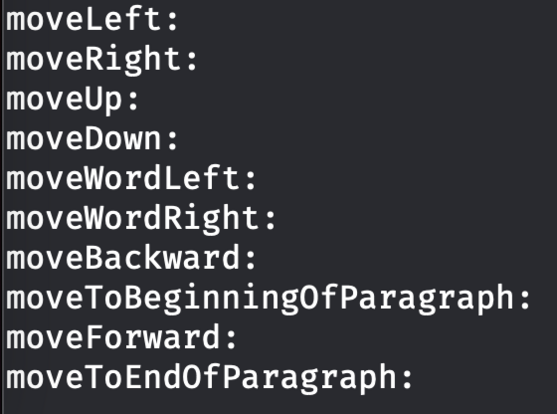
In the screenshot I'm logging the selectors that I don't handle but that AppKit expects me to handle. This is something we get (almost) for free in UIKit. Honestly, I really don't want to write this logic.
Got navigation with the arrow keys working in Runestone for AppKit.
I figured out how to reuse some of the code from the UIKit implementation so this turned out to be much easier than anticipated.
Next up is adding support for jumping between words with Option+Left/Right arrow keys.
Baby steps, y'all.
While working on moving between words in Runestone for AppKit I found that the UIKit version had an incorrect behavior when moving between words followed by an emoji. The caret would always jump all the way to the end of the document which isn't correct, obviously. Fortunately, that was easy to fix and the fix works in both UIKit and AppKit.
And yes, it is supposed to jump all the way from the word "emoji" to the word "cool". That's how TextEdit does it too. Baby steps, y'all.
And now Runestone for AppKit supports moving to the line and document boundaries as well as clicking with the mouse to move to the closest location.
Maybe the next step is to support text selection. Or something more fun like line numbers.
Baby steps, y'all.