I'm probably nuking my #SEO by releasing a beta in the middle of the night, but who cares!

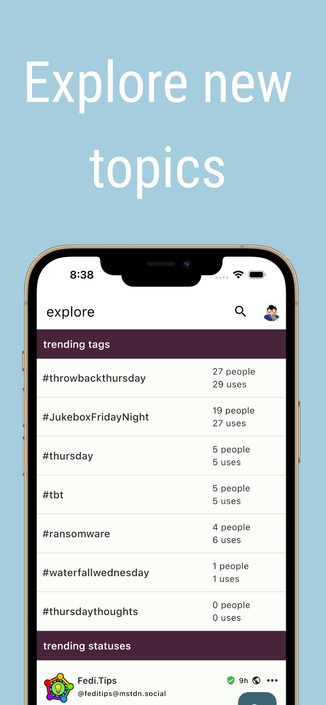
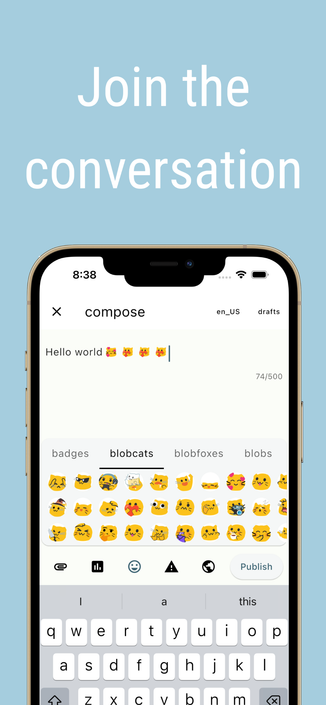
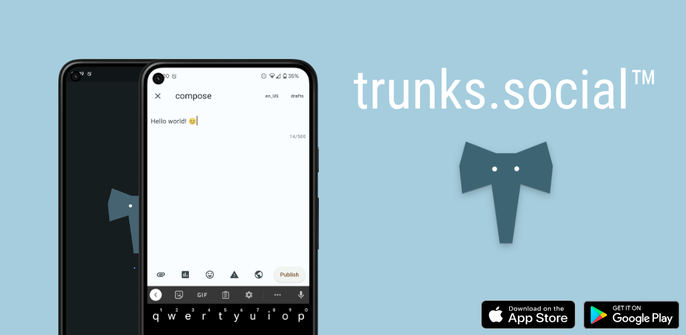
If you like #ivory and #icecubes, here's a third competitor that is now in beta for #iOS AND #Android.

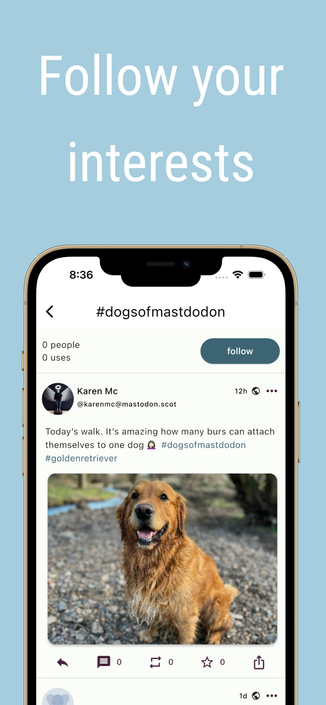
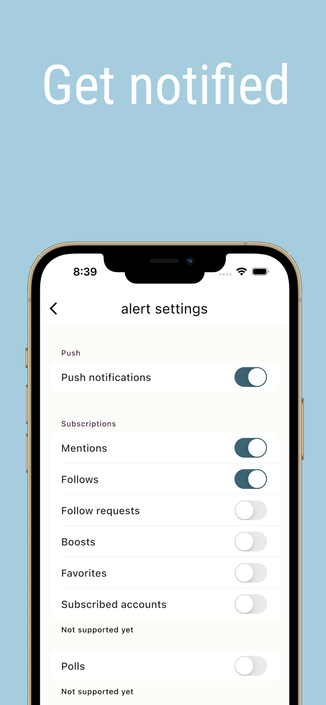
Links to each beta train and screenshots for for the store are in the replies.

Features:
- Multi account
- Quote Toots
- Push notifications
- Follow hashtags
- Edit posts
- Threaded replies
- Unroll threads
- Dark mode
- Media aspect ratio options
- Instance browse
#trunkssocial

The #iOS testflight link can be found here: https://testflight.apple.com/join/g8J05VSB

#trunkssocial

Join the trunks for Mastodon beta

Available on iOS

@trunksapp unfortunately the first app where the login doesn’t work.
@sys4tron @trunksapp I see the same issue on my #iPhone 12 Pro running #iOS 16.3
sys4tron :anarchy: (@[email protected])

@[email protected] it seems it took some time to do the magic that was needed. Trunks now works on my iPhone. Thank you for your support. 🥃🤘🏻

Infosec Exchange
@trunksapp I saw that at the end of the thread and it offered no other explanation other than “it eventually started working for some reason.”
@mjgardner Yeah I apologize there's no rhyme or reason to why apple is inconsistently verifying the domain and I'm a bit in the dark myself. Try rebooting the device to force the universal links synchronization?

@trunksapp That did it, thanks.

But if I may ask—why does it need to phone home to trunks.social in the first place to log in to my Mastodon server?

@mjgardner Oauth redirection
@trunksapp You should be registering a universal link (iOS) or app link (Android) and redirecting to that instead per the spec: https://www.rfc-editor.org/rfc/rfc8252#section-6
RFC 8252: OAuth 2.0 for Native Apps

@mjgardner that's what this process is. Those mechanisms require site association and validation.