One of my favorite git tips is the ability to transplant a branch:

git rebase --onto release/2.0 release/1.3 feature

It transplant the `feature` branch from `release/1.3` onto `release/2.0`

@lucabernardi @shantini
I swear by https://gitup.co for this kind of task. Yes, I can do it from the command line too, but the ability to (1) see what’s about to happen and (2) undo it cleanly just leave the CLI in the dust.
GitUp

GitUp is Git the way it should be

@inthehands @shantini I should give it a try again. I'm a devoted Tower user, but the ability to directly manipulate git graph is appealing.
@lucabernardi @shantini
I use several Git tools. Different ones handle different workflows better. GitUp is not my usual review-commit-push tool! The niche is fills is that it shows me wtf the happening — and auto-updates even when it’s another modifying the commit graph. I often leave it open if I’m doing somewhere weird from the CLI.
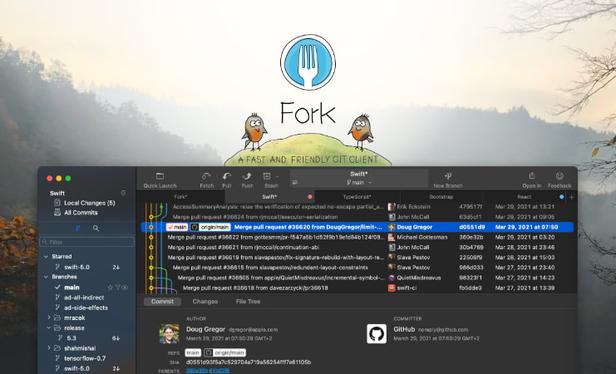
@lucabernardi @inthehands @shantini Fork (https://fork.dev) has a really nice drag and drop rebase workflow and also a great interactive rebase where you can squash, fix up, etc. Best git client IMO.
Fork - a fast and friendly git client for Mac and Windows

Fork - a fast and friendly git client for Mac and Windows

Fork - a fast and friendly git client for Mac and Windows