
Ok, let's try this!

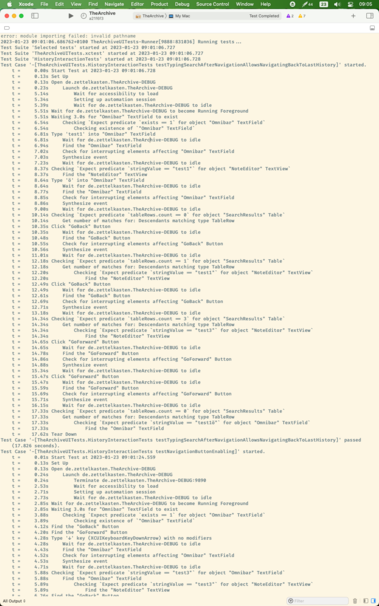
In #Xcode:

1) ⌘⇧T to open new window

2) Move the split view divider of the console up to hide the code

3) Move to separate monitor

I do sincerely hope this will be a good console-on-other-monitor setup. It's the only possibility for Xcode there is
Wait!

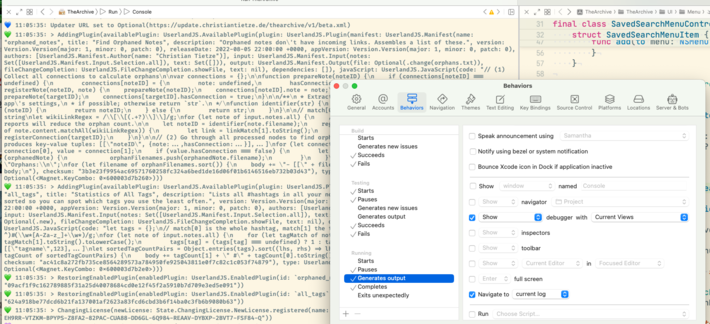
I held this wrong:

You can display the Console in a proper window, no need to use the debugger split!

@ctietze sorry if I’m missing something obvious, but how do you get your console show up in another window? When I tried this behavior, it just replaced one of my editors with another console. Do you still have to ⌘+Shift+T?

@rlpavel Right: When you have just 1 editor open, it'll show the console in another editor split. If you leave that open, Xcode will reuse that pane.

You can also use a new tab and manually rename it from the main menu, then switch to that tab first.