
Ok, let's try this!

In #Xcode:

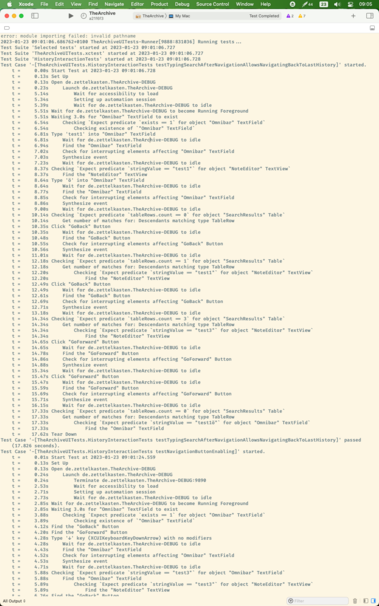
1) ⌘⇧T to open new window

2) Move the split view divider of the console up to hide the code

3) Move to separate monitor

I do sincerely hope this will be a good console-on-other-monitor setup. It's the only possibility for Xcode there is

@ctietze and then you can set the name of that window to Console and use Xcode Behaviors (in Settings) to open the dedicated Console window automatically when debugging 🙂

@aligatr Ah, interesting!

Renamed the (hidden) window tab just now and tried the "Show window" behavior.

It brings the window and thus the console to front alright. But also makes it the key window, so the Mac app itself appears on that screen. Any tips to prevent that?

@ctietze Ah! I'm not sure, as tbh I don't use this feature—just knew it existed and tried it once, but decided I preferred the split window mode after all personally 🤷‍♂️—so I didn't dig deeper into it
@aligatr Just found out I can use "Navigate to current log" to open the console output of the current run in a split! That's also nice (have an ultrawide monitor). 👍