 Noel Berry
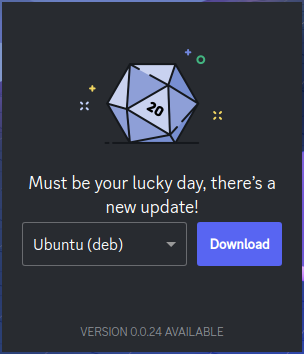
huh so discord updates on non-ubuntu linux just got really janky
There should automatically be an entry. If not, you can create the desktop file[1] yourself, set `Exec=flatpak run ...` and other fields like the name. Then put it in an appropriate folder (probably ~/.local/share/applications). Depending on what you use to list applications, you might need to update some database.
@kateulator @noelfb this is the only good solution, it just causes discord to not throw a hissy fit about it not being up to date and instead allows you to wait for your package maintainers to update it
which is really how it should work by default, imo
@noelfb you can disable the update check so the app will still launch even if there is an update that you haven't installed

Open Asar is a blessing, letting you skip an update is an amazing feature. Even on Arch it takes like a day for them to update the `discord` package, and normally I just wouldn't be able to use discord at all until the system package is updated. https://openasar.dev/ (📎1)
 Emma OddFox Bordiga 🏳️⚧️
 SolidTux
 JamesMcDaniel
 Strawberry Buttshake
 kateulator 🐦⬛
 Tonkku
 Catelyn
 Sqaaakoi
 [AFK] Mario
 OsakiTsukiko