 SwiftOnSecurity
Fun fact: Windows includes an HDD overwrite functionality. (Note: This won't hardware-level wipe SSDs)
(Also, don't do this you'll probably do it wrong and delete all your data.)
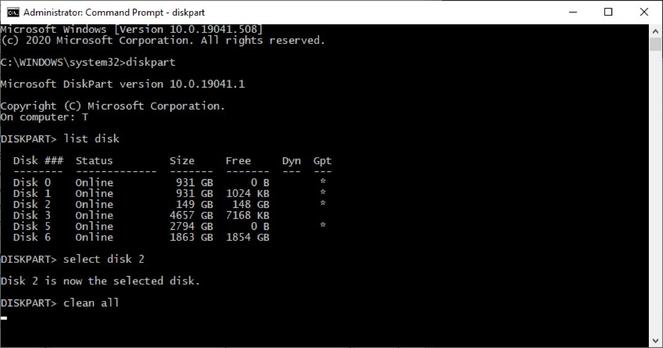
diskpart.exe
list disk
select disk #
clean all
It writes 0's to all logical sectors on the disk. But this isn't the same as all physical sectors on an HDD, and nothing much guaranteed on an SSD. You need to (also) use ATA SECURE ERASE to do that.
But if you have drives you want to dispose and aren't paranoid it's what I did to go through 15 old disks in my closet before smashing them up with a hammer. (Just the hammer works fine too)
 Tex Morgan