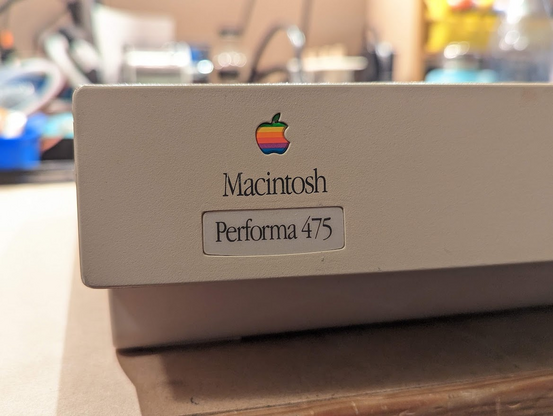
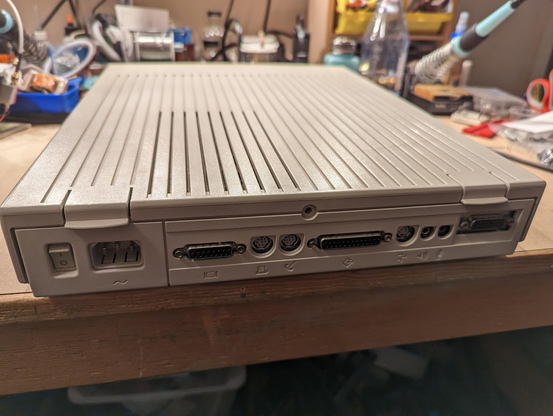
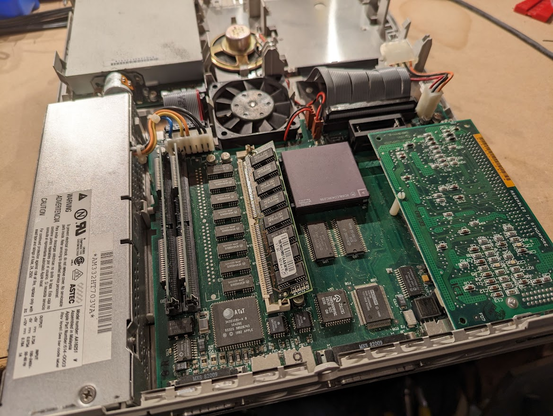
yes, it's a Performa 475. i like the slim form factor.
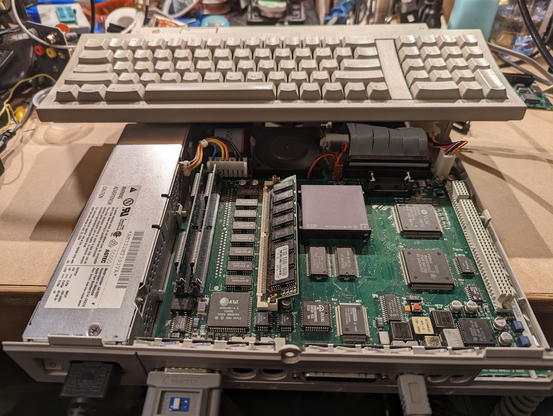
taking it apart is easy, just pull those two plastic tabs...
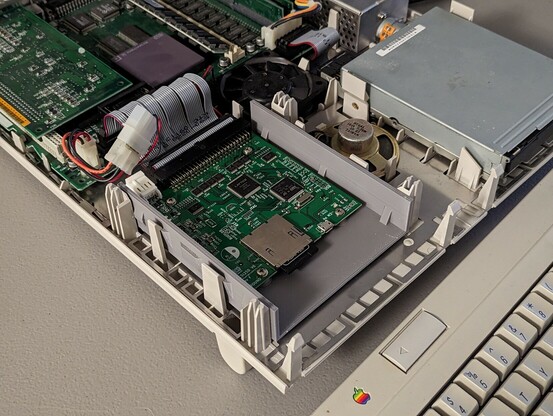
hmm, there's a card in the PDS slot.
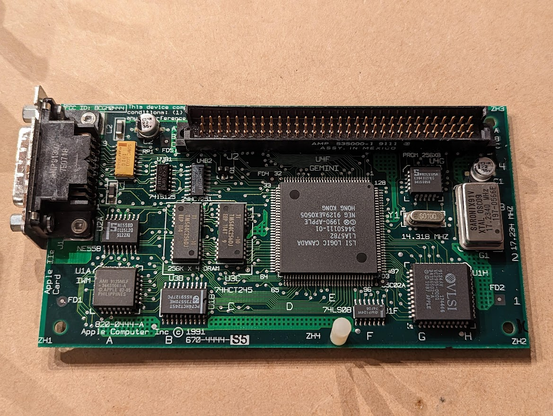
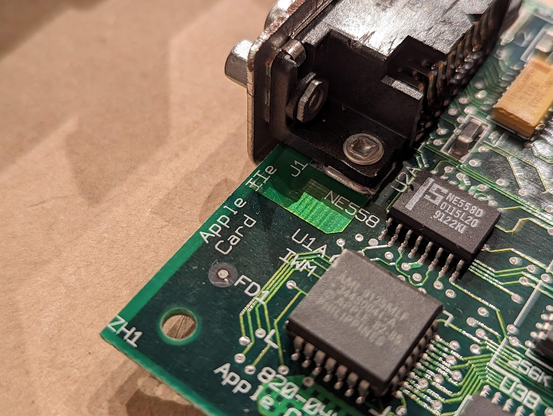
ooh, it's the Apple IIe card!
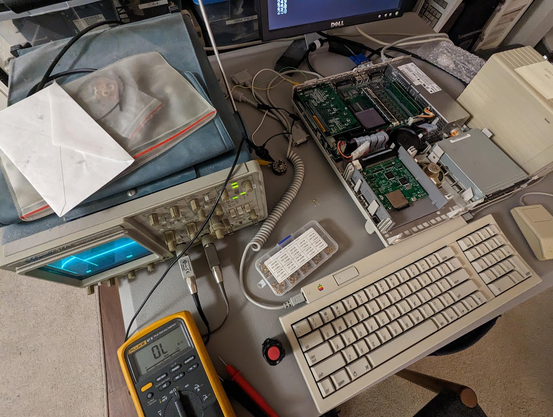
anyway, let's try and get this machine running. i have a funny feeling the video isn't going to work right...
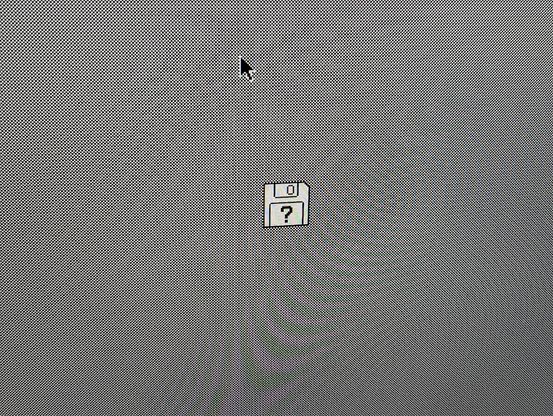
sure enough, the machine chimes, but the video is blank. but i think i know what the problem is.
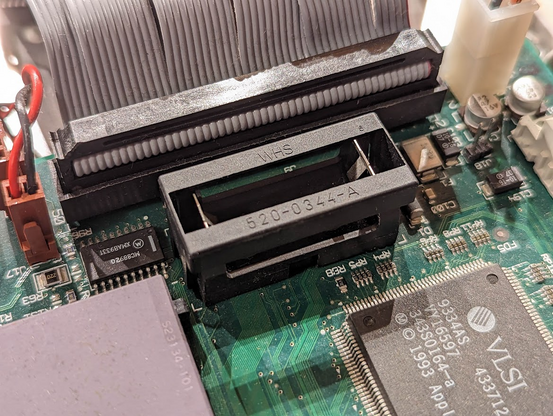
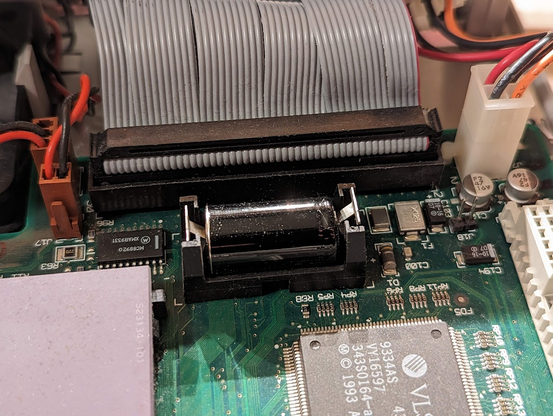
sure enough, there's no PRAM battery. these machines need that battery or you won't get video!
but where am i going to get a PRAM battery at this hour?
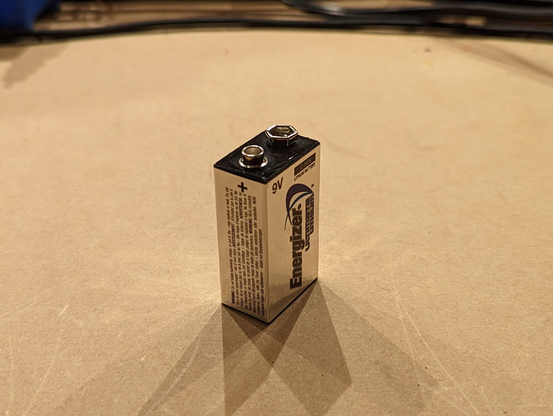
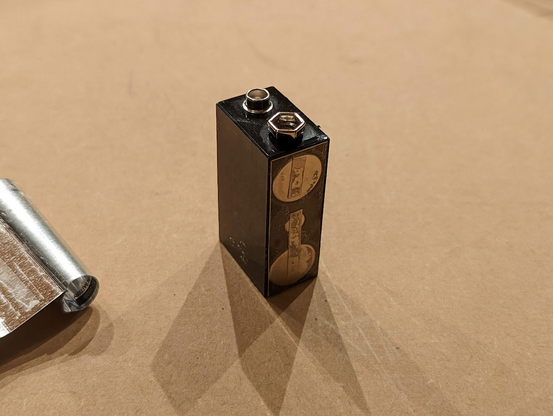
all i have is this 9V battery. 🤔
ahh, this looks promising
and we have working video! now for the most important question of the day: what version of Mac OS should i put on it?
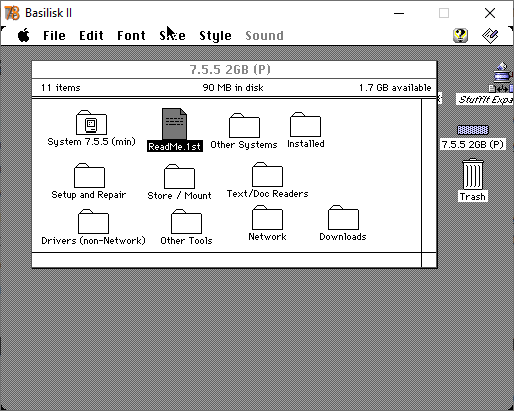
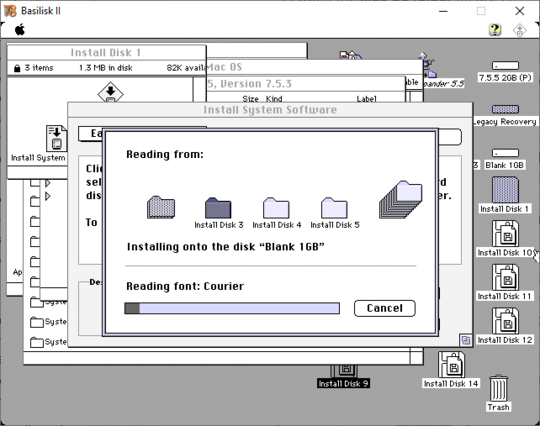
i'm going to create a SCSI disk image for my SCSI2SD using BasiliskII and the instructions at
https://www.savagetaylor.com/2019/12/19/how-ive-setup-the-scsi2sd-that-i-use-in-my-lc-475/Apple IIe Card and SCSI2SD: How I have my SCSI2SD setup for my Apple IIe card in my LC 475 – David and Steve's Blog
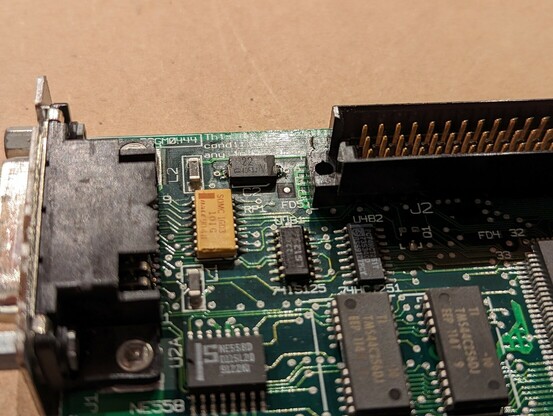
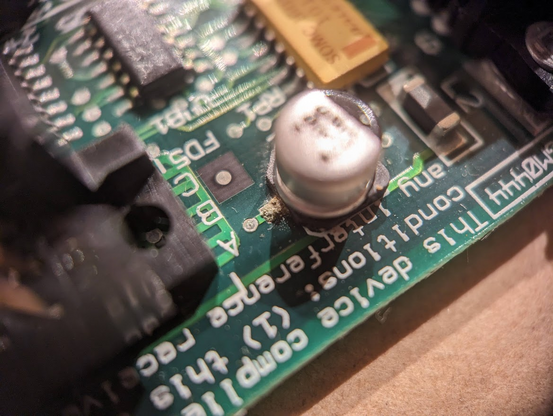
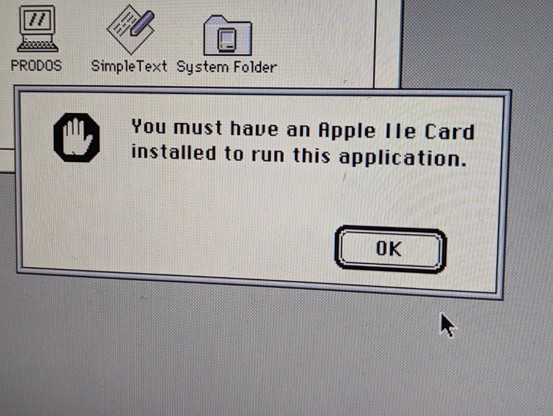
before i can use the Apple IIe card, looks like i'll need to recap it. 😬
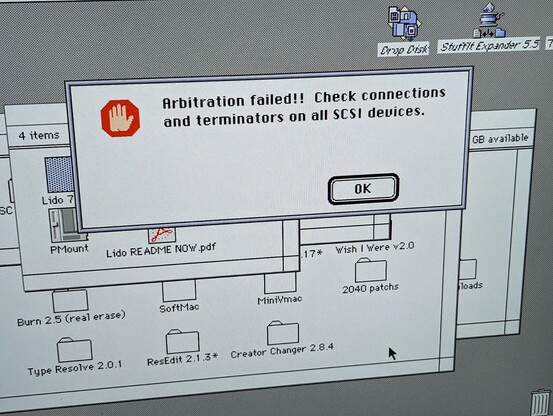
I was having trouble because I was putting the *volume* image into the SCSI2SD rather than the *disk* image. turns out partition tables are important lol
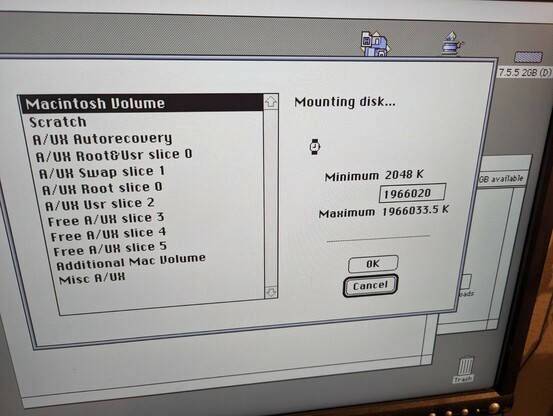
I mean it's a large volume but should it really take an hour to mount?
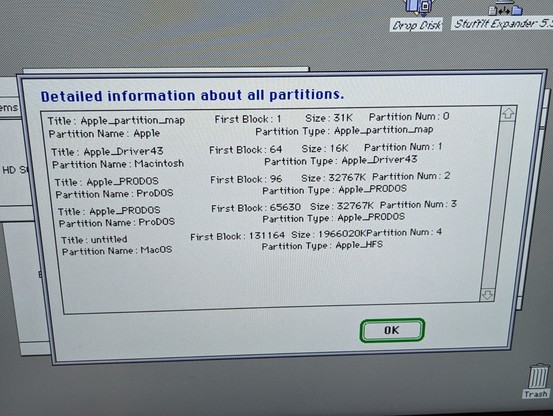
trying something else. unfortunately this didn't seem to work, I suspect the HFS partition needs to come before the ProDOS partitions.
well this explains why it was hanging. there's probably some setting on the SCSI2SD that's not exactly right.
turns out this hang was caused by the SCSI2SD firmware, which was uhh shamefully out of date. with the latest version it works and i can partition the drive!
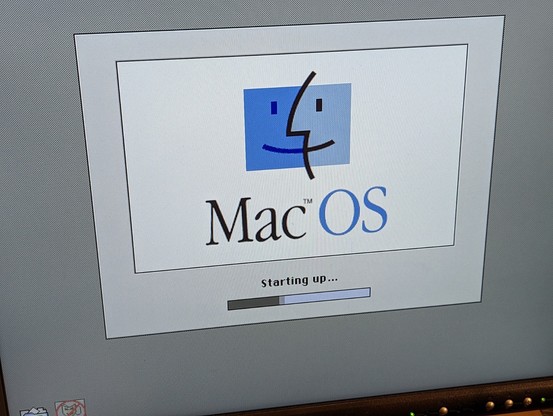
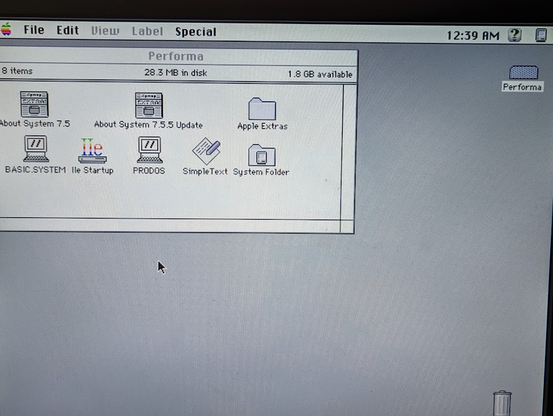
it also turns out that MacOS wants to be the first data partition (i had the two ProDOS partitions first.) but it works now!
but I still need to repair the Apple IIe card.
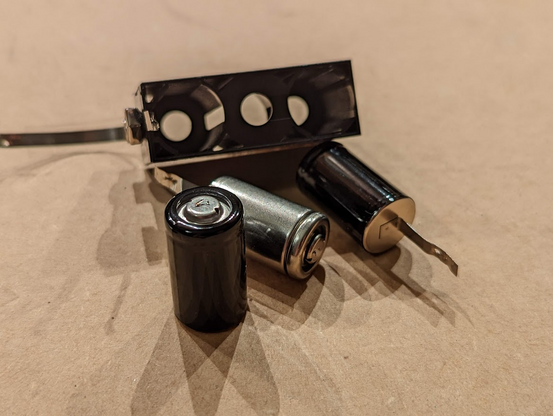
only had these poscaps hanging around. yes they're very fancy but they'll work.
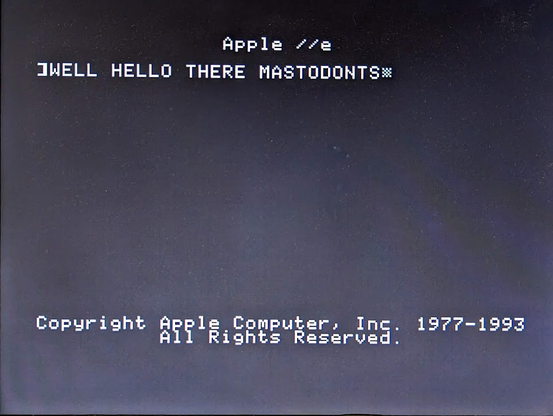
wow, it totally worked! is it an Apple IIe or is it a Performa 475? why not both!
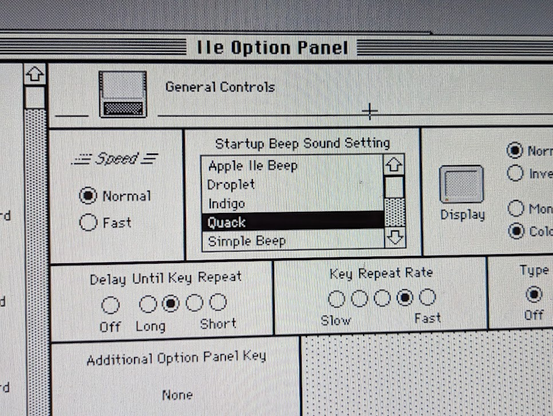
i figured out how to change the startup sound to "Quack" which makes me think of the Quapple (my Apple II ISA card that i cloned a while back)
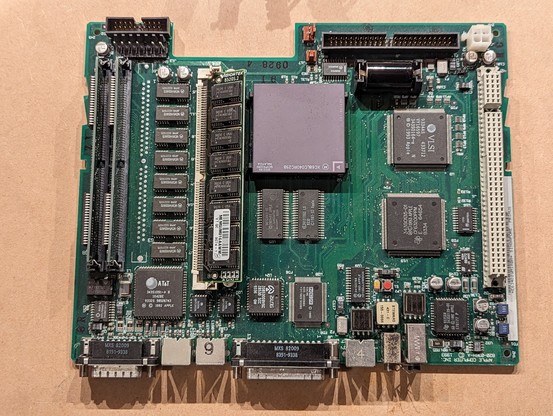
time to check the capacitors on the motherboard. there really aren't that many chips on it! I was also able to remove it without any tools. just bend some tabs and it slides right out.
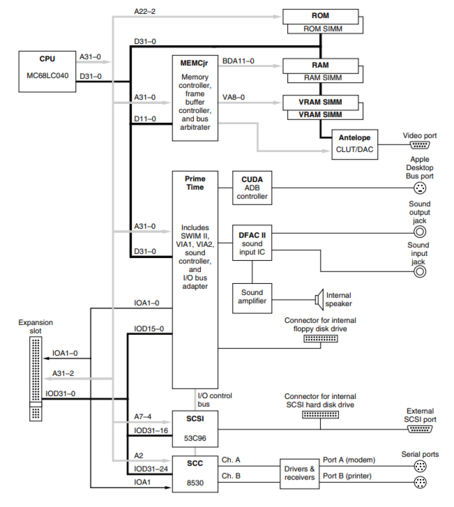
i found a tech manual. this is a very clean design. most things are tidied up into the two big custom chips, MEMCjr and Prime Time.
heh, they even put the bus sizing features in this chip. motorola removed that in the '040 (the '030 had it) and it caused innumerable problems for 68k computer designers.
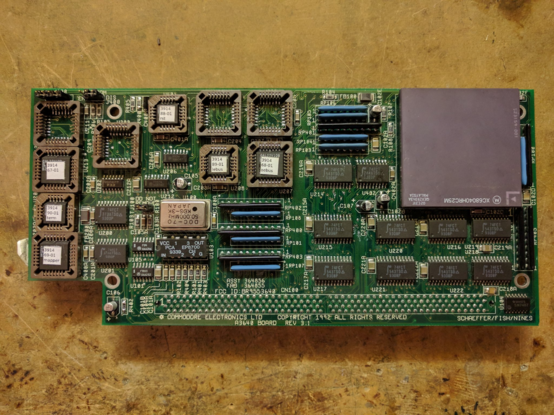
the Commodore folks solved this on their '040 Amiga CPU card by using a raft of ten (10) GALs, which burned a ton of power.
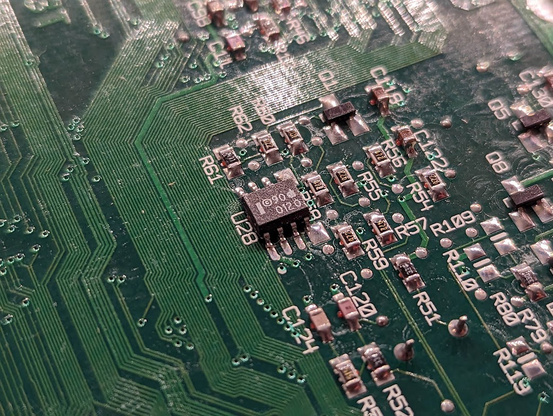
the one thing i haven't figured out is this chip.
based on the pinout i think it's a 24C01 serial EEPROM, probably for a unique serial number or something.
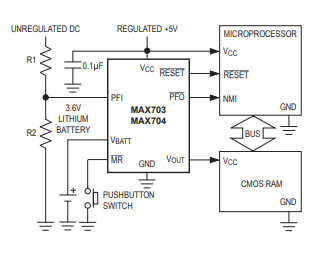
yeah i'm wrong, this is a battery switchover circuit much like the MAX703. it provides voltage to the Cuda chip from the battery, and automatically switches to the 5V rail when power comes up.
 Tube🌿Time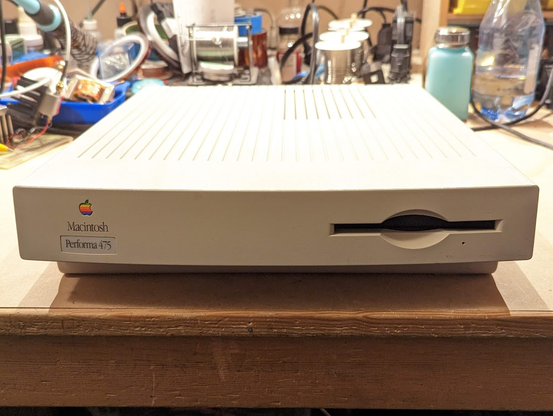

 Karl Gutwin
 William D. Jones
 Brian Danger Hicks