 MiDWaN
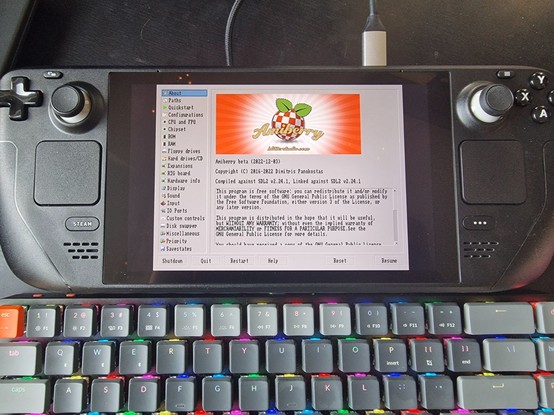
It took me HOURS to figure out what needed to be done, but I finally managed to get #Amiberry running on the #SteamDeck - and launch it from inside #Steam itself. Photos tomorrow, it's too dark, too late and I'm tired. But I just had to share the good news before I go to sleep (this is going to be so awesome!)
Woke up today with the excitement of having made progress and the will to continue. Only #Amiberry would no longer start on the #SteamDeck - did I dream it all last night?
After careful investigation, I found what was different: yesterday, I had an external monitor connected, which also presented itself as an extra audio device. Today, I didn't have that connected, and #Amiberry crashed during the audio devices enumeration on startup.
At least I know where to look now...