nixCraft 🐧
How to view a text file on your Linux or Unix box like a pro
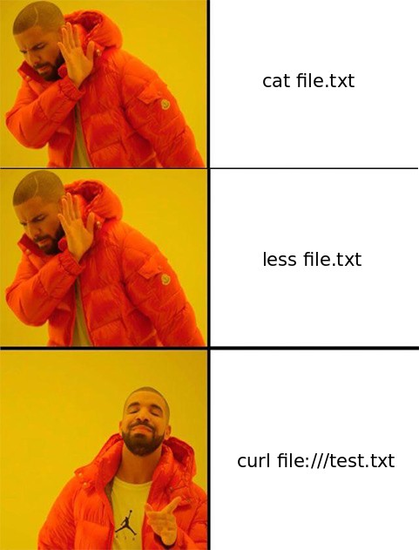
cp test /dev/stdout@locness3 @nixCraft You’d need a function, cat needs to handle multiple files, cp with 2+ origins wants the destination to be a directory.
Also it makes coreutils says rather funny things if you want the behavior of argument-less cat:
$ cp /dev/stdin /dev/stdout
cp: '/dev/stdin' and '/dev/stdout' are the same file
 Duncan Blues
 locnar
 Rupert Reynolds
 Lars Gyrup Brink Nielsen 🇩🇰
 Fritz Adalis
 Poroto Sórdido
 ObsPy Dev Team

 locness3
 Migrated to @
 Haelwenn /элвэн/