
Hey all, with the continued influx of Twitter people, I'm once again seeing a drop in the number of people who add alt text/image descriptions to what they post, denying access to many disabled users here.

Exactly how you do this varies by Mastodon client app, but it is usually just below the image once you upload & before posting.

Even a short-but-useful description is better than nothing—focus on what you're trying to get others to get from the image rather than describing every detail.
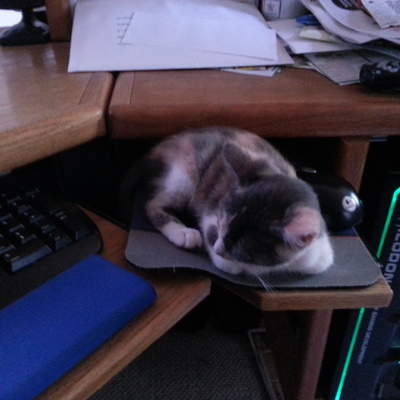
@krisnelson Good idea. I don't have many photos on here yet. When I read about the reason for including the alt text, I started doing that for any images (1 or 2) I posted since then. I went back to some older posts to add alt text, but it looks like that is not something you can add through the edit function.

@jimbodie No, it's not! There are two mechanisms you can use after the fact, though. See my post here:

https://legal.social/@krisnelson/109395653335266609

@[email protected] (@[email protected])

@[email protected] I just did some testing using the Mastodon web interface (v4.0.2). It possibly might vary by version, plus app clients might be different. Anyway: First, if you accidentally post an image without alt text and want to fix that, you can't "edit" the post and then "edit" the image to add alt text, but you can: 1. Delete & repost. This will give you an "edit" button on the image so you can add alt text. 2. Edit the post, then remove the image and re-add it, this time with alt text.

Legal.Social
@krisnelson After I posted my comment to you, I ended up doing your method 2, delete the image and add it again. I was only 3 posts with images so it was not a lot of work to do so.