Things I've learned about Mastodon this week:

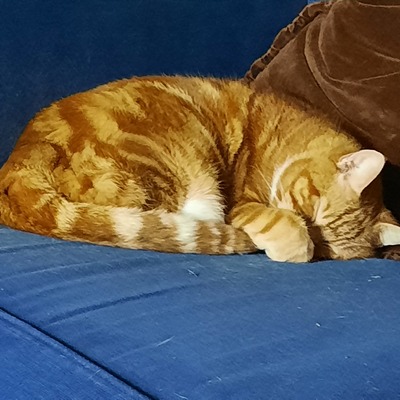
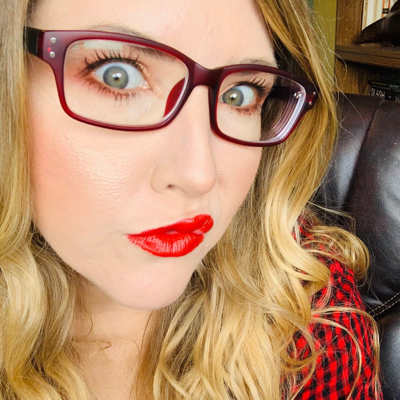
1. Photo captions are read by screenreaders for people who have impaired vision. The more descriptive you make them, the more people can appreciate your post.

2. Hashtags should be "camel style" which means you capitalize each word in the tag - this enables screen readers to identify different words in the tag,

3. Reblogging boosts posts and favourites do not.

4. Hashtags are way more important here than on the birdsite.

#FediTip

@godlessmom #5: Another thing to learn: Photo captions are NOT just for sight impaired people.
@ginsterbusch @godlessmom
I always add captions when I can. Quick question - how do you see the captions here? On Twitter you could see if they had ALT text, but that doesn't seem to be the case here ...

@ClaireCopperman @godlessmom I have no clue about Twitter, because I've been here since 2017.

But as I'm mostly using the Mastodon WebGUI, I get a tooltip with the alternative text when hovering with the mouse cursor over the image, or just the text, when the instances involved drop dead thanks to the current immense loads.

They certainly help me understanding the image content, whenever something is heavily context-related.

@ginsterbusch @godlessmom Ah, I see. Although I don't need it myself, I often enjoyed reading the ALT text on Twitter, as some people gave very interesting descriptions. But here I don't see an indication of whether an image has a description. Hey ho - I'm not the intended audience!

@ClaireCopperman @godlessmom On the phone there probably is no such indicator, but I guess that's a restriction of the general interface.

In the Web-GUI, the "hover with mouse" thingy applies. There probably are different ways to achieve an improved display of the alt text, if I'd be using a regular browser and not something basically running in a sandbox, eg. by adding an extension or even a simple CustomCSS hack (the content-pseudo selector comes to mind).

@ginsterbusch @godlessmom Ah, interesting. Will have to have a look on my laptop. Thanks for your detailed replies.
@ClaireCopperman @ginsterbusch @godlessmom I use the Tusky app, and you have to click on the photo to open it, then the text appears below the image. But there's no indication before that of whether there is alt text on the picture or not.
@TheJoyOfBambi @ClaireCopperman @godlessmom I'm using the Fedilab app, and it indeed does at least display an indicator on the image (bottom right corner), when there is an alternative text available.