 jartigag
#vimtrick
open vim in diff mode:
vim -d file1.c file2.c
#vimtrick
open vim in diff mode:
vim -d file1.c file2.c
really nice #vimtrick to align columns 🤯
1. visual select
2. replace separator by separator+spaces (e.g.: `:s/=/= /)
3. place cursor after longest word on first column
4. remove extra whitespace with `dw`
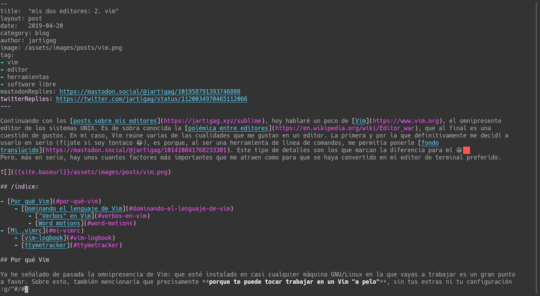
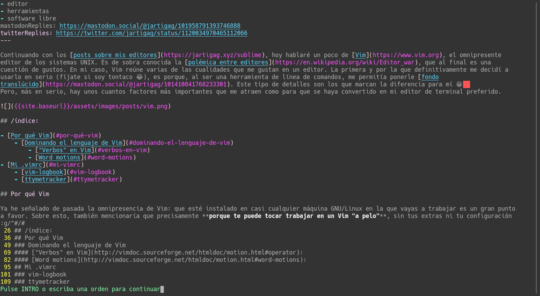
nice #vimtrick:
:g/^#/#
when editing markdown, prints a ToC to jump to the header you want.
https://vimrcfu.com/snippet/165
#vimtrick
q: repeat last colon command
a: first `@:`, further repeats `@@`
#vimtrick
q: how do i activate spellcheck in vim?
a: `:setlocal spell spelllang=es`
q: how do i deactivate it?
a: `:setlocal spell!`
