Simple iPhone settings most people overlook — improve your privacy and security in just a few clicks.

By All Things Secured
https://www.youtube.com/watch?v=mkbFd3hfb3k

#iPhoneSecurity #iPhonePrivacy #digitalprivacy #cybersecurity
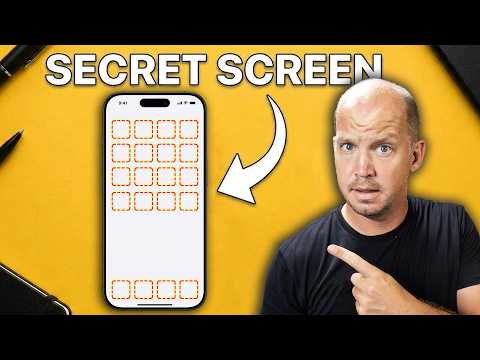
11 iPhone Security Hacks They Don’t Tell You About

YouTube

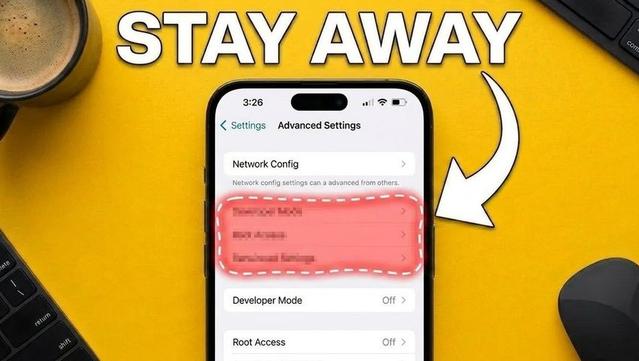
11 iPhone Security Settings They Don’t Want You to Know About
https://apertatube.net/w/ujDB9aFFQ1C7hPkHbs5uBM

11 iPhone Security Settings They Don’t Want You to Know About

PeerTube

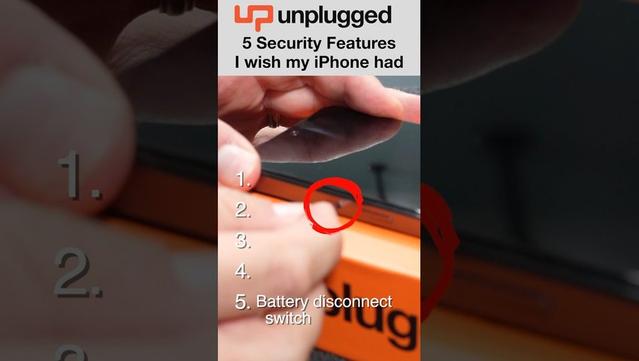
5 security features I wish iPhones had
https://apertatube.net/w/miqzHfSjM2tXUMSxnXtd56

5 security features I wish iPhones had

PeerTube
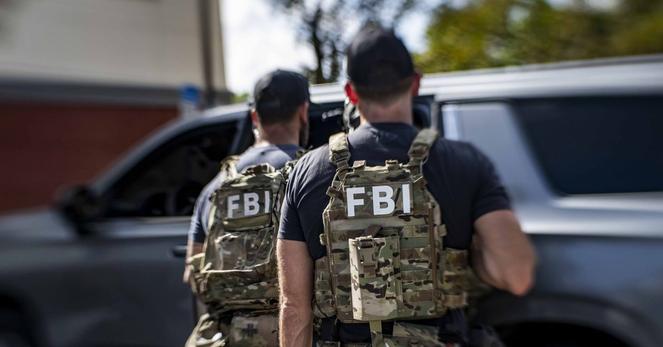
FBI used iPhone notification data to retrieve deleted Signal messages [Update] - 9to5Mac

The FBI was able to recover deleted Signal messages from an iPhone by extracting data stored in the device’s notification database.

9to5Mac
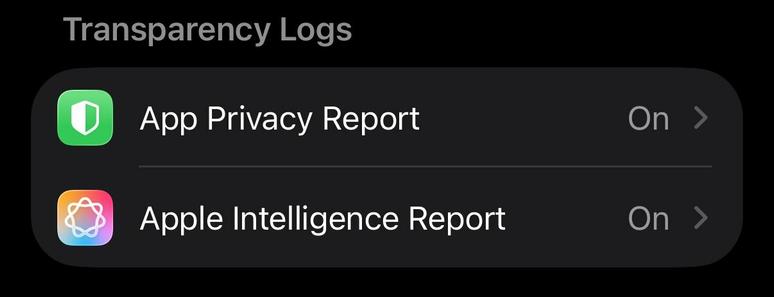
This is last post in series covering iPhone privacy settings. I'd like to point out to a very neat feature - reports that your phone can build, based on description those are suppose to be on device reports. Go to Settings-> Privacy & Security and scroll to Transparency Log section and turn ON both App Privacy Report and Apple Intelligence Report. Those reports will help audit where your data is going, you can always ask friend for analysis.
#iphoneprivacy #punkprivacy
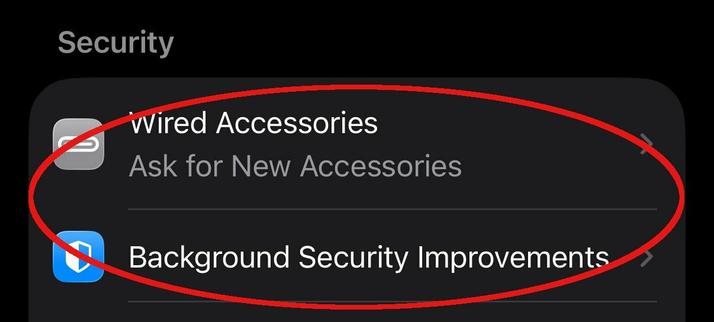
There is a section in privacy settings on iPhone titled Security. Go to Settings-> Privacy & Security scroll down to Security section. My recommendation there to set Wired Accessories to either Always Ask or Ask for New Accessories, to make sure when something plugged into your phone it'll notify you. Also keep Background Security Improvements as on to make sure you always receive latest security updates. #iphoneprivacy #punkprivacy
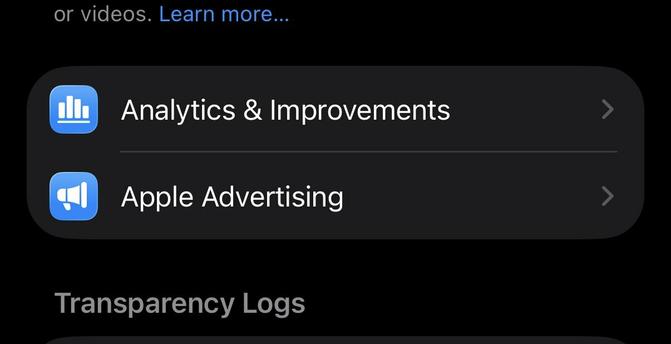
Two "no brainer" privacy settings that you still need to check, especially if you decided to enable those at some point. Go to Settings-> Privacy & Security locate Analytics & Improvements and Apple Advertising. Go inside of each of these settings and make sure that every option is off there. This will ensure that your information is not being used to improve some systems and no you do not need personalized ads.
#iphoneprivacy #punkprivacy
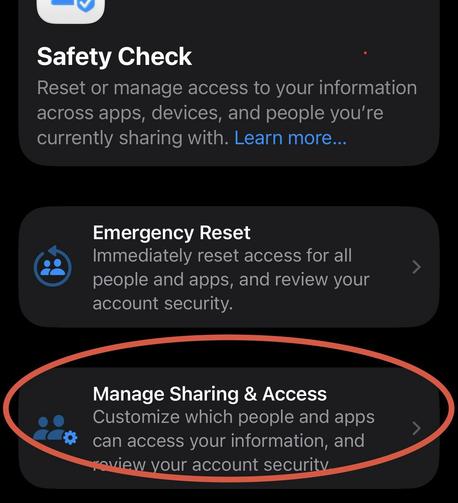
Safety Check is a privacy feature to understand holistically what information you are sharing and who you sharing it with. It can also help to limit exposure by quickly resetting all of your sharing settings. I am not going to explain emergency reset, let's just focus on review. Go to Settings-> Privacy & Security -> Safety Check. Click Manage Sharing & Access. Go through wizard and review information you are sharing, take action if needed. #iphoneprivacy #punkprivacy
Let's talk about privacy of various capabilities linked to physical sensors on your iPhone. There is a special section in settings where you can decide which apps get access to those capabilities. Go to Settings-> Privacy & Security, then scroll past "Wallet" option. You'll see Accessories, Bluetooth, Camera, etc. Go inside each option and ensure that only apps that you expect have access to each particular capability(number represent how many apps). #iphoneprivacy #punkprivacy
Let's talk about privacy in section that responsible for standard smartphone capabilities, like Calendar, Contacts, Photos, etc. List is much longer. Go to Settings-> Privacy & Security, then scroll past "Tracking" and in next section go into each capability and grant access based on your needs. There are 3 options, None, Limit access(you select items) or Full Access. Avoid giving full access, limit as much as possible. #iphoneprivacy #punkprivacy