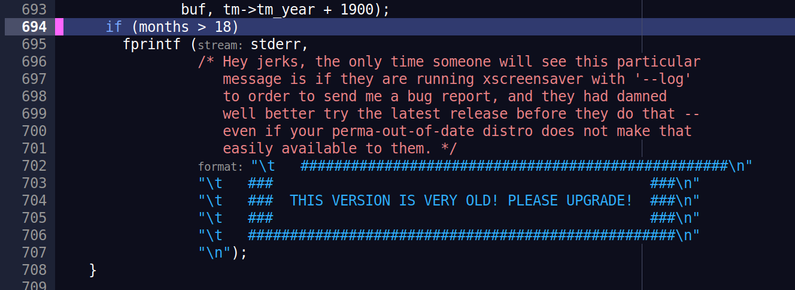
#XScreenSaver shows me some red box with text just before unlocking (after validating the password) for a brief moment. I'm not able to read it. Is that message like “Unlocking, wait”?

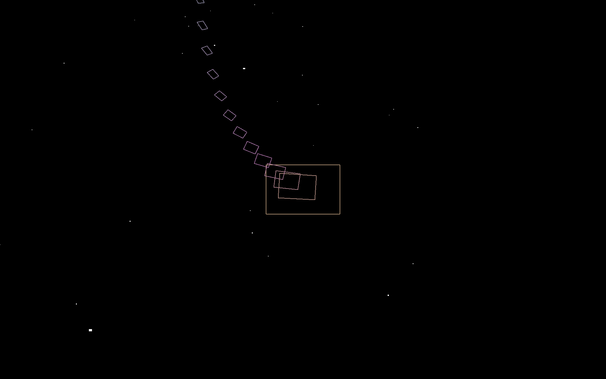
Happens with this hack: Grav

Diffie is too lazy to open the source again…
A rare moment of digital serendipity; when #xscreensaver randomly kicks off the "drift clouds" screen saver the instant Cliffs by #aphextwin starts playing (the orchestral rendition by #AlarmWillSound)
Drift Clouds: From the XScreenSaver Collection, 2026.

YouTube

The #XScreensaverCollection was a really nice way to stimulate my creativity when I was younger.

#Linux #learning #XServer #XScreensaver

Ok, a little bit of debugging and verbose xscreensaver brought me to the suspicion that the cvlc command itself is at fault: it inhibits xscreensaver, immediately unlocking the screen again, doing so regularly. I need a command line option for cvlc to ALLOW the screensaver. No inhibit needed. Question: IS there an option to allow screensavers in cvlc??
#vlc #xscreensaver
#xscreensaver has some great comments!
#x11 #linux #unix
I installed it, got #xscreensaver somehow integrated into Cinnamon, disabled the built in "screensaver", which does only blanking. But I notice that xscreensaver does not activate. Manually locking the screen reveals why: It seems the laptop generates lots of spurious input events at random intervals. Why??? And why does the original Cinnamon screensaver work fine? Can I use xev to listen for those events? And can I make xscreensaver ignore those? I doubt they are useful events.
GitHub - kopiro/xscreensaver-apple-aerial: Apple TV screensaver for Linux

Apple TV screensaver for Linux. Contribute to kopiro/xscreensaver-apple-aerial development by creating an account on GitHub.

GitHub
I am now onto my 3rd screensaver on XScreensaver. I started out with Scooter, but eventually got tired of it, and moved to Abstractile for about a month, until yesterday, when I switched to BinaryRing. All 3 of them are pretty cool screensavers. I am able to get screenshots while in screensaver mode, which is how I got these 3 images. As long as I don't move the mouse or click anything, the screensaver will remain active. I also softlocked myself today by accident, double clicking the screensaver option, then the screensaver literally would not go away (I could still use programs by keyboard shortcut only, but couldn't see what they were doing) and I had to hard power cycle my system to fix it. (The Scooter screenshot I took isn't very good, it looks much better when animated)
#screensaver #screensavers #xscreensaver #jwz #linux #ubuntu

#xscreensaver looks great
So I made it, h/t #xscreensaver