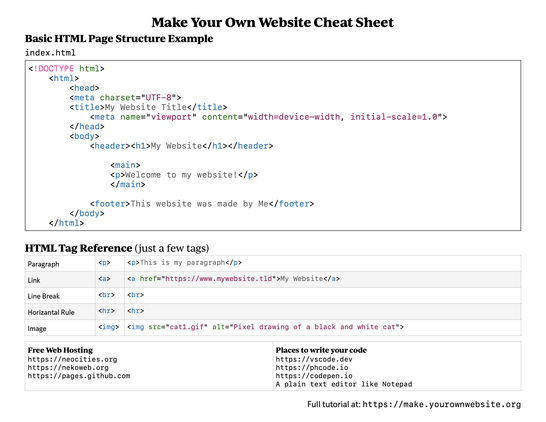
I got a #accessibility #a11y #ARIA #asciiArt #webWeaving #html (sorry about the hashtag spam) mashup question.
Say you made a website comprised entirely of preformatted text in an ASCII art style with lots of little idiosyncrasies, typos, and cutesy malapropisms--and then say you realized that it wasn't very accessible. How would you fix that?
I'm still reading and experimenting, but so far "aria-details" seems like the winner (https://www.digitala11y.com/aria-detailsproperties/)? I'm doing this
<pre role="img" aria-details="det">...</pre>
<section id="det">big long description</section>
Then I'm tagging any links in the "pre" element with "aria-labelledBy" spans. I dunno... it's not *feeling* very accessible yet. I wonder if it wouldn't be better to set the "pre" to aria-hidden then just describe the content by hand (start high level, list links, then drill down into relevant details).
I'm just using the Orca screen reader at the moment because I'm on Linux, which is almost certainly not the best tool out there, so hard to tell what a real #screenReader would make of this.
Any hot tips or articles out there? I've got 25 tabs open and still only at 75% memory usage, so plenty of room for more. ;p
 alexandra
 small cypress
 Good Internet [Unofficial]


 Loohoosaher
 Shannon Kay