Happy #TechTipWednesday! ๐Ÿ‘

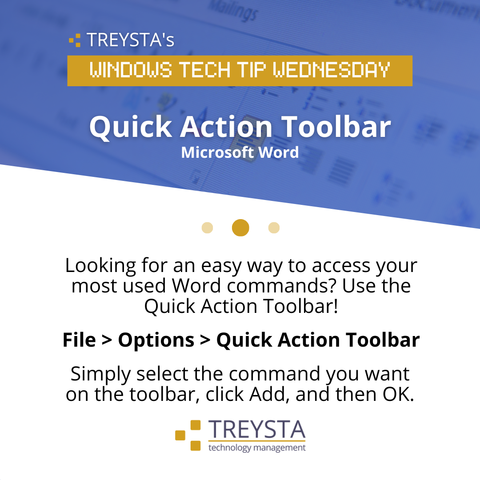
Looking for an easy way to access your most used Word commands? Use the Quick Action Toolbar!

File > Options > Quick Action Toolbar

Simply select the command you want on the toolbar, click Add, and then OK.

#TechTips #ITsupport #ITservices #MSP #Harrisburg #Gettysburg #York #Camphill
Happy #TechTipWednesday! ๐Ÿ‘

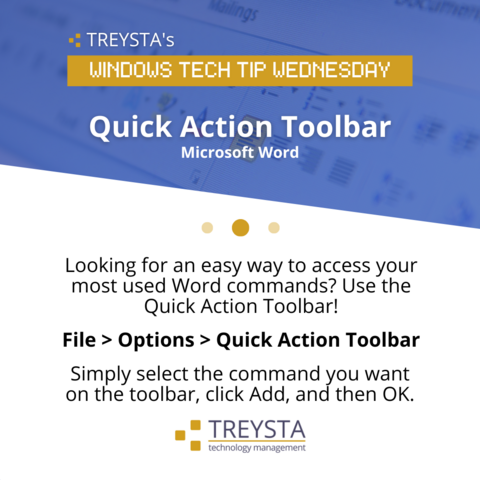
Looking for an easy way to access your most used Word commands? Use the Quick Action Toolbar!

File > Options > Quick Action Toolbar

Simply select the command you want on the toolbar, click Add, and then OK.

#TechTips #ITsupport #ITservices #MSP #Harrisburg #Gettysburg #York #Camphill

Happy #TechTipWednesday! ๐Ÿ‘

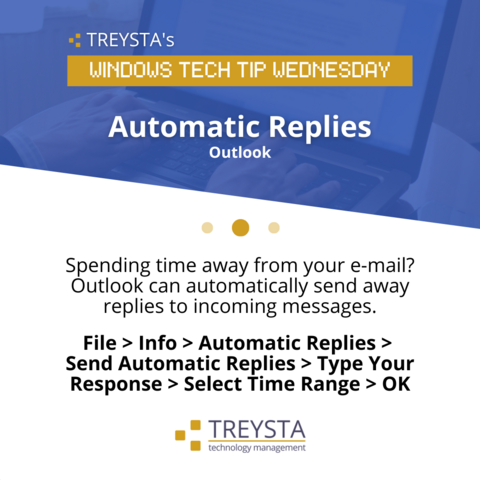
Spending time away from your e-mail? Outlook can automatically send away replies to incoming messages.

File > Info > Automatic Replies > Send Automatic Replies > Type Your Response > Select Time Range > OK

#TechTips #ITsupport #ITservices #MSP #Harrisburg #Gettysburg #York #Camphill

Happy #TechTipWednesday! ๐Ÿ‘

Spending time away from your e-mail? Outlook can automatically send away replies to incoming messages.

File > Info > Automatic Replies > Send Automatic Replies > Type Your Response > Select Time Range > OK

#TechTips #ITsupport #ITservices #MSP #Harrisburg #Gettysburg #York #Camphill

It's #TechTipWednesday! ๐Ÿ‘

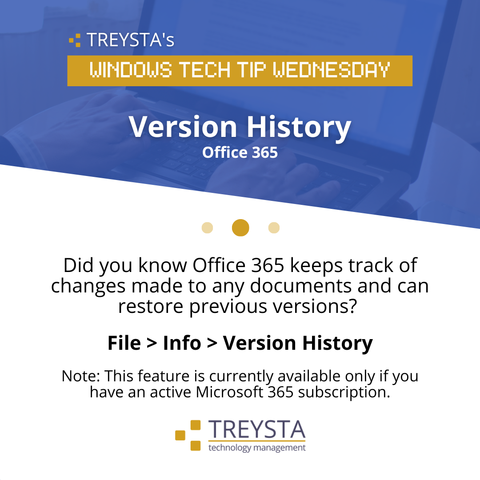
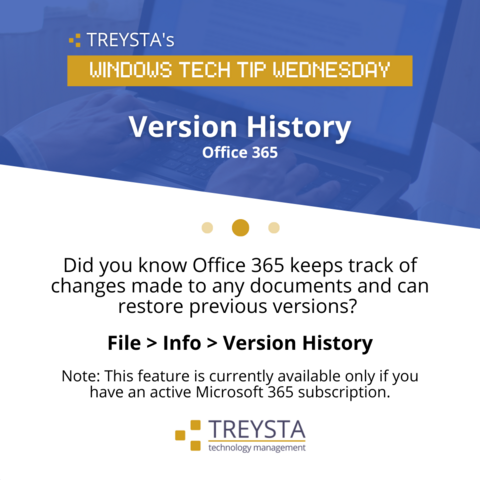
Did you know Office 365 keeps track of changes made to any documents and can restore previous versions?

๐Ÿ‘‰ Select File, Info, and then Version History.

From there you can select which version is needed or review any changes!

#TechTips #ITsupport #ITservices #MSP #Harrisburg #Gettysburg #York #Camphill

It's #TechTipWednesday! ๐Ÿ‘

Did you know Office 365 keeps track of changes made to any documents and can restore previous versions?

๐Ÿ‘‰ Select File, Info, and then Version History.

From there you can select which version is needed or review any changes!

#TechTips #ITsupport #ITservices #MSP #Harrisburg #Gettysburg #York #Camphill

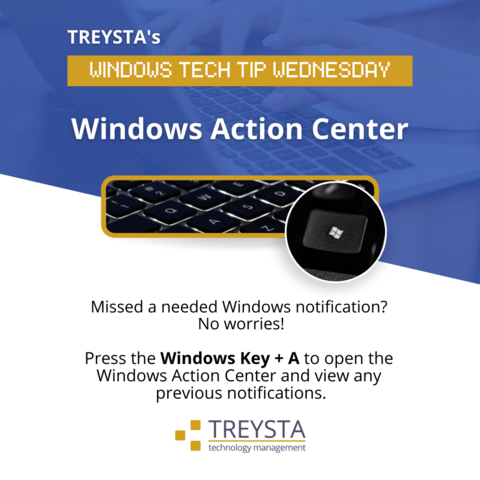
๐Ÿ””๐Ÿ“ฃ Missed a needed Windows notification? No worries!

Press the Windows Key + A to open the Windows Action Center and view any previous notifications.

#TechTipWednesday #TechTips #ITsupport #ITservices #MSP #Harrisburg #Gettysburg #York #Camphill

๐Ÿ””๐Ÿ“ฃ Missed a needed Windows notification? No worries!

Press the Windows Key + A to open the Windows Action Center and view any previous notifications.

#TechTipWednesday #TechTips #ITsupport #ITservices #MSP #Harrisburg #Gettysburg #York #Camphill

Happy #TechTipWednesday! ๐Ÿ‘

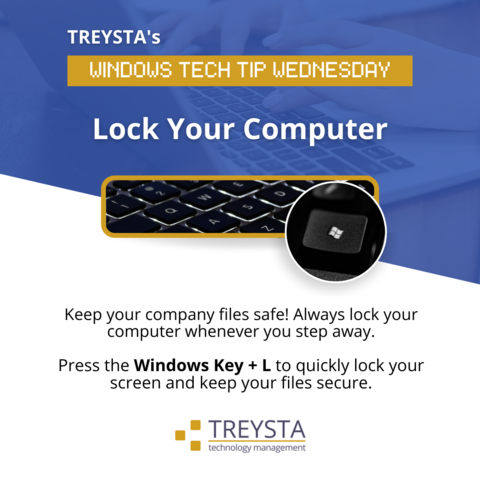
Keep your company files safe! Always lock your computer whenever you step away.

Press the Windows Key + L to quickly lock your screen and keep your files secure.

#TechTips #ITsupport #ITservices #MSP #Harrisburg #Gettysburg #York #Camphill

Happy #TechTipWednesday! ๐Ÿ‘

Keep your company files safe! Always lock your computer whenever you step away.

Press the Windows Key + L to quickly lock your screen and keep your files secure.

#TechTips #ITsupport #ITservices #MSP #Harrisburg #Gettysburg #York #Camphill