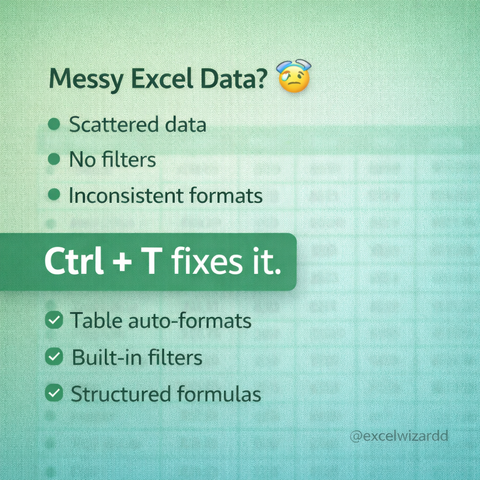
f your Excel data looks messy, stop formatting manually.
Press Ctrl + T to convert it into a clean Excel Table —
filters, formatting, and formulas included automatically.

Small shortcut. Big upgrade.
@Microsoft @excelwizardd
#ExcelWizardd #ExcelShortcuts #MicrosoftExcel #Productivity #OfficeTips
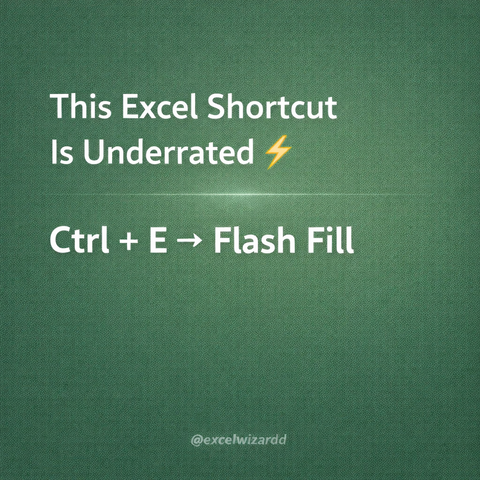
Typing the same pattern again and again?
Use Ctrl + E (Flash Fill) — Excel understands patterns and fills data instantly.

Once you use it, you’ll wonder how you lived without it.
@Microsoft @excelwizardd
#ExcelWizardd #ExcelShortcuts #MicrosoftExcel #Productivity #OfficeTips
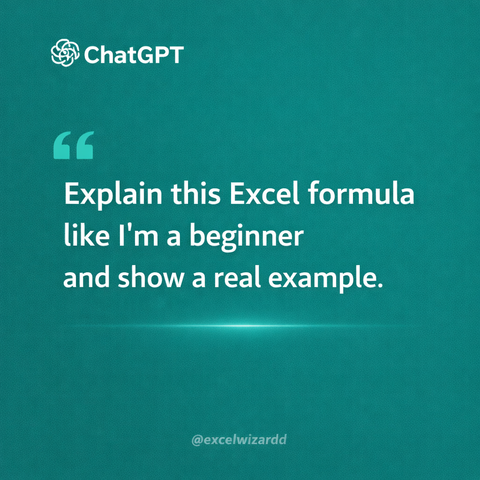
If you’re still doing these manually, Excel is judging you 😅
These 3 shortcuts save time every single day.
Use them once — you’ll never go back.
@Microsoft @excelwizardd
#ExcelWizardd #ExcelShortcuts #MicrosoftExcel #Productivity #OfficeTips

Power BI in PowerPoint. 📊 Did you know you can embed live, interactive Power BI reports directly into PowerPoint slides now? Stop taking screenshots that are outdated the moment you paste them.

#PowerBI #DataViz #OfficeTips

Formula search Engine in Excel Part 62:
The Insert Function button in the Formulas tab opens a dialog box that helps you find and insert the right formula step by step.
#ExcelTips #InsertFunction #ExcelFormulas #ExcelForBeginners #LearnExcel #ExcelTutorial #SpreadsheetSkills #officetips
Formula search Engine in Excel Part 61:
The Insert Function button in the Formulas tab opens a dialog box that helps you find and insert the right formula step by step.
#ExcelTips #InsertFunction #ExcelFormulas #ExcelForBeginners #LearnExcel #ExcelTutorial #SpreadsheetSkills #officetips
Page Layout in Excel Part 60 :
The Page Layout tab in Excel helps you control how your worksheet looks on paper, including margins, orientation, size, themes, and print settings.
#ExcelTips #PageLayout #ExcelForBeginners #ExcelTutorial #SpreadsheetSkills #OfficeTips #LearnExcel #ProductivityTools
Draw Tab in Excel Part 59 :
The Draw tab in Excel lets you use pens, highlighters, and shapes to annotate, sketch, or mark up your worksheets directly.
#ExcelTips #ExcelDrawTab #ExcelForBeginners #OfficeTips #ProductivityTools #ExcelTutorial #LearnExcel #SpreadsheetSkills
Text Group under insert in Excel Part 58 :
In Excel, the Text Group under Insert lets you add text-based elements like Text Box, Header & Footer, WordArt, Signature Line, and Object to make worksheets more informative and professional.
#ExcelTips #ExcelTutorial #ExcelText #InsertTextExcel #ExcelForBeginners #SpreadsheetSkills #LearnExcel #ExcelTraining #ExcelMadeEasy #OfficeTips
Format Visibility Options in excel Part 36:
Format Visibility Options in Excel control whether specific rows, columns, or objects are shown or hidden without deleting them.
#ExcelTips #ExcelShortcuts #ExcelTraining #SpreadsheetSkills #ExcelProductivity #MicrosoftExcel #ExcelTutorial #ExcelForBeginners #DataManagement #OfficeTips